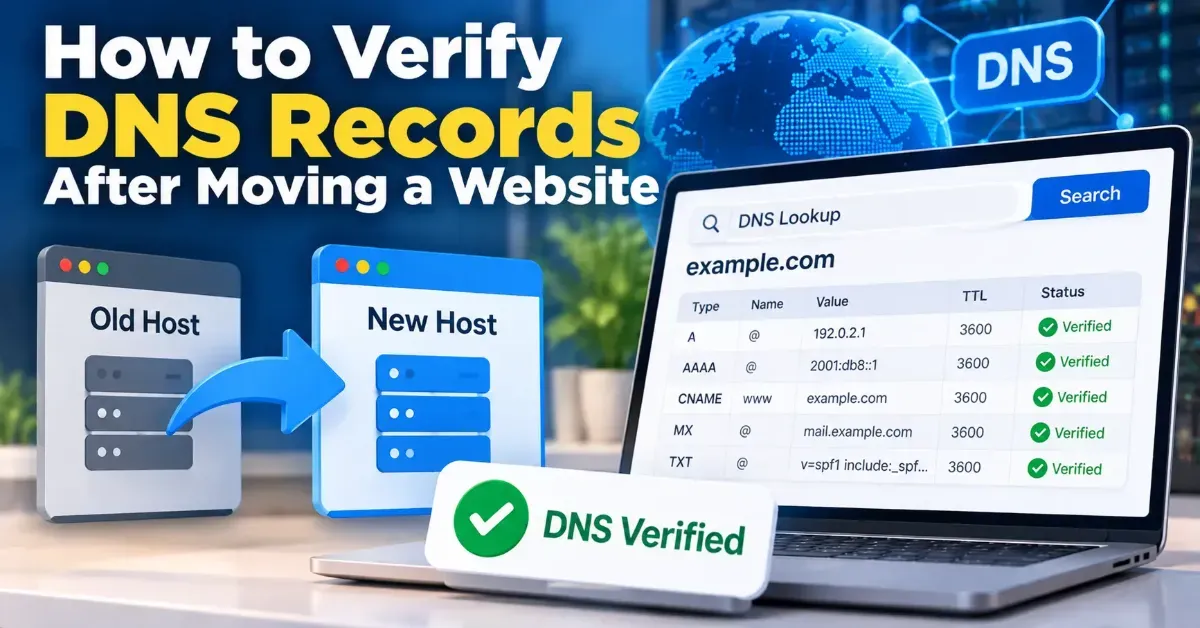
How to Verify DNS Records After Moving a Website
Learn how to verify DNS records after a website migration, confirm visitors and email are routed correctly, and spot common propagation or configuration problems.
A small site usually needs a simple robots.txt file: identify crawlers, block only pages that should not be crawled, and point to your sitemap. Learn what to include and what to leave out.
 ToolCMB Team
7 min read

For a small site, what to include in robots.txt is usually simple: a rule for all crawlers, only the specific paths you want them not to crawl, and your sitemap URL. If you have no areas that need crawling limits, a minimal file—or no file at all—may be enough.
Robots.txt is a set of instructions for automated crawlers, not a security barrier. The goal is to guide compliant search engine bots without accidentally hiding useful parts of your site. Here is what to put in the file, what to avoid, and how to check it.
A basic robots.txt file can contain two types of lines: crawler rules and an optional sitemap reference. A common starting point looks like this:
User-agent: *
Disallow:

Sitemap: https://www.example.com/sitemap.xml
User-agent: * applies the following rule to all crawlers that follow the Robots Exclusion Protocol. Disallow: with nothing after the colon means no paths are disallowed by that rule. The Sitemap line gives crawlers the full address of your sitemap, if you have one.
If you have a specific directory you do not want crawlers to request, add a path after Disallow:
User-agent: *
Disallow: /members-only/

Sitemap: https://www.example.com/sitemap.xml
Replace the example domain and path with your own. Do not copy a restriction just because it appears in another site's file; the right rule depends on your site and its purpose.
| Directive | What it does | Small-site guidance |
|---|---|---|
| User-agent | Names the crawler the following rules apply to. | Use * for a general rule unless you have a clear reason to target a specific crawler. |
| Disallow | Asks the named crawler not to crawl a matching path. | Use only for paths you have deliberately chosen to keep out of crawling. |
| Allow | Can make a path crawlable within a broader disallowed path for crawlers that support it. | Often unnecessary for a small site; test any overlapping rules. |
| Sitemap | Points crawlers to a sitemap file. | Use the complete, correct URL if your site has a sitemap. |
Robots.txt behavior can vary between crawlers, especially for less common syntax. Keep rules straightforward and consult the documentation for a crawler if you rely on crawler-specific directives.
Start by asking whether a path should be crawled, not whether you would prefer it to stay private. A robots.txt rule is a request to compliant bots. It does not require a crawler to obey, and a blocked URL may still be discovered through links or shown in search results without a page description.
Do not use robots.txt to protect passwords, customer information, unpublished documents, or any other sensitive content. Restrict access with authentication or server-side permissions instead. The file itself is public, and listing a path can reveal that the path exists.
Possible candidates for a crawl restriction might include a private-use area that is already access-controlled or a page that creates an unlimited set of crawlable URL variations. These situations need care: blocking a URL does not remove the underlying content, and a crawler cannot read a blocked page to understand a removal instruction on that page.
For a typical small business or personal site, public pages such as the homepage, service pages, articles, and product pages should generally remain crawlable if you want search engines to find them. Avoid blocking a whole site with Disallow: / unless you intentionally want to prevent compliant crawlers from crawling every path.
Also, robots.txt does not replace a page-level noindex instruction. If you need a page excluded from search results, use an appropriate indexing control and make sure the crawler can access the page to see it. The right approach depends on your platform and the outcome you want.
If you want help formatting a straightforward file, use the Robots.txt Generator to create a properly structured starting point. Review the result against your actual site before publishing; a generator cannot decide which pages should be crawlable for you.
A simple brochure site: If all pages are public and crawlable, a general allow-all rule and sitemap reference may be sufficient. Some owners also choose not to publish a robots.txt file when they have no special crawler instructions; a sitemap can still be submitted through other supported methods.
A site with a private member area: Keep the member area protected by login. A Disallow rule may reduce routine crawling of its paths, but it is not the protection itself. Do not assume the rule conceals the area.
A site being prepared before launch: Avoid relying on robots.txt alone to keep a staging site out of public view. Use a password or another access restriction. When the live site is ready, check that no broad disallow rule was accidentally carried over.
A site with search or filter URLs: Some sites generate many URL combinations. Before blocking them, understand whether those URLs contain useful, distinct content and how your platform handles indexing. A broad pattern can unintentionally match valuable pages.
For most small sites, a good robots.txt file is short, readable, and conservative. Include only crawler instructions you understand, use a sitemap reference when you have a sitemap, and keep access control separate from crawl management.
No. If you have no special crawling instructions, you may not need one. If you do publish one, make sure it is available at the root of the correct host.
Not reliably. It controls crawling requests from compliant bots, but a blocked URL may still be discovered and shown. Use appropriate indexing controls for search-result removal, and do not treat robots.txt as a privacy tool.
You can include its full URL in a Sitemap line. This helps crawlers discover the sitemap, but it does not guarantee crawling or indexing.
It asks crawlers covered by that rule not to crawl any path on the host. Use it only when that broad result is intentional, and check carefully before publishing.
At the root of the relevant host, such as https://example.com/robots.txt. A file under a subfolder does not set rules for the entire site.
We build fast, free and private browser tools — and write practical guides on how to use them.
Learn how to verify DNS records after a website migration, confirm visitors and email are routed correctly, and spot common propagation or configuration problems.
Find broken URLs before a website relaunch by combining a site crawl, existing URL lists, analytics, and backlink checks. Then test redirects and recheck the new site before launch.
A practical guide to creating, checking, and submitting an XML sitemap for a small website—plus which pages to include and common mistakes to avoid.
Start typing to search tools and articles.

