When you use an online tool to compress an image, convert a file, format JSON, or manipulate a PDF, something has to process that data.
That processing can happen in two main places: inside your browser or on a remote server.
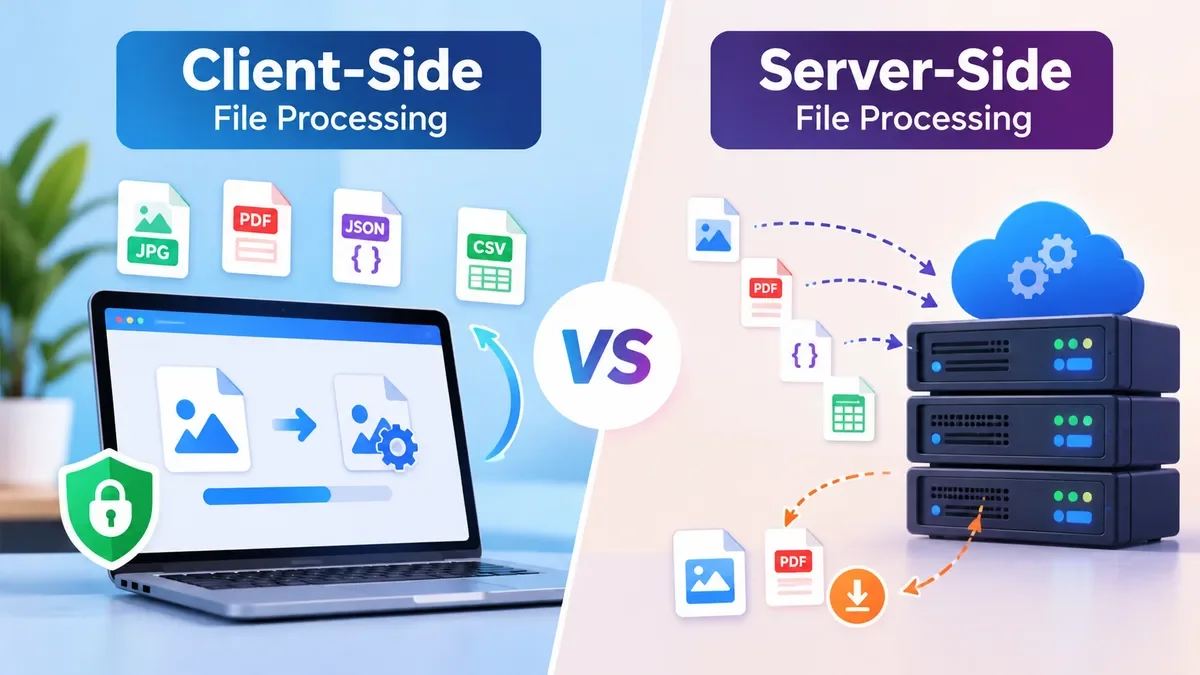
These approaches are commonly known as client-side file processing and server-side file processing.
Understanding the difference is useful when choosing an online file tool, especially when your files contain private, sensitive, or work-related information.
It is also important for developers building online utilities because the processing architecture affects privacy, performance, infrastructure costs, file-size limits, and the overall user experience.
What Is Client-Side File Processing?
Client-side processing means the user's device performs the file operation.
Instead of uploading a file to a remote server, a web application can use JavaScript and browser APIs to read and process the file locally.
A simplified workflow looks like this:
Select file → Browser processes file → Result generated → Download result
For example, imagine an image compressor.
You select a JPG image from your computer. The browser reads the image, performs the compression locally, creates the optimized version, and lets you download it.
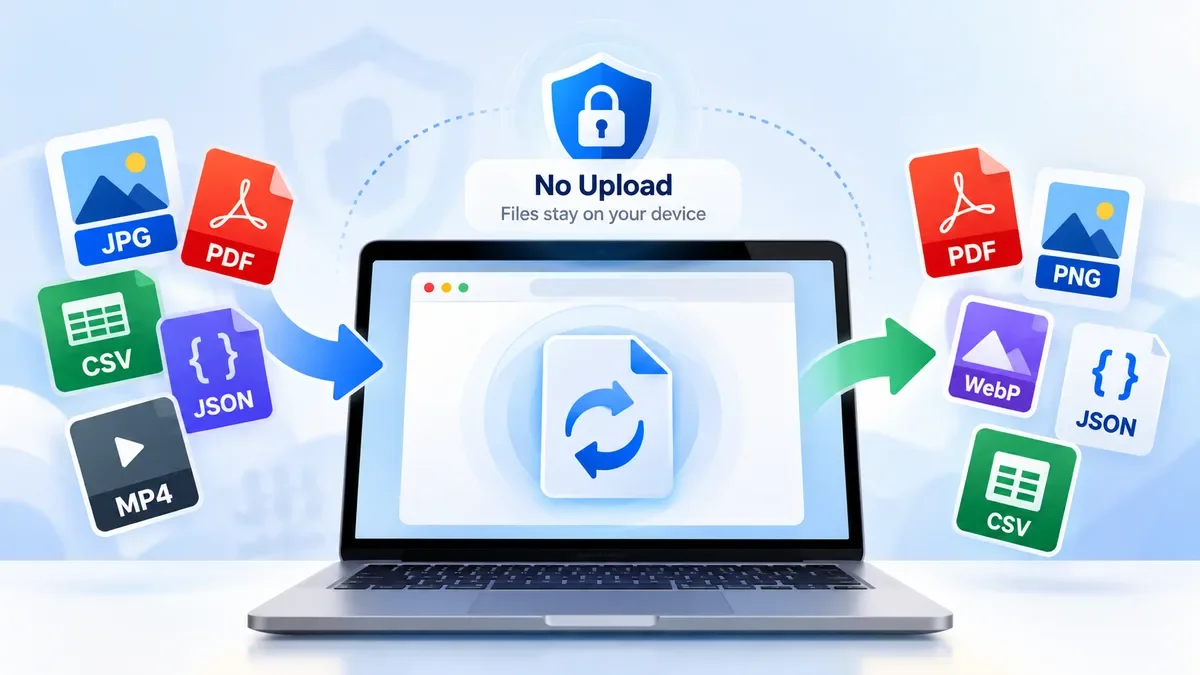
The original image may never need to leave your device.
This approach is particularly useful for tools such as:
-
Image compressors
-
Image resizers
-
Image croppers
-
JPG, PNG, and WebP converters
-
Some HEIC conversion workflows
-
JSON formatters
-
JSON validators
-
JSON minifiers
-
CSV converters
-
Base64 encoders and decoders
-
URL encoders and decoders
-
Other developer utilities
For many of these tasks, the browser already provides enough computing capability to perform the operation without sending the user's data to a backend server.
How Client-Side Processing Works
A modern browser provides APIs that allow JavaScript applications to interact with files selected by the user.
The basic process is:
-
The user selects a file.
-
The browser receives access to the selected file.
-
JavaScript reads the required data.
-
The application performs the transformation.
-
A new file or result is generated.
-
The user downloads or copies the result.
The important distinction is that the actual processing can take place on the user's device.
For example, a browser-based image conversion tool may take:
photo.jpg → browser processing → photo.webp
No traditional upload-and-download cycle is necessarily required.
This can make simple file utilities feel much faster because the application does not have to wait for a large file to travel to a server and back.
What Is Server-Side File Processing?
Server-side processing takes the opposite approach.
The user's browser uploads the file to a server, the server processes it, and the resulting file is returned to the browser.
The workflow usually looks like this:
Select file → Upload → Server processes file → Download result
This architecture is common for applications that require substantial computing resources or server-side libraries.
For example, a server might be used to perform complex PDF processing, large file conversions, document generation, video processing, or operations that are difficult to implement reliably across different browsers.
The server can use powerful CPUs, larger amounts of memory, specialized libraries, databases, queues, and other infrastructure that would not necessarily be available inside a browser.
Client-Side vs Server-Side File Processing
The two approaches are not necessarily competitors. Each has situations where it works particularly well.
| Factor |
Client-Side |
Server-Side |
| Processing location |
User's device |
Remote server |
| File upload |
Often unnecessary |
Usually required |
| Privacy |
Potentially stronger |
Depends on server policies |
| Server bandwidth |
Lower |
Higher |
| Large files |
Limited by device/browser |
Can be better controlled |
| Heavy processing |
Less suitable |
Usually more suitable |
| Browser dependency |
Higher |
Lower |
| Infrastructure |
Relatively simple |
More complex |
| Offline potential |
Possible for some tools |
Usually requires internet |
| Scalability |
Processing distributed across users |
Server resources must scale |
There is no universal winner.
The right choice depends on what the tool actually needs to do.
Privacy: One of the Biggest Differences
Privacy is one of the strongest reasons to consider client-side processing.
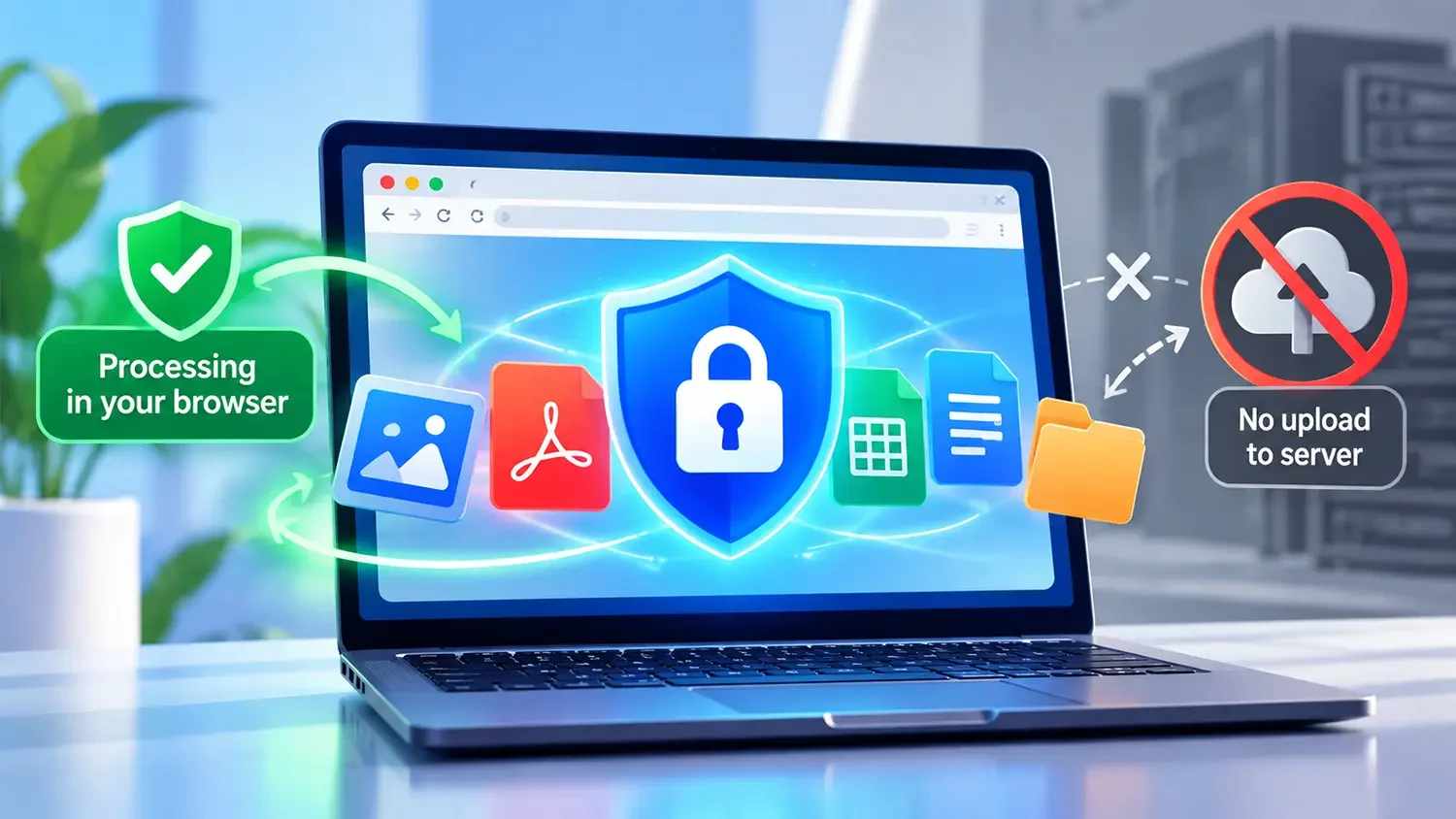
When a file is processed locally, the application can be designed so that the file does not need to be uploaded to a third-party server.
This can be particularly useful for:
For example, someone formatting a JSON response may be working with API data that contains tokens, internal identifiers, or other information they do not want to upload.
A browser-based JSON formatter can process that data locally.
However, there is an important distinction:
Client-side processing does not automatically make every website private.
A website can still collect analytics, send telemetry, load third-party scripts, or perform other network requests.
Therefore, a privacy claim should accurately describe what the particular application actually does.
If a tool genuinely processes files locally without uploading them, explaining this clearly can be a meaningful user benefit.
Client-side processing can be extremely fast for small and medium-sized files.
There is no need to wait for an upload before processing begins.
This is particularly attractive for image tools.
For example, an image converter might process:
JPG → WebP
directly in the browser.
Likewise, an image resizer can potentially resize an image without transferring the original file to a server.
However, client-side processing depends on the user's hardware.
A powerful desktop computer may process a large image quickly, while an older smartphone could take considerably longer.
Memory is another consideration.
Large images, PDFs, archives, and other complex files can consume substantial browser memory. Excessive processing can also affect mobile devices more noticeably.
For this reason, a good web application should handle large files carefully rather than assuming that every device has unlimited resources.
When Server-Side Processing Makes More Sense
Server-side processing is often preferable when the operation is computationally intensive or requires specialized software.
Examples can include:
-
Very large files
-
Complex PDF operations
-
Video processing
-
Advanced document conversion
-
Batch processing involving large datasets
-
Operations requiring specialized server libraries
-
Tasks that need consistent processing across different client devices
A server can provide predictable computing resources and can be configured specifically for the workload.
For example, a server-side PDF processing system can use dedicated libraries to merge, split, extract, or transform documents.
This can be more practical than trying to reproduce every operation inside the browser.
Hybrid File Processing
There is also a third option: hybrid processing.
A hybrid application uses both client-side and server-side processing depending on the task.
For example:
Small image → Browser processing
Large or complex file → Server processing
This approach can provide a good balance between privacy, performance, and compatibility.
A web application could also perform some preparation locally before sending only the necessary data to a server.
This architecture is particularly useful when an application has a wide range of file sizes or processing requirements.
Instead of forcing every operation through the same pipeline, the application can select the most appropriate method for each task.
The difference becomes particularly useful when looking at the types of utilities people use every day.
Image compression, resizing, cropping, and format conversion are strong candidates for browser-based processing.
Common workflows include:
-
JPG to WebP
-
PNG to WebP
-
WebP to JPG
-
HEIC to JPG
-
Image resizing
-
Image cropping
-
Image compression
For these tools, local processing can reduce upload time and may provide a better privacy experience.
It also reduces the amount of image data that needs to pass through your infrastructure.
PDF processing is more varied.
Some PDF operations can be implemented in the browser, while others may benefit from server-side processing depending on file size and complexity.
Typical operations include:
-
PDF compression
-
PDF merging
-
PDF splitting
-
PDF to JPG
-
JPG to PDF
-
Extracting PDF pages
The best architecture depends on the specific operation and the libraries available to the application.
Developer utilities are another excellent use case for client-side processing.
Consider a JSON formatter.
The user pastes JSON into a browser-based tool:
Input → JavaScript processing → Formatted JSON
There is often little reason to send that data to a server.
The same principle can apply to tools such as JSON validation, JSON minification, Base64 encoding, URL encoding, and other formatting or transformation utilities.
This can be especially valuable when developers are working with data they do not want to upload elsewhere.
CSV and Data Conversion
CSV and JSON conversion can also be suitable for browser-based processing, especially when the files are within reasonable size limits.
For example:
CSV → JSON
or
JSON → CSV
can often be performed locally using JavaScript.
For larger datasets, however, browser memory and device performance need to be considered.
Client-side processing changes where the computational workload happens.
With traditional server processing, a simplified architecture might look like:
User → Upload → Server → Processing → Server → Download
The server needs to handle uploads, storage or temporary files, processing, bandwidth, and potentially concurrent users.
With client-side processing, the workflow can become:
User → Browser → Processing → Download
The processing workload is distributed across users' devices.
This can be particularly attractive for a free online tools platform because traffic can increase without every file operation consuming equivalent server CPU and bandwidth.
However, client-side processing does not eliminate infrastructure costs entirely.
The website still needs hosting, CDN resources, JavaScript delivery, analytics, security, and other services.
If privacy is a major product goal, client-side processing can provide an important technical advantage.
A tool that genuinely processes files locally can communicate a simple benefit:
Your file can stay on your device.
This is particularly relevant for online utilities where users may hesitate to upload personal or confidential files.
For a privacy-focused tools platform, this can become part of the product experience rather than simply an SEO keyword.
The important thing is to make the claim technically accurate.
Do not describe a tool as "100% private" or "your files never leave your device" unless the implementation actually supports that statement.
Clear and accurate privacy information is more useful than exaggerated marketing claims.
Is Client-Side Processing Always Better?
No.
Client-side processing has limitations.
A browser-based application is constrained by the user's device, browser, available memory, supported APIs, and the complexity of the operation.
A server may be more appropriate when:
-
Files are extremely large.
-
Processing requires substantial CPU or memory.
-
Specialized libraries are required.
-
Consistent processing is important across devices.
-
The browser cannot reliably perform the operation.
-
Long-running background processing is required.
The best architecture is therefore not about choosing the newest technology.
It is about matching the processing method to the user's actual task.
For a platform offering multiple free utilities, a sensible strategy is to start with operations that are naturally suited to browser processing.
For example:
Image
Image compression, resizing, cropping, and format conversion.
Developer
JSON formatting, validation, minification, encoding, decoding, and other text-based utilities.
Data
CSV and JSON conversions where file sizes remain manageable.
PDF
Use browser processing where practical, while considering server-side or hybrid processing for more demanding operations.
This approach can provide a good balance between user privacy, performance, infrastructure costs, and scalability.
When choosing an online file processing tool, consider more than whether it is free.
Look for:
1. Where is the file processed?
Check whether the application processes the file locally or uploads it to a server.
2. Is the privacy policy clear?
A trustworthy tool should explain what happens to uploaded or processed data.
The tool should provide the promised functionality rather than surrounding the user with unnecessary redirects or advertisements.
4. Are file-size limits clearly explained?
This helps users understand whether the tool is suitable for their particular file.
5. Does it work well on mobile?
Many people now access online utilities from smartphones, so responsive interfaces and reasonable processing performance matter.
6. Can the result be downloaded easily?
The final step should be straightforward. Users should not have to navigate through unrelated pages to retrieve their processed file.
Client-Side vs Server-Side: The Bottom Line
Client-side and server-side file processing solve different problems.
Client-side processing is particularly attractive for privacy-sensitive and lightweight operations because files can be processed directly in the browser. It can also reduce server bandwidth and processing requirements.
Server-side processing is often the better choice for complex, resource-intensive, or highly specialized operations where browser limitations become a problem.
For modern online utility platforms, the strongest solution may not be choosing one architecture exclusively.
A combination of client-side, server-side, and hybrid processing can provide the flexibility needed to handle different file types and user requirements.
For users, the most important question is simple:
Where does my file go, and what happens to it?
For developers, the answer should guide the architecture.
For a privacy-focused online tools platform, browser-based processing can be an important advantage when the technology and the specific task make it practical.
The goal is not simply to process files.
The goal is to make file processing fast, understandable, useful, and trustworthy.