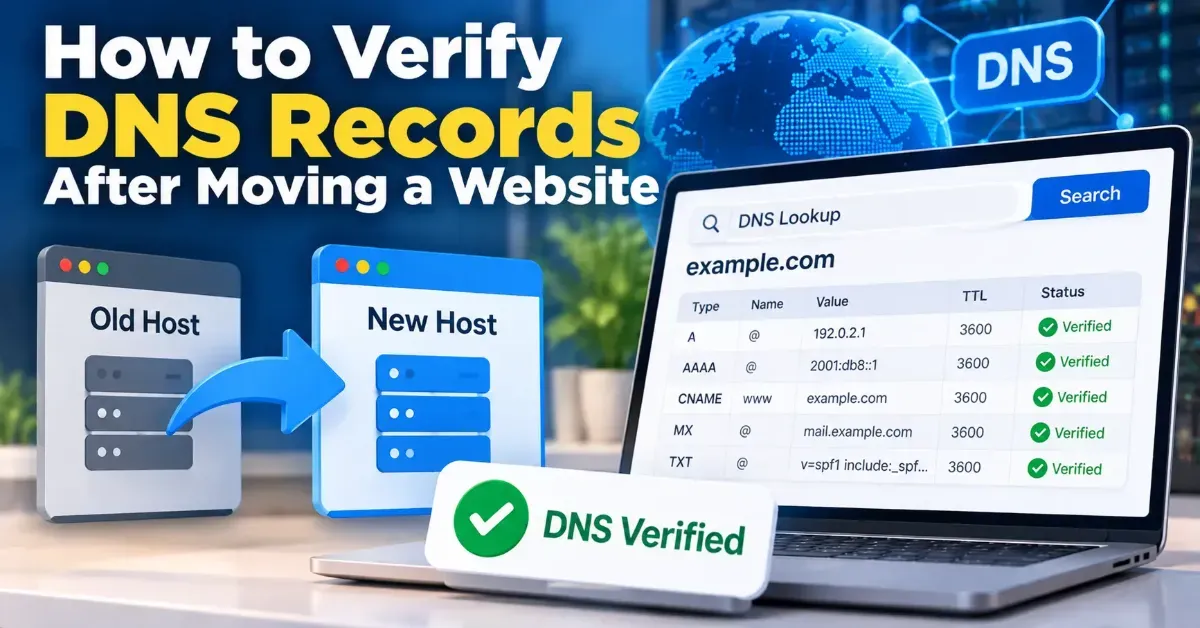
How to Verify DNS Records After Moving a Website
Learn how to verify DNS records after a website migration, confirm visitors and email are routed correctly, and spot common propagation or configuration problems.
Learn how to check an SSL certificate expiration date using your browser, OpenSSL, or an online checker—and what to do before a certificate expires.
 ToolCMB Team
7 min read

To check an SSL certificate expiration date, inspect the certificate a website presents in your browser, run an OpenSSL command, or use an online SSL checker. Look for the certificate’s “Not After” date, compare it with the current time in UTC, and renew it before it expires.
An expired certificate can cause browser warnings or prevent secure connections. Checking the date is a simple maintenance task for site owners, developers, and anyone responsible for a web service. Here are reliable ways to do it and how to interpret what you find.
A browser check is useful when you want to inspect the certificate currently served to visitors. The exact menu names vary by browser and version, but the process is similar:
This method checks the certificate presented by that site to your browser at that moment. It does not necessarily tell you when a certificate file on a particular server expires if the site uses a proxy, content delivery network (CDN), or load balancer that serves a different certificate.
If you are only visiting a website, you do not need to install anything or enter personal information to view its public certificate. If the browser reports a certificate problem, do not ignore the warning or enter sensitive information until you understand the cause.
An online checker can summarize a website certificate’s validity, expiration date, issuer, and other details. Enter the public hostname you want to inspect, such as example.com, and review the result. For a quick browser-based check, use the ToolCMB SSL Checker.
Check the exact hostname visitors use. A certificate for www.example.com may not cover example.com, and a certificate for one subdomain does not automatically cover every other subdomain. The certificate’s subject names indicate which hostnames it covers.
A public checker typically inspects the certificate available at the hostname and network endpoint you provide. That makes it convenient for checking a live site, but it may not reveal certificates that are installed but not currently served. It also cannot confirm that your renewal process will succeed in the future.
OpenSSL lets you inspect the certificate presented by a server from a command line. Run this command in a terminal, replacing example.com with the hostname you want to check:
openssl s_client -servername example.com -connect example.com:443 2>/dev/null | openssl x509 -noout -datesThe output includes two lines: notBefore, when the certificate becomes valid, and notAfter, when its validity ends. The -servername option sends the hostname using Server Name Indication (SNI), which helps the server return the certificate configured for that site. The connection uses port 443, the standard port for HTTPS.
For example, if notAfter shows a date and time, compare that timestamp with the current time in UTC. OpenSSL installations and command-line behavior can vary across operating systems. On some systems, OpenSSL may not be installed or available in the terminal by default.
This command checks the certificate visible on the public endpoint. If your site is behind a CDN, reverse proxy, or load balancer, it checks the certificate served by that layer—not necessarily the certificate installed on the origin server. To inspect an origin directly, you would need to connect to its address and provide the hostname appropriately, while ensuring that you are authorized to access it.
Certificates have a validity period. The notBefore field marks the start, and notAfter marks the end. A certificate must be within its valid period for browsers and other clients to accept it, along with passing other checks such as hostname matching and trust-chain validation.
Expiration timestamps are commonly displayed in UTC, sometimes labeled GMT or shown with a Z at the end. Convert the time to your local time zone if needed, but plan against the UTC timestamp to avoid confusion. A date-only display may hide the exact time at which validity ends.
An unexpired certificate is not automatically a correctly configured certificate. It may still have the wrong hostname, an untrusted issuer, an incomplete certificate chain, or another configuration problem. Treat expiration as one important check, not a complete security review.
| Method | Best for | Keep in mind |
|---|---|---|
| Browser certificate details | A quick check of the site you are viewing | Menu steps vary, and you see the certificate served to your browser. |
| Online SSL checker | A fast summary of a public hostname | It checks the public endpoint and may not show an unused or inactive certificate. |
| OpenSSL | Command-line checks and troubleshooting | You need terminal access and must connect to the correct hostname and endpoint. |
| Hosting or certificate management panel | Reviewing installed certificates and renewal settings | Panel details vary; verify the certificate visitors actually receive. |
For routine checks, an online checker or browser is often enough. For diagnosis, compare the public result with the certificate and renewal status in your hosting or infrastructure panel.
www version, subdomains, and other services that use HTTPS.For sites with multiple servers or regions, check the relevant public endpoints rather than relying on one server’s local certificate file. A partial deployment can leave some visitors seeing an expired certificate even after a renewal appears successful in a control panel.
If a checker reports an expired certificate but your hosting dashboard shows a recent renewal, check the exact hostname and public endpoint again. You may need to reload the web server, update a CDN configuration, or correct a deployment step. Follow the instructions for the service that manages your certificate.
Use automated monitoring where possible, and check manually after a renewal or infrastructure change. The right monitoring interval depends on your service and how certificate renewal is managed.
Yes. A website’s public certificate can generally be inspected by visiting its HTTPS address or checking its public hostname with an SSL checker.
Not unless you check each hostname separately. A certificate may cover several names, but you should verify the hostnames your visitors and services actually use.
Browsers and other clients may warn that the connection is not secure or refuse the connection. The exact behavior depends on the client and service.
No. Expiration is only one check. The hostname, certificate chain, server configuration, and the website itself also affect security.
We build fast, free and private browser tools — and write practical guides on how to use them.
Learn how to verify DNS records after a website migration, confirm visitors and email are routed correctly, and spot common propagation or configuration problems.
Find broken URLs before a website relaunch by combining a site crawl, existing URL lists, analytics, and backlink checks. Then test redirects and recheck the new site before launch.
A practical guide to creating, checking, and submitting an XML sitemap for a small website—plus which pages to include and common mistakes to avoid.
Start typing to search tools and articles.

