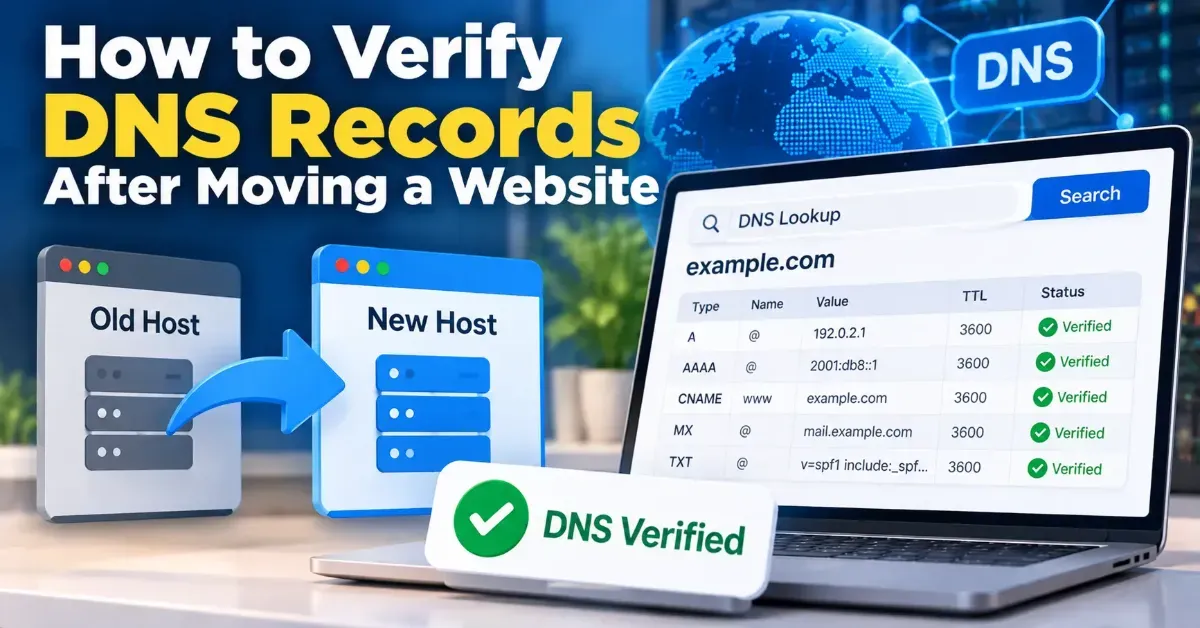
How to Verify DNS Records After Moving a Website
Learn how to verify DNS records after a website migration, confirm visitors and email are routed correctly, and spot common propagation or configuration problems.
Use this UTM naming convention checklist to create consistent campaign URLs, keep analytics reports readable, and reduce tracking mistakes across your marketing team.
 ToolCMB Team
7 min read
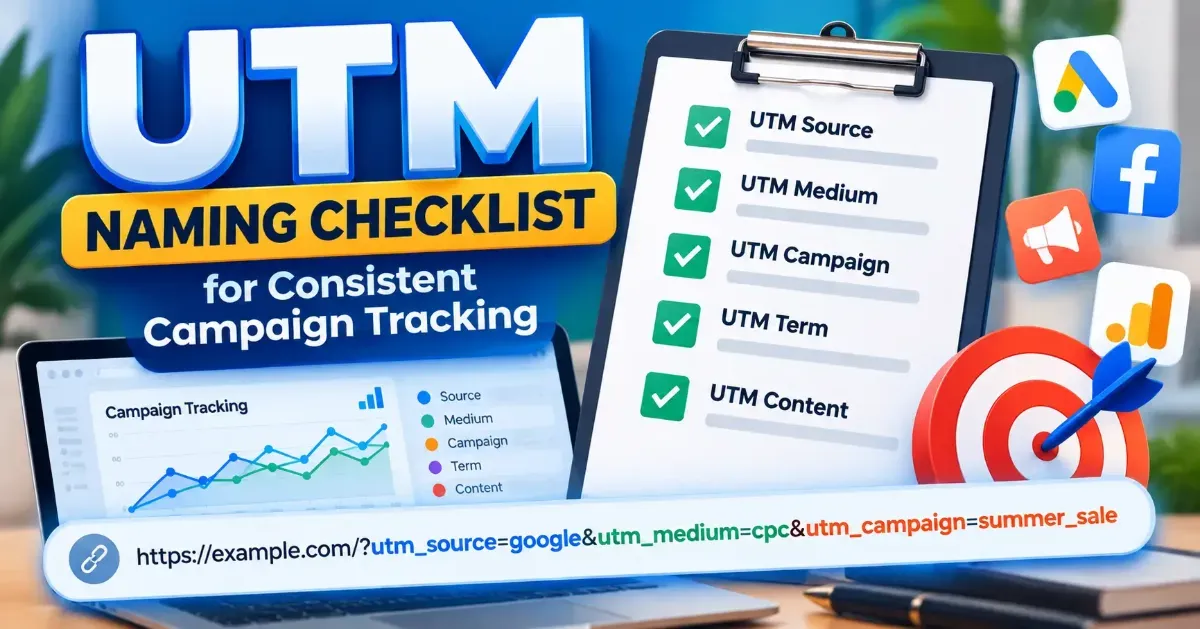
A UTM naming convention checklist helps your team create tracking links that are consistent, readable, and easier to compare in analytics reports. Set rules for capitalization, separators, campaign names, and parameter use before launching links, then apply those rules every time.
UTM parameters are short values added to a URL so analytics tools can identify details about a visit, such as its traffic source or campaign. A simple standard prevents small differences—like “Email,” “email,” and “e-mail”—from splitting related traffic into separate labels.
Use this checklist when you create a campaign tracking link or review one prepared by a teammate:
UTM parameters are added to the end of a destination URL after a question mark. If the URL already contains a query string, additional parameters are joined with an ampersand. The values are labels you choose; they are not a complete campaign strategy on their own.
| Parameter | What it describes | Example value |
|---|---|---|
utm_source |
The source or origin of the visit | newsletter |
utm_medium |
The marketing channel or method | email |
utm_campaign |
The specific campaign or promotion | spring_launch |
utm_content |
A link, placement, or creative variation | hero_button |
utm_term |
A term associated with a campaign, often used for paid search reporting | running_shoes |
For most manually tagged links, source, medium, and campaign are the core fields to define. Content and term are optional. Their usefulness depends on your campaign and analytics setup, so do not fill them just to make every link look complete.
Choose one style and document it. Lowercase values with underscores or hyphens are easy to scan, for example paid_social or product-launch. The particular separator matters less than applying the same one across your links.
UTM values can appear as distinct labels in analytics reporting when their spelling or capitalization differs. If one person uses LinkedIn and another uses linkedin, the results may be harder to compare. Agree on the canonical spelling, then use it everywhere.
Source and medium answer different questions. Source identifies where a visit came from; medium describes the channel or method. For example, a company newsletter could be the source and email the medium. A social platform might be the source and paid_social the medium for a paid placement.
Create an approved list for common sources and mediums. Include examples and explain how to handle edge cases, such as partner newsletters or organic social posts. Avoid changing labels based on personal preference or the wording used in a campaign brief.
A campaign value should identify the initiative clearly without becoming a long, unstructured sentence. Your team might combine a product or offer, an audience, and a time period—if those details are useful for reporting. Choose a fixed order so campaign labels are easier to scan and sort.
For instance, a team might use a pattern like product-audience-period. Treat the pattern as a rule rather than a one-off example. If a date or region is not important to your reporting, leave it out instead of adding detail that nobody will maintain.
Use utm_content when you need to compare two or more links within the same campaign, such as a header link and a footer link. Pick a concise naming rule that makes the difference obvious. Avoid changing the value to describe details that are already captured elsewhere.
Use utm_term when it has a defined purpose in your reporting, such as identifying a paid search term. Do not assume every channel needs a term value. Consistent blanks are better than invented labels that create noise.
You can create a tagged URL with the UTM Builder. Before sharing the result, compare its values with your team’s naming guide and check that the destination page is correct.
Put your naming rules somewhere everyone who creates campaign links can find them. Include approved values, examples for common channels, and a simple process for proposing a new label. Review the guide when your marketing channels or reporting needs change, not every time someone prefers a different word.
A central campaign log is also useful. Record the destination, final tagged URL, campaign owner, and the meaning of any nonstandard values. This makes it easier to check an old link, reuse a pattern, or understand a report without guessing what a label meant.
The goal is not to make every UTM link complicated. It is to make similar campaigns use similar labels, so your analytics are easier to interpret. A short convention that people follow is more practical than a detailed system that is difficult to maintain.
For many manually tagged campaign links, source, medium, and campaign provide the essential context. Use content and term only when they answer a specific reporting question.
Lowercase is a practical choice because it reduces accidental variations. The important rule is to choose one style and use it consistently.
They are added to the URL, and many sites still load the same page with those parameters attached. Test the link to confirm your destination handles it as expected.
No. URLs can be exposed in browser history and server or analytics logs. Keep personal and confidential information out of tracking parameters.
Publish a short naming guide with approved source and medium values, a campaign-name pattern, and examples. Use a shared campaign log and review links before launch.
We build fast, free and private browser tools — and write practical guides on how to use them.
Learn how to verify DNS records after a website migration, confirm visitors and email are routed correctly, and spot common propagation or configuration problems.
Find broken URLs before a website relaunch by combining a site crawl, existing URL lists, analytics, and backlink checks. Then test redirects and recheck the new site before launch.
A practical guide to creating, checking, and submitting an XML sitemap for a small website—plus which pages to include and common mistakes to avoid.
Start typing to search tools and articles.

