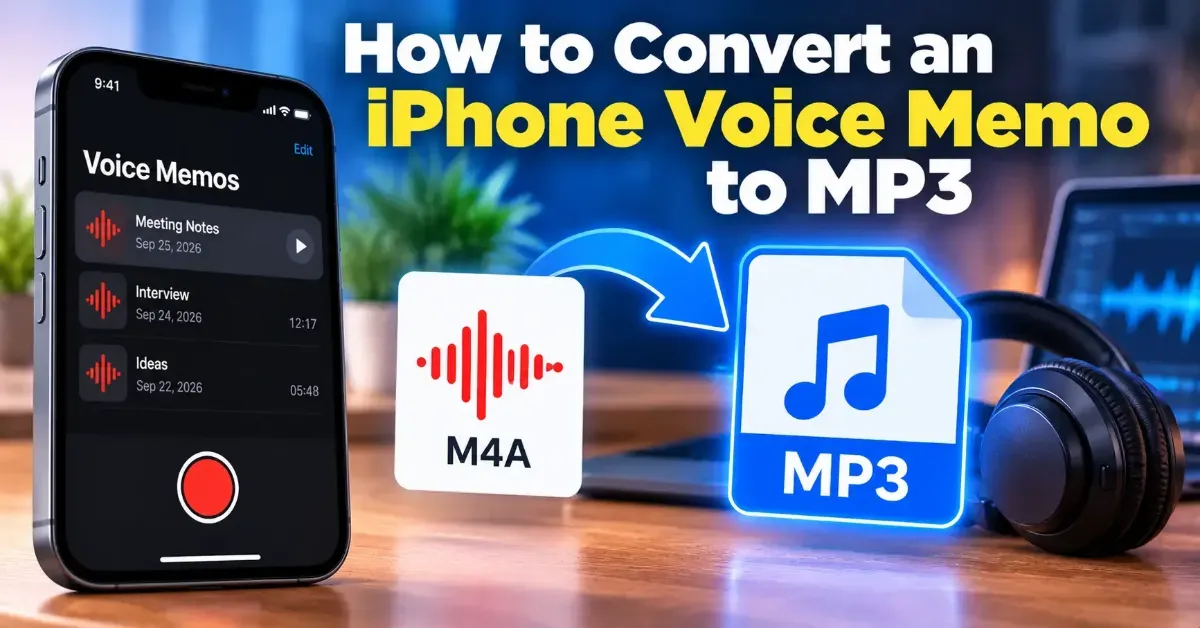
How to Convert an iPhone Voice Memo to MP3
iPhone Voice Memos are usually saved as M4A files. Learn how to save a recording, convert it to MP3 in your browser, and check the result on your device.
Learn how to convert a stereo recording to mono, when it is useful, and how to check the result for volume changes or phase problems.
 ToolCMB Team
6 min read

To convert a stereo recording to mono, combine its left and right audio channels into a single channel, then export the result as a mono file. This can make a recording easier to play on single-speaker devices and more consistent across different playback systems. Before using the mono version, listen for lost sounds or unexpected volume changes.
You can downmix a stereo recording with an audio editor or use a browser-based converter. The basic process is the same: select the stereo file, create a mono mix from both channels, and save the new file. Keep the original so you can return to it if the conversion does not sound right.
ToolCMB’s converter runs in your browser, so your files stay on your device. If you are handling a sensitive recording, you can still check the page and your browser’s file permissions before selecting a file.
Stereo audio stores separate left and right channels. Those channels may contain the same sound at similar levels, or they may differ in volume, timing, and content. A mono mix combines the channels into one channel, which is then played through a single speaker or sent equally to both sides of a mono-compatible playback system.
This process is often called downmixing. It is not the same as simply deleting the left channel or the right channel. Removing one side can discard audio that appears only, or mainly, in that channel. A downmix aims to retain useful sound from both sides.
Many converters reduce the levels of the two channels as they combine them to help avoid a sudden increase in volume. The exact method depends on the software. In some recordings, sounds in the channels may partly cancel each other when mixed, so always listen to the converted file rather than assuming the result will match the original.
Mono is useful when the recording will be played through one speaker, included in a project that requires a mono track, or used in a setting where listeners may not hear both stereo channels. It can also simplify audio for voice recordings where the stereo width adds no practical benefit.
| Use case | Why mono may help |
|---|---|
| Voice memo or spoken announcement | Speech can be centered and easy to hear from a single speaker. |
| Single-speaker playback | Both stereo channels are combined instead of relying on only one side. |
| Audio with a mono delivery requirement | A single channel can meet a project’s technical or workflow needs. |
| Music or ambience with intentional stereo placement | Keeping stereo may better preserve the intended width and separation. |
For music, nature recordings, or sound design with deliberate left-right movement, keep the stereo original unless you specifically need mono. Stereo can create a sense of space and place sounds across the listening field. A mono copy will not preserve that same spatial presentation.
If similar sounds in the left and right channels are out of alignment, combining them can make some frequencies quieter or less clear. This is known as phase cancellation. It may be subtle, or it may make parts of the recording sound thin, hollow, or unexpectedly faint. Compare the mono version with the stereo original, especially around prominent voices, bass, and sustained sounds.
Combining channels can change the overall level. Listen for distortion, harsh peaks, or sections that seem much louder or quieter than before. If you are using an audio editor, a waveform or peak meter can help you spot clipping, but listening is still important. If the output clips, lower its level and export again.
Some applications display a mono recording as if it were playing through both left and right speakers. That does not necessarily mean the file contains two separate channels. Check the file’s channel information in the editor or media properties if the delivery specification requires one channel.
Pick the format based on the next step in your workflow. WAV is a common choice when you want an uncompressed file for editing or production. MP3 is widely supported and usually takes less storage, but it uses lossy compression. Other formats may suit particular devices or software, so check the requirements of the platform or project that will receive the file.
Converting the channel layout and changing the file format are separate decisions. You can make a mono WAV or a mono MP3, for example. If preserving the original audio quality is important, avoid unnecessary repeated exports to lossy formats. Keep a copy of the source and make a fresh export from it when possible.
It changes how the channels are presented and removes stereo separation, but it does not automatically make the audio poor quality. The result depends on the source, the downmix method, and the export format.
Usually, yes. A mono signal is commonly sent to both sides of headphones or speakers, so the same sound is heard on the left and right.
Yes. A browser-based converter can perform the conversion without a desktop audio editor. ToolCMB’s Stereo to Mono tool lets you convert a file online in your browser.
Mono can be a practical choice for speech intended for single-speaker playback or a mono delivery requirement. Listen to the result and confirm that the voice remains clear before publishing.
You can place mono audio into a stereo file, but that does not restore the original left-right information. If you may need the stereo version, keep the original recording.
We build fast, free and private browser tools — and write practical guides on how to use them.
iPhone Voice Memos are usually saved as M4A files. Learn how to save a recording, convert it to MP3 in your browser, and check the result on your device.
Add the duration of each track to find a playlist’s total runtime. Learn quick manual, spreadsheet, and browser-based methods, plus how playback speed and gaps affect listening time.
Learn how to create an audio waveform image for a podcast, from preparing your audio to choosing a readable design and using the finished graphic in your promotional materials.
Start typing to search tools and articles.

