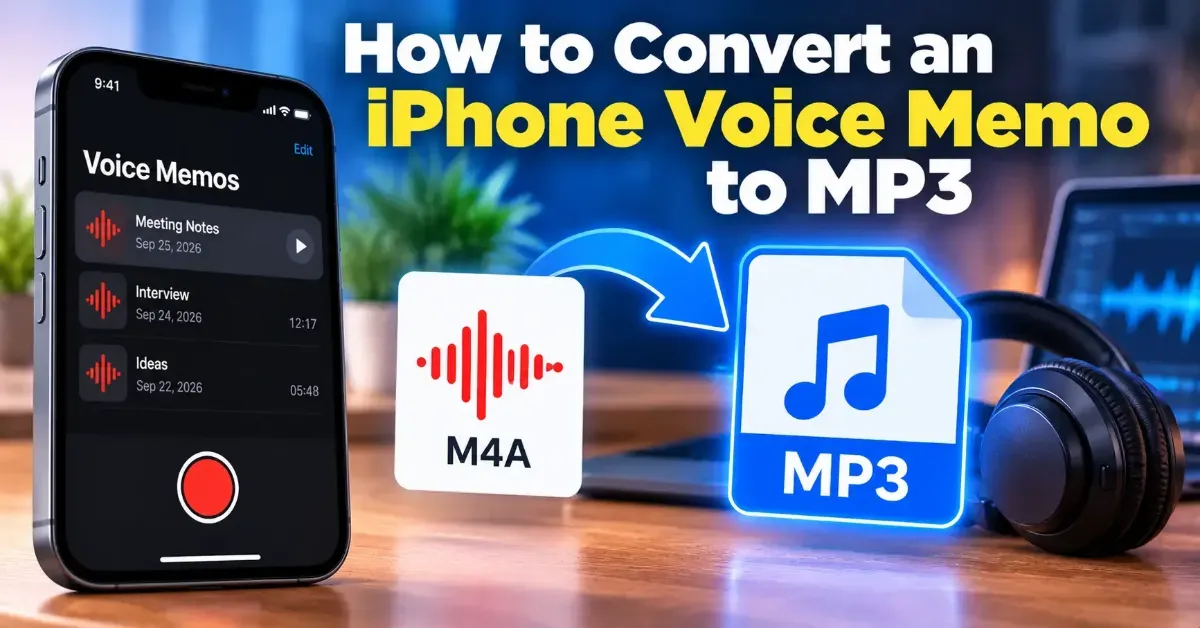
How to Convert an iPhone Voice Memo to MP3
iPhone Voice Memos are usually saved as M4A files. Learn how to save a recording, convert it to MP3 in your browser, and check the result on your device.
Blog
iPhone Voice Memos are usually saved as M4A files. Learn how to save a recording, convert it to MP3 in your browser, and check the result on your device.
Add the duration of each track to find a playlist’s total runtime. Learn quick manual, spreadsheet, and browser-based methods, plus how playback speed and gaps affect listening time.
Learn how to create an audio waveform image for a podcast, from preparing your audio to choosing a readable design and using the finished graphic in your promotional materials.
For most spoken-word podcasts, 96 kbps mono or 128 kbps stereo MP3 is a practical starting point. Choose based on your show’s sound, format, and distribution requirements.
Speed up an audiobook while keeping voices natural by using pitch-preserving time stretching. Learn how to choose a comfortable rate, adjust a file, and avoid common audio problems.
Learn how to convert a stereo recording to mono, when it is useful, and how to check the result for volume changes or phase problems.
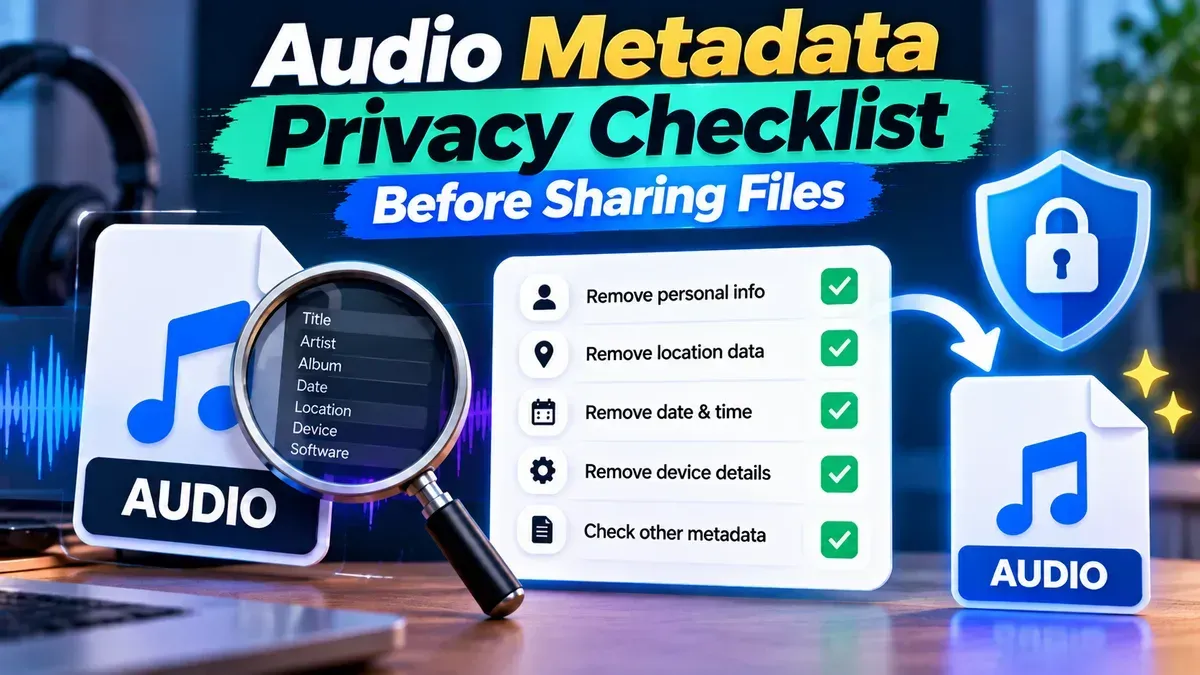
Before you send an audio file, check its tags, filename, embedded artwork, and the recording itself. This practical checklist explains what metadata removal can—and cannot—protect.
Learn how to combine voice memos into one audio file on iPhone, Android, or a computer. Follow simple steps to arrange clips, join them, and save the finished recording.
MP3 generally works on the widest range of devices, especially older players and car stereos. M4A is also widely supported on modern phones and computers, but compatibility depends on the audio codec and the device or app.
Start typing to search tools and articles.