How to Calculate a Tip
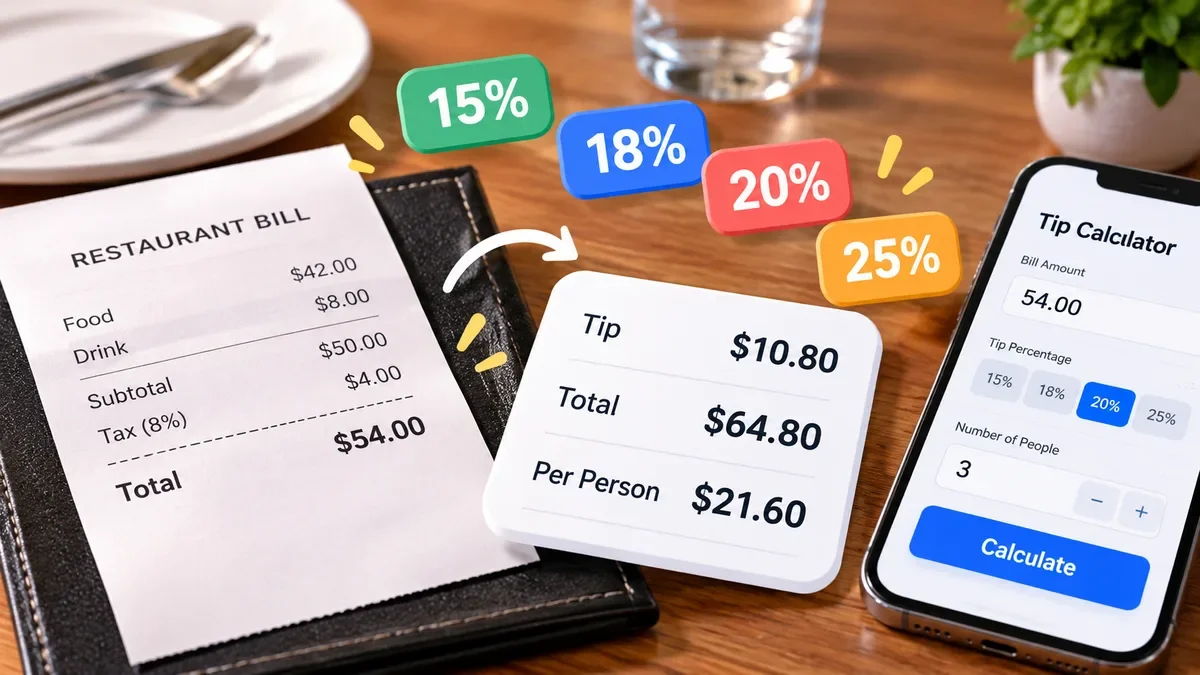
Learn how to calculate a tip quickly using a simple percentage formula. See how to calculate the tip amount, total bill, split the bill between multiple people, and handle common tip percentages such as 15%, 18%, 20%, and 25%.
Learn how to calculate percentage change between two values using a simple formula. See how to work out percentage increases and decreases, understand the difference between percentage change and percentage difference, and check your result with the free ToolCMB Percentage Calculator.
 ToolCMB Team
7 min read
ToolCMB Team
7 min read
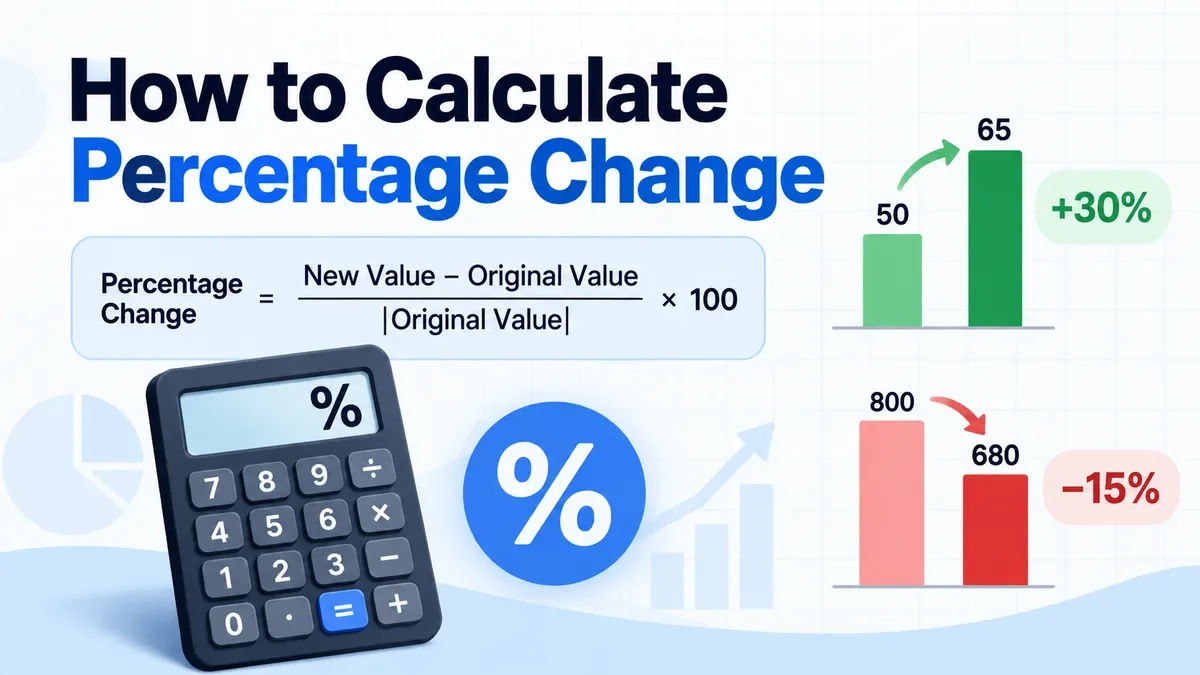
Percentage change tells you how much a value has increased or decreased compared with its original value. It is commonly used to compare prices, sales, revenue, website traffic, test results, measurements, salaries, and other numbers over time.
For example, if a product price increases from $50 to $65, the percentage change tells you that the new price is 30% higher than the original price.
For a quick calculation, you can use the ToolCMB Percentage Calculator. It includes a dedicated Percent change calculator and shows the formula and calculation steps.
The standard formula for percentage change is:
Percentage Change = (New Value − Original Value) ÷ |Original Value| × 100
The absolute value notation around the original value is useful when the original number is negative.
For the usual case where the original value is positive, the formula can be written more simply as:
Percentage Change = (New Value − Original Value) ÷ Original Value × 100
Suppose a company's monthly sales increase from $50,000 to $65,000.
First, find the change:
$65,000 − $50,000 = $15,000
Then divide the change by the original value:
$15,000 ÷ $50,000 = 0.30
Finally, multiply by 100:
0.30 × 100 = 30%
So the percentage change is +30%.
The same formula works when the new value is lower than the original value.
For example, suppose a laptop's price falls from $800 to $680.
The change is:
$680 − $800 = −$120
Divide by the original price:
−$120 ÷ $800 = −0.15
Convert it to a percentage:
−0.15 × 100 = −15%
The result is −15%, which means the price decreased by 15%.
You can also describe this as a 15% decrease.
For most percentage change calculations, you only need three steps:
New Value − Original Value
Change ÷ Original Value
This converts the decimal result into a percentage.
For example, from 120 to 150:
150 − 120 = 30
30 ÷ 120 = 0.25
0.25 × 100 = 25%
The percentage change is +25%.
These two calculations are often confused, but they answer different questions.
Use percentage change when there is a clear starting point and ending point.
For example:
Last month's sales → this month's sales
Original price → new price
Old salary → new salary
Previous measurement → current measurement
Use percentage difference when you are comparing two values without treating either one as the original.
For example, imagine two stores sell the same item for $10 and $15.
Percentage difference uses the average of the two values:
Percentage Difference = |A − B| ÷ ((A + B) ÷ 2) × 100
So:
|15 − 10| ÷ ((15 + 10) ÷ 2) × 100
5 ÷ 12.5 × 100 = 40%
The percentage difference is 40%.
This is different from percentage change because percentage change depends on which value is considered the starting point.
Percentage change is not symmetrical.
If a value increases from 50 to 65:
(65 − 50) ÷ 50 × 100 = 30%
But if it then falls from 65 back to 50:
(50 − 65) ÷ 65 × 100 ≈ −23.08%
The second change is not −30%.
This happens because the starting value is different in each calculation.
That is one reason it is important to identify the original value before calculating percentage change.
A subscription increases from $20 to $25.
(25 − 20) ÷ 20 × 100 = 25%
The price increased by 25%.
A business makes $40,000 in one month and $46,000 the next month.
(46,000 − 40,000) ÷ 40,000 × 100 = 15%
Sales increased by 15%.
A website receives 80,000 visits one month and 72,000 the next.
(72,000 − 80,000) ÷ 80,000 × 100 = −10%
Traffic decreased by 10%.
A student's score increases from 70 to 84.
(84 − 70) ÷ 70 × 100 = 20%
The score increased by 20%.
The standard percentage change formula divides by the original value.
That means percentage change is not defined when the original value is zero because division by zero is not possible.
For example, changing from 0 to 50 cannot be expressed as an ordinary percentage increase using the standard formula.
In situations like this, it is usually better to report the absolute change:
50 − 0 = 50
The appropriate way to describe the result depends on the context.
Negative values require extra care because the interpretation of percentage change can become less intuitive.
For example, if a value changes from −50 to −40, the numerical change is +10, but describing that as a percentage increase can be misleading depending on the context.
ToolCMB uses the absolute value of the original number in its percentage-change calculation:
Change % = (New − Old) ÷ |Old| × 100
If negative values are important to your analysis, make sure the percentage result is interpreted together with the actual numbers rather than by the percentage alone.
Another common mistake is confusing a percentage change with a percentage-point change.
Suppose an interest rate increases from 4% to 5%.
The percentage-point change is:
5% − 4% = 1 percentage point
But the relative percentage change is:
(5 − 4) ÷ 4 × 100 = 25%
So the rate increased by 1 percentage point, which is a 25% relative increase.
These describe different things and should not be used interchangeably.
Percentage changes applied one after another do not simply cancel each other out.
For example, imagine a price increases by 10% and then decreases by 10%.
Starting with $100:
$100 × 1.10 = $110
Then:
$110 × 0.90 = $99
The final amount is $99, not $100.
So the overall change is:
($99 − $100) ÷ $100 × 100 = −1%
The net change is therefore a 1% decrease.
If you have several percentage changes to apply in sequence, the ToolCMB Percentage Calculator includes a Successive changes calculator for this type of calculation.
If you do not want to calculate the formula manually, the free ToolCMB Percentage Calculator can do it for you.
It includes a dedicated Percent change calculator as well as related calculations such as percentage difference, percentage points, reverse percentage, discounts, tax/VAT, margin and markup, successive changes, and CAGR.
To calculate a percentage change:
Open the Percentage Calculator.
Select Percent change.
Enter the original value.
Enter the new value.
Review the percentage result and calculation steps.
The calculator runs the math in your browser, so the numbers you enter are not sent to a server.
Depending on what you are trying to compare, another calculator may be more appropriate.
Percentage Calculator — calculate percentage changes, differences, discounts, VAT, tips, margins and other percentage problems.
Average Calculator — calculate the mean, median, mode and other statistics from a set of numbers.
CAGR — useful when you want to measure average annual growth over multiple periods.
Percentage Difference — useful when comparing two values without defining one as the starting value.
Using the right calculation is important because percentage change, percentage difference, percentage points and growth rate answer different questions.
| Situation | Formula | ||
|---|---|---|---|
| Percentage increase/decrease | `(New − Original) ÷ | Original | × 100` |
| Percentage difference | ` | A − B | ÷ ((A + B) ÷ 2) × 100` |
| Percentage-point change | New percentage − Original percentage |
||
| Increase a value by P% | Value × (1 + P ÷ 100) |
||
| Decrease a value by P% | Value × (1 − P ÷ 100) |
Subtract the original number from the new number, divide the result by the original number, and multiply by 100.
For example, from 50 to 65:
(65 − 50) ÷ 50 × 100 = 30%
Use:
(New Value − Original Value) ÷ Original Value × 100
A positive result indicates an increase.
The same formula applies. If the new value is lower than the original value, the result will be negative.
You can describe a result of −15% as a 15% decrease.
Percentage change uses a defined original value, so direction matters. Percentage difference treats the two values symmetrically and uses their average as the reference.
Yes. A negative percentage change means the new value is lower than the original value.
The standard formula cannot be used because it requires division by the original value. Percentage change from zero therefore needs to be described using another measure appropriate to the situation.
Because the second 10% is calculated from the increased value. Starting with 100, a 10% increase gives 110, and a 10% decrease from 110 gives 99. The overall change is −1%.
Not always. Percentage change measures the relative difference between two values. A growth rate can refer to a particular period or, in the case of CAGR, the average annual rate over multiple periods.
Percentage change is a simple way to describe how much a value has moved relative to its starting point.
Remember the basic formula:
Percentage Change = (New Value − Original Value) ÷ |Original Value| × 100
For a quick answer, use the ToolCMB Percentage Calculator to enter your values and see the result and calculation steps without doing the arithmetic manually.
When comparing numbers, make sure you choose the right measurement. Percentage change, percentage difference, percentage points and CAGR are related, but they are designed for different situations.
We build fast, free and private browser tools — and write practical guides on how to use them.
Learn how to calculate a tip quickly using a simple percentage formula. See how to calculate the tip amount, total bill, split the bill between multiple people, and handle common tip percentages such as 15%, 18%, 20%, and 25%.
Compound interest lets your money earn interest on both the original amount and the interest already accumulated. Learn how compound interest works, see the formula with simple examples, and understand how interest rates, compounding frequency, regular deposits, and time affect your savings.
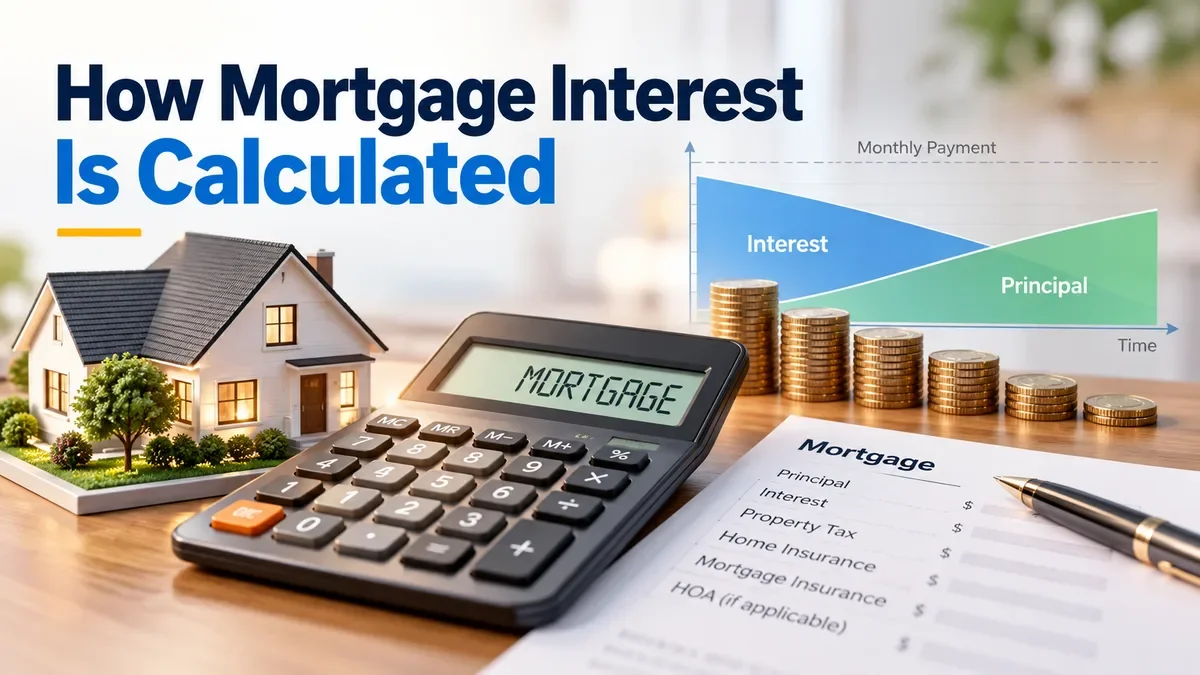
Mortgage interest is calculated from your outstanding loan balance and interest rate, so the amount of interest you pay usually decreases as you pay down the principal. Learn how mortgage interest is calculated, how amortization changes the split between interest and principal, and how to estimate your total interest with a mortgage calculator.
Start typing to search tools and articles.