How to Compress Images Without Losing Quality (2026 Guide)
Learn the settings that cut image size by 60–80% while keeping photos sharp — for websites, email and social media.
A quick guide to reading, fixing and compressing JSON — with the most common syntax errors and how to fix them.
 ToolCMB Team
Updated
1 min read
ToolCMB Team
Updated
1 min read

JSON (JavaScript Object Notation) is a lightweight text format for exchanging data between systems. APIs, config files and databases all speak JSON.
{
  "name": "ToolCMB",
  "private": true,
  "tools": ["json-formatter", "base64-encoder"]
}Beautifying adds indentation so humans can read it. Minifying removes all whitespace to reduce size for production. Our JSON Formatter does both locally in your browser.
We build fast, free and private browser tools — and write practical guides on how to use them.
Learn the settings that cut image size by 60–80% while keeping photos sharp — for websites, email and social media.
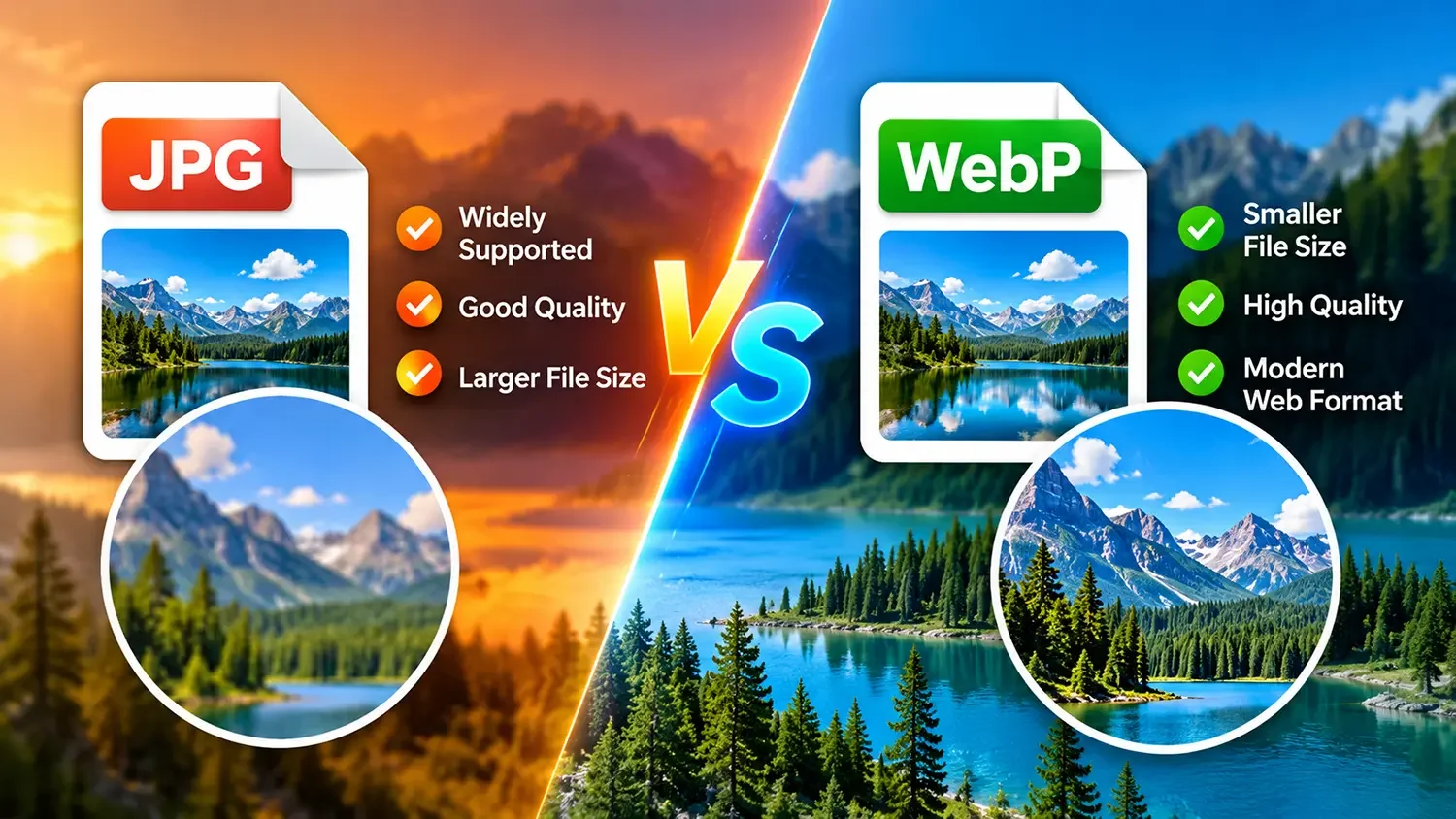
WebP is smaller, supports transparency and works in every modern browser. Here is when JPG still makes sense.
The mortgage formula in plain English, a worked example and the four numbers that change your payment the most.
Start typing to search tools and articles.