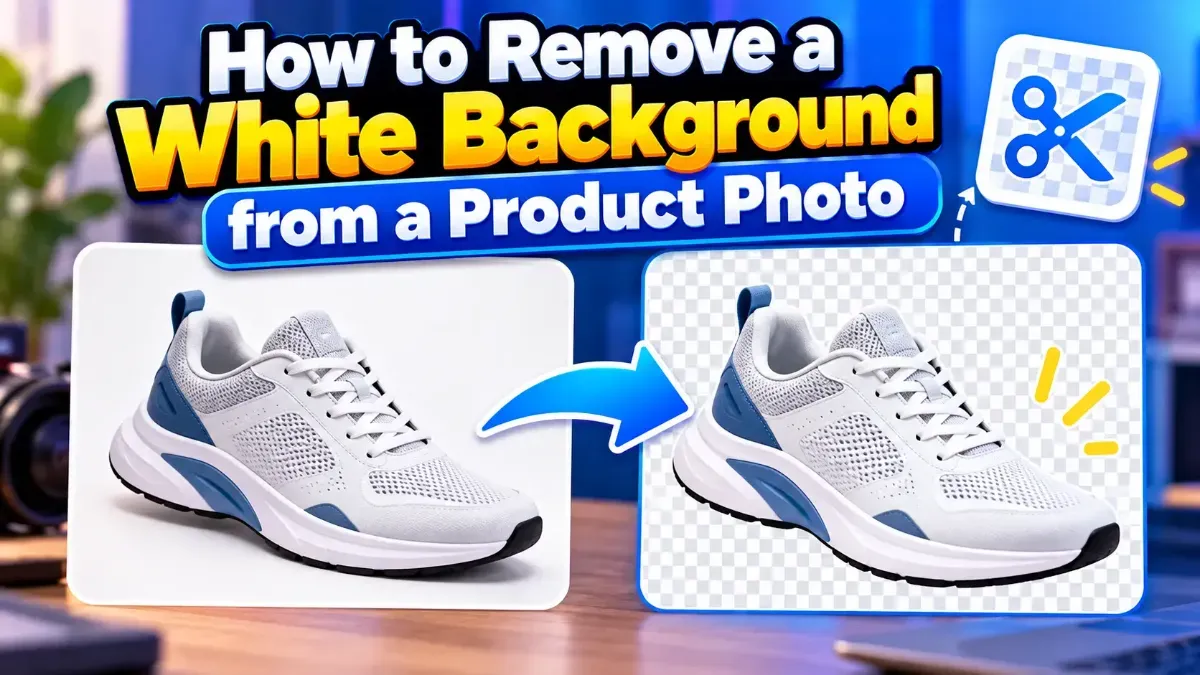
How to Remove a White Background from a Product Photo
Learn how to remove a white background from a product photo, preserve clean edges, export a transparent PNG, and avoid common cutout mistakes.
WebP is smaller, supports transparency and works in every modern browser. Here is when JPG still makes sense.
 ToolCMB Team
Updated
1 min read
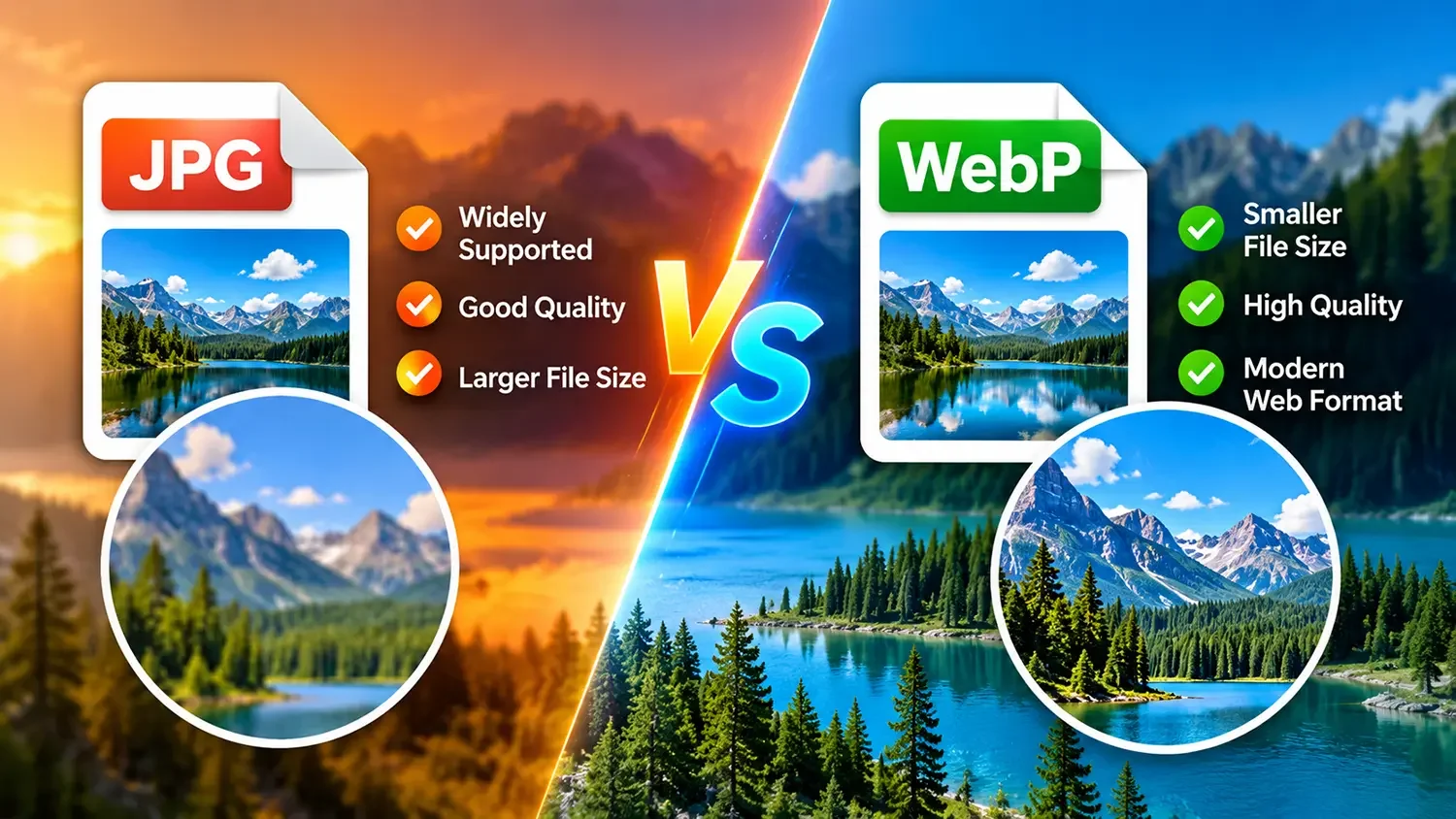
WebP is a modern image format created by Google. It supports lossy and lossless compression, transparency and animation — replacing JPG, PNG and GIF with one format.
| JPG | WebP | |
|---|---|---|
| File size | Baseline | 25–35% smaller |
| Transparency | No | Yes |
| Animation | No | Yes |
| Compatibility | Universal | All modern browsers |
Use WebP for websites, blogs and online stores. Use JPG for printing, older software and when sending files to people who may use outdated tools.
Ready to switch? Try our free JPG to WebP converter.
We build fast, free and private browser tools — and write practical guides on how to use them.
Learn how to remove a white background from a product photo, preserve clean edges, export a transparent PNG, and avoid common cutout mistakes.
Learn how to extract text from a screenshot on Windows or Mac using built-in features, PowerToys, or browser-based OCR. Get clearer results and keep private information in mind.
Learn how to resize an image to exact pixel dimensions without stretching it. Choose the right fit, preserve quality, and check the final file before sharing.
Start typing to search tools and articles.