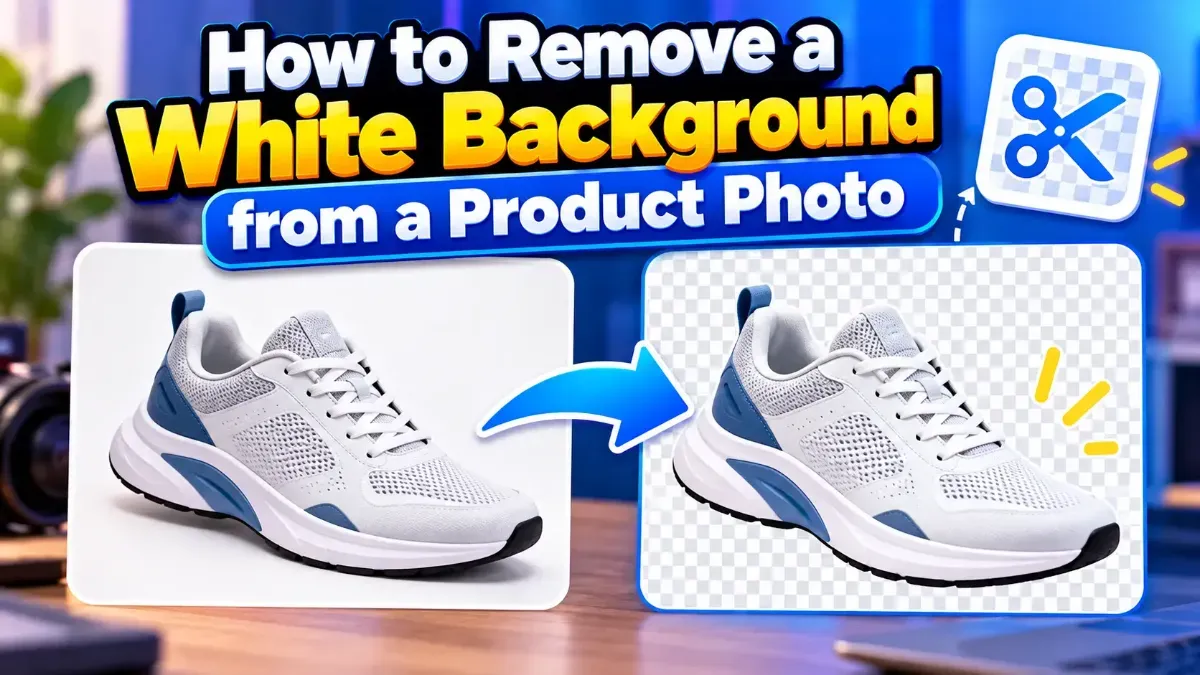
How to Remove a White Background from a Product Photo
Learn how to remove a white background from a product photo, preserve clean edges, export a transparent PNG, and avoid common cutout mistakes.
Can't open iPhone photos on Windows or upload them to a website? Convert HEIC to JPG in seconds — no app needed.
 ToolCMB Team
Updated
1 min read

HEIC (High Efficiency Image Container) stores photos at about half the size of JPG. The downside: many websites, Windows apps and older devices cannot open it.
On your iPhone go to Settings → Camera → Formats and choose Most Compatible. New photos will be saved as JPG.
We build fast, free and private browser tools — and write practical guides on how to use them.
Learn how to remove a white background from a product photo, preserve clean edges, export a transparent PNG, and avoid common cutout mistakes.
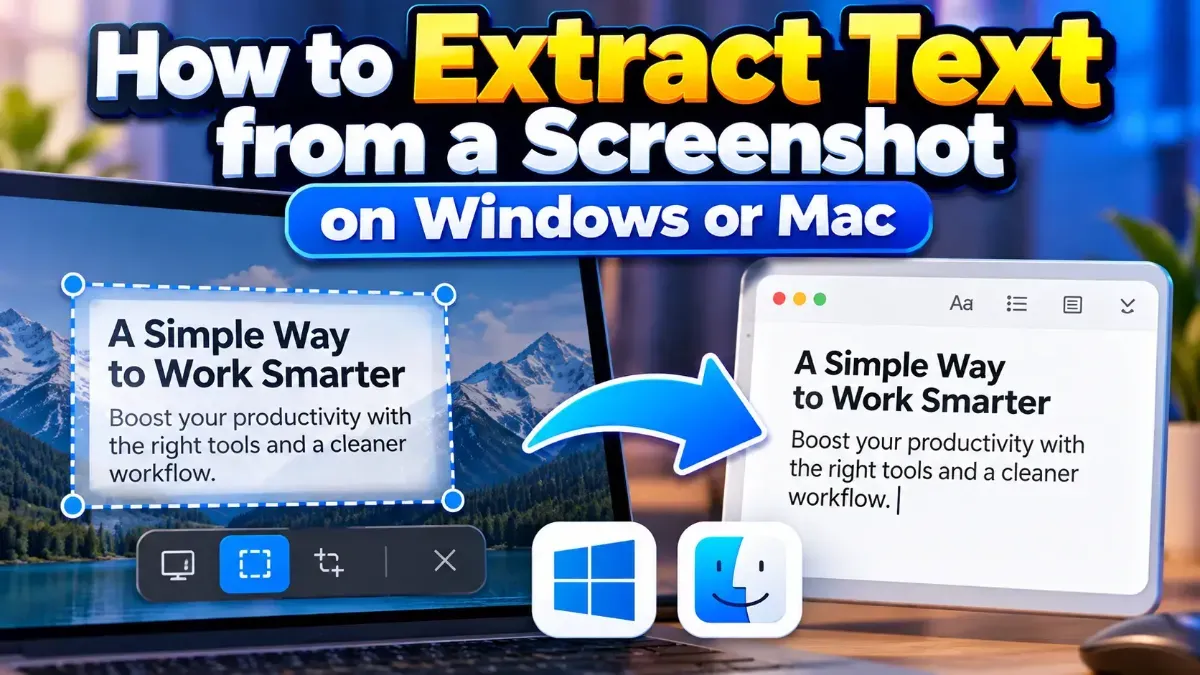
Learn how to extract text from a screenshot on Windows or Mac using built-in features, PowerToys, or browser-based OCR. Get clearer results and keep private information in mind.
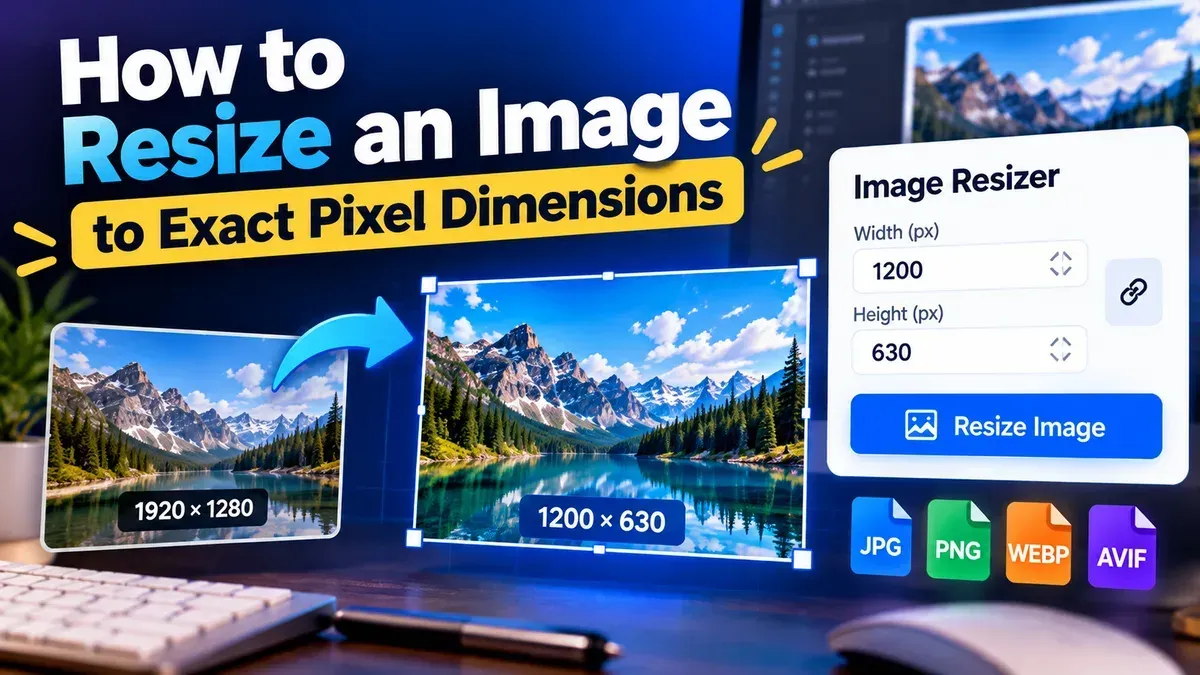
Learn how to resize an image to exact pixel dimensions without stretching it. Choose the right fit, preserve quality, and check the final file before sharing.
Start typing to search tools and articles.