How to Remove EXIF Data from Photos Before Posting
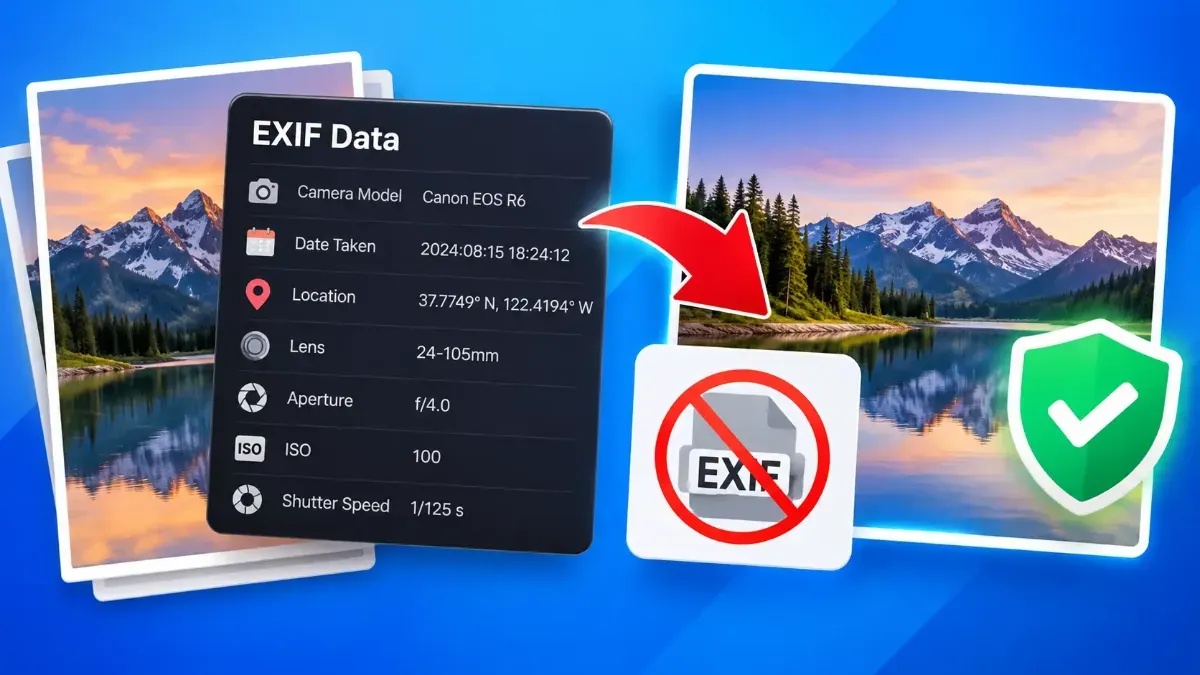
Photos can contain hidden details such as when and where they were taken. Learn how to remove EXIF data before posting and keep a clean copy for sharing.
Most "free" converters upload your files to a server. Here is how client-side processing works and why it matters.
 ToolCMB Team
Updated
1 min read
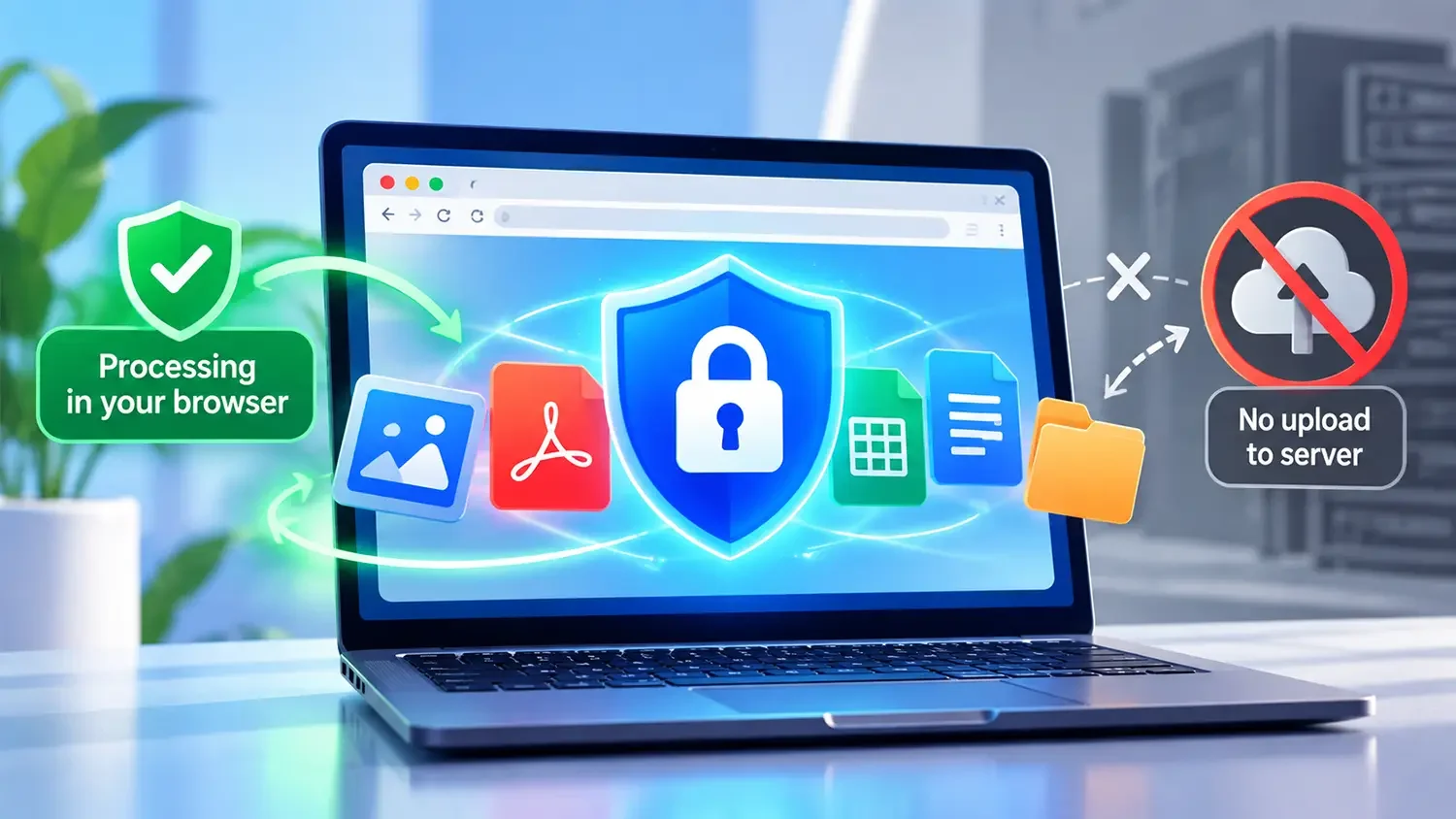
Many online converters send your file to a remote server, process it there and send it back. That means a copy of your private photo, contract or ID may sit on a server you know nothing about.
Modern browsers can run powerful code through JavaScript, Canvas and WebAssembly. ToolCMB loads the tool once and then processes your file entirely on your device.
Privacy should not be a premium feature. That is why every ToolCMB tool is private by default.
We build fast, free and private browser tools — and write practical guides on how to use them.
Photos can contain hidden details such as when and where they were taken. Learn how to remove EXIF data before posting and keep a clean copy for sharing.
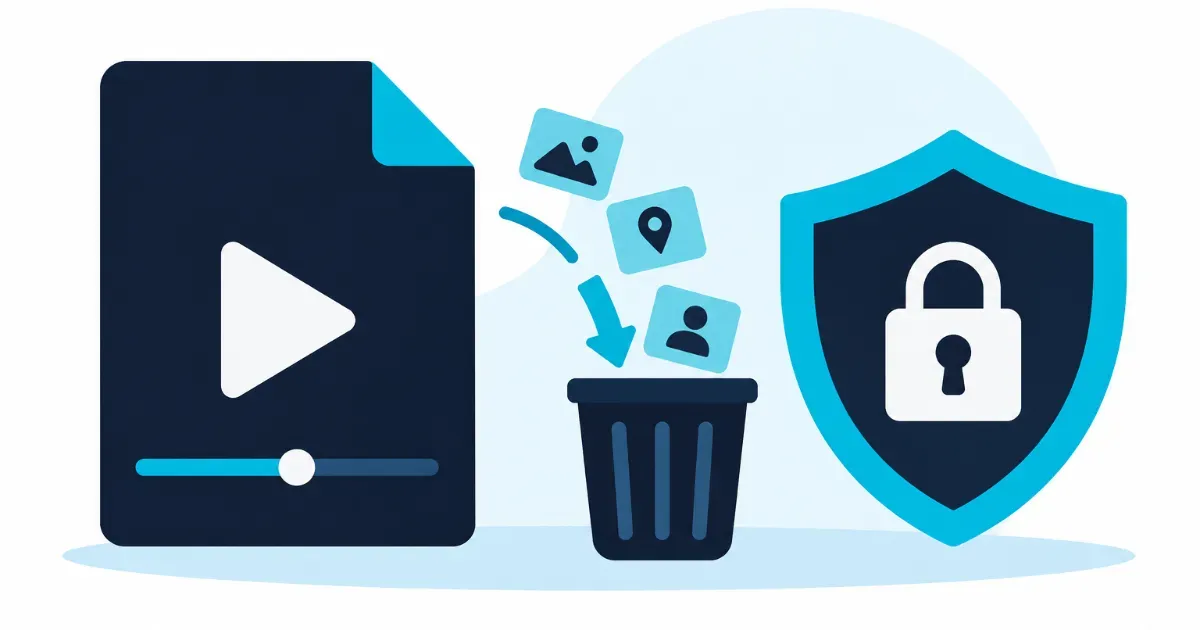
Learn how to remove metadata from a video before sharing it. Check what information may be embedded, clean a copy safely, and verify the exported file before sending it.
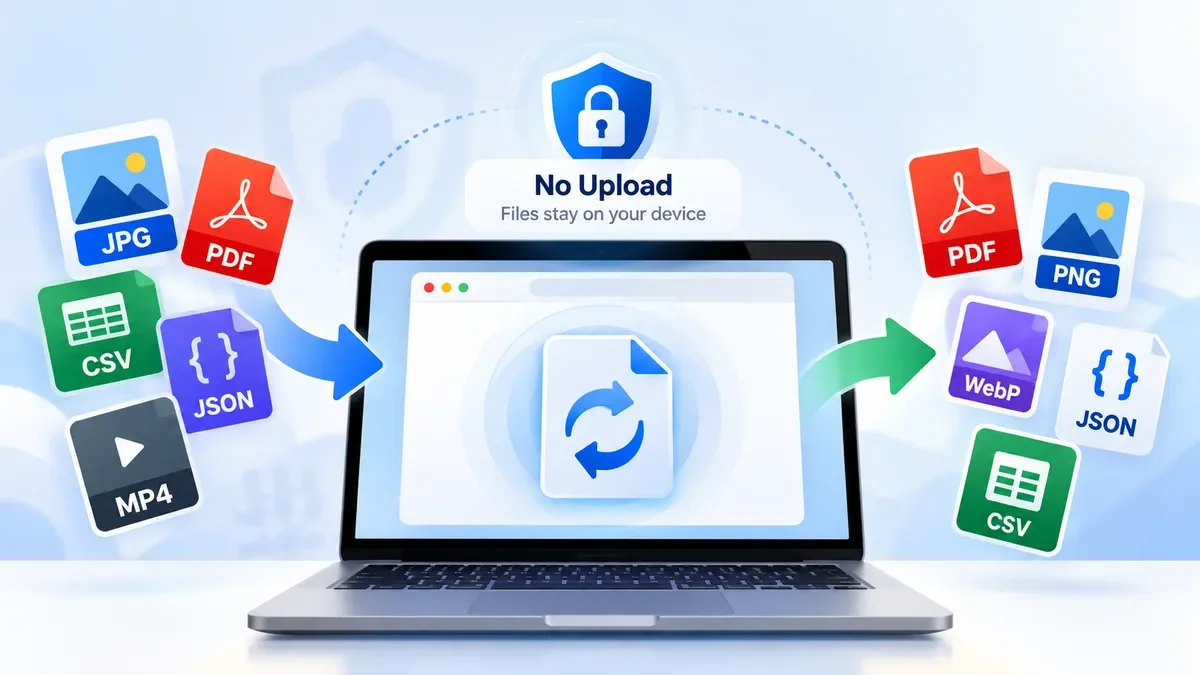
Convert images, PDFs, JSON data and other files directly in your browser without uploading them to a remote server. Learn how browser-based file conversion works, when it is useful, and how to convert files more privately with ToolCMB.
Start typing to search tools and articles.