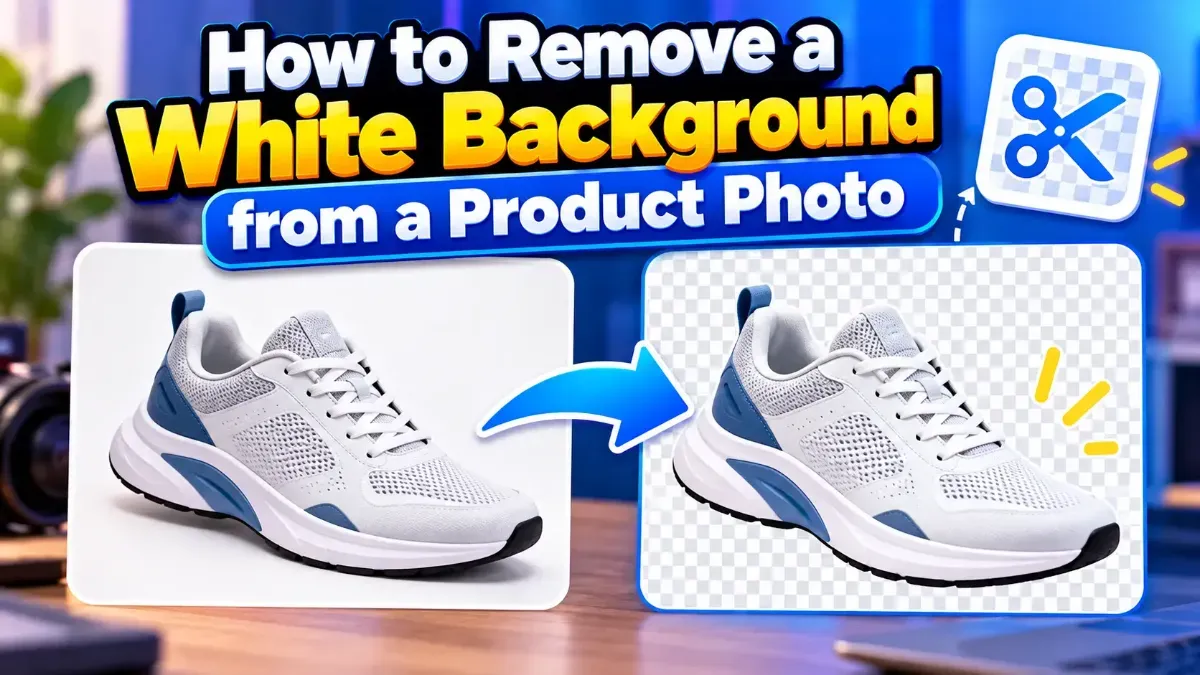
How to Remove a White Background from a Product Photo
Learn how to remove a white background from a product photo, preserve clean edges, export a transparent PNG, and avoid common cutout mistakes.
Blog
Everything about compressing, resizing and converting images for the web and social media.
Learn how to remove a white background from a product photo, preserve clean edges, export a transparent PNG, and avoid common cutout mistakes.
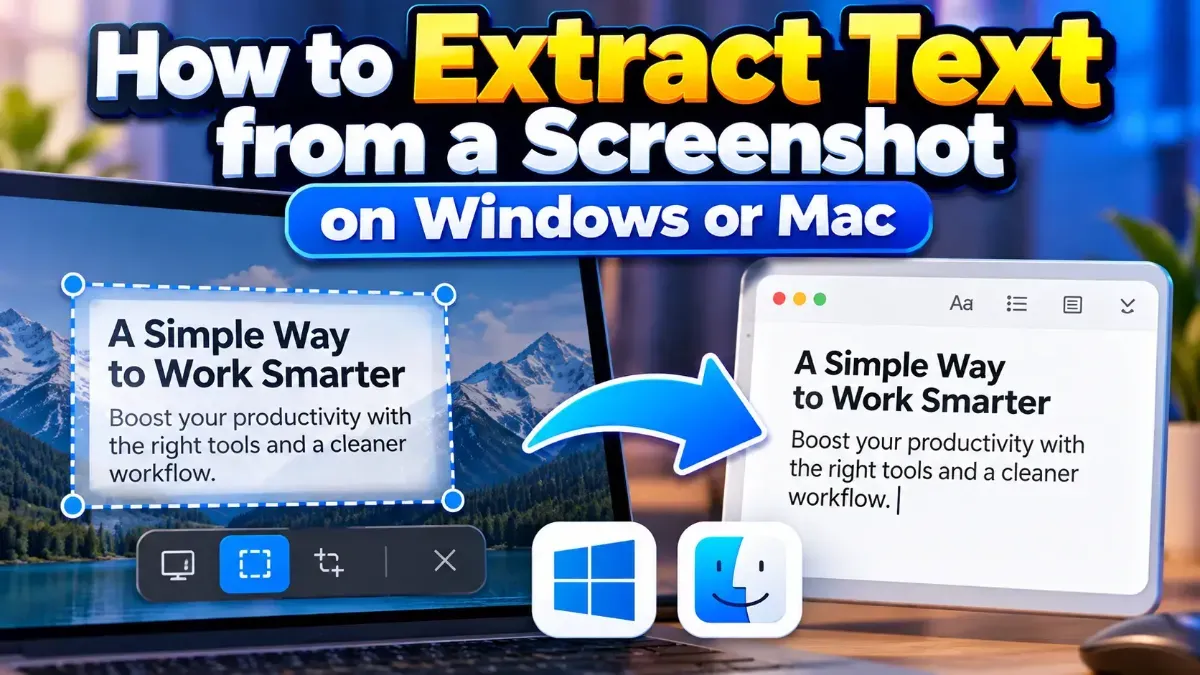
Learn how to extract text from a screenshot on Windows or Mac using built-in features, PowerToys, or browser-based OCR. Get clearer results and keep private information in mind.
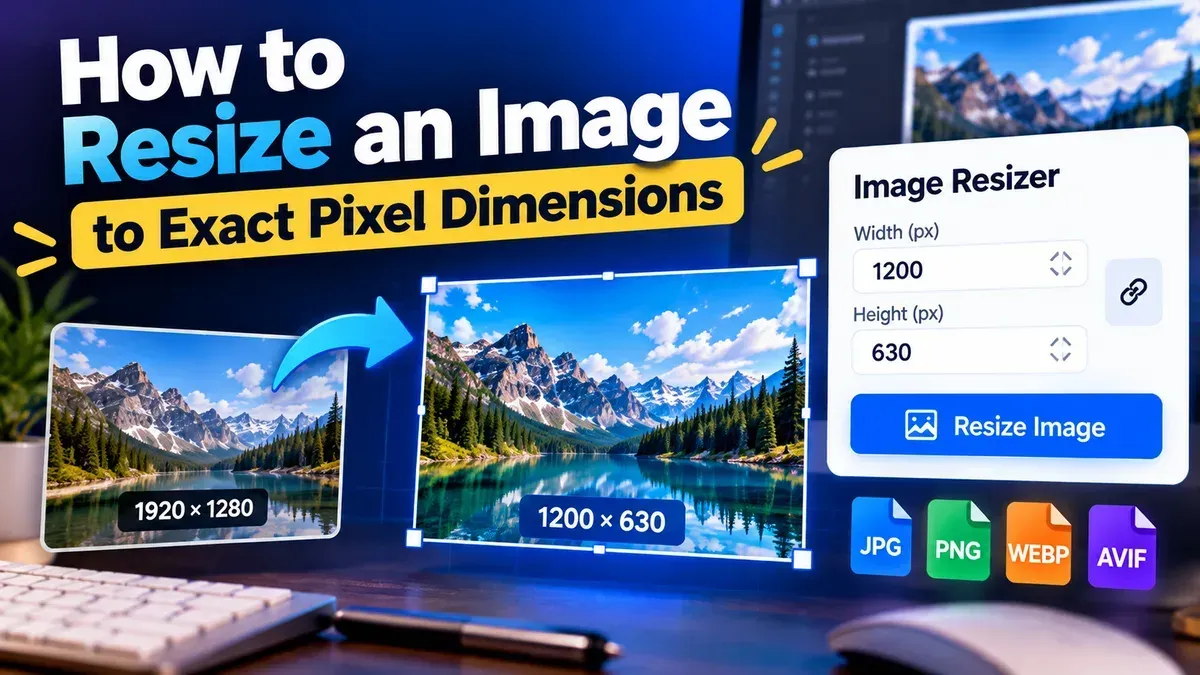
Learn how to resize an image to exact pixel dimensions without stretching it. Choose the right fit, preserve quality, and check the final file before sharing.
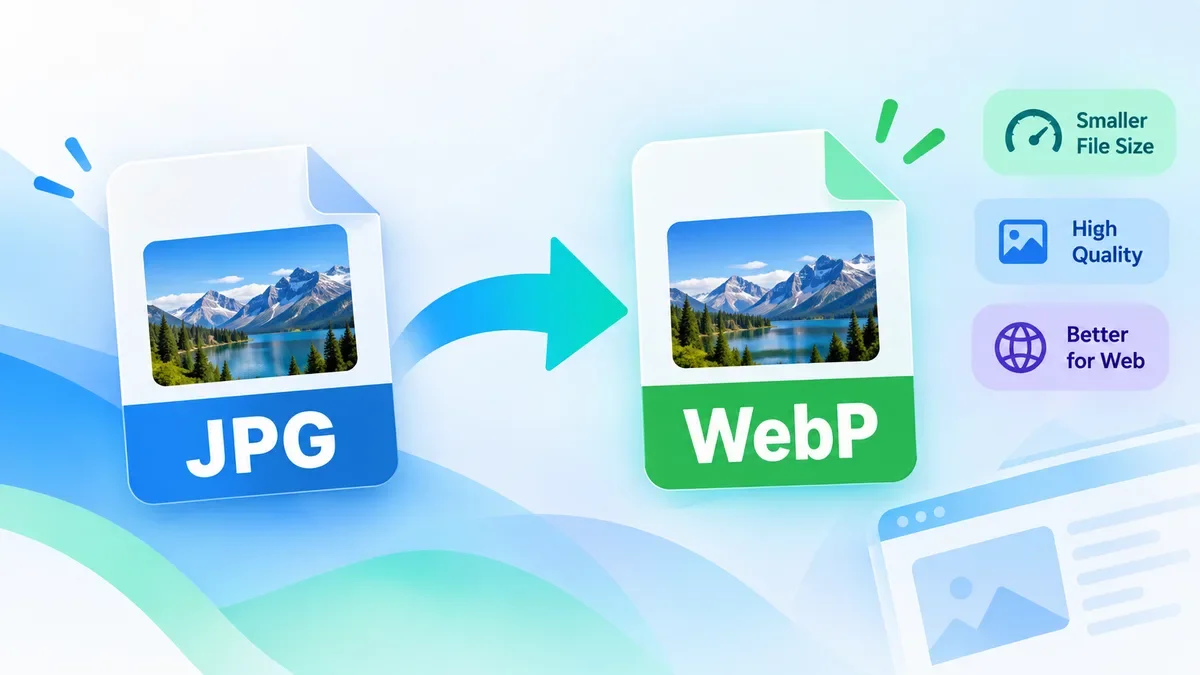
Convert JPG images to WebP online for free with ToolCMB. Learn when WebP is a better choice than JPG, how to convert images without installing software, and what to check before using WebP on a website.
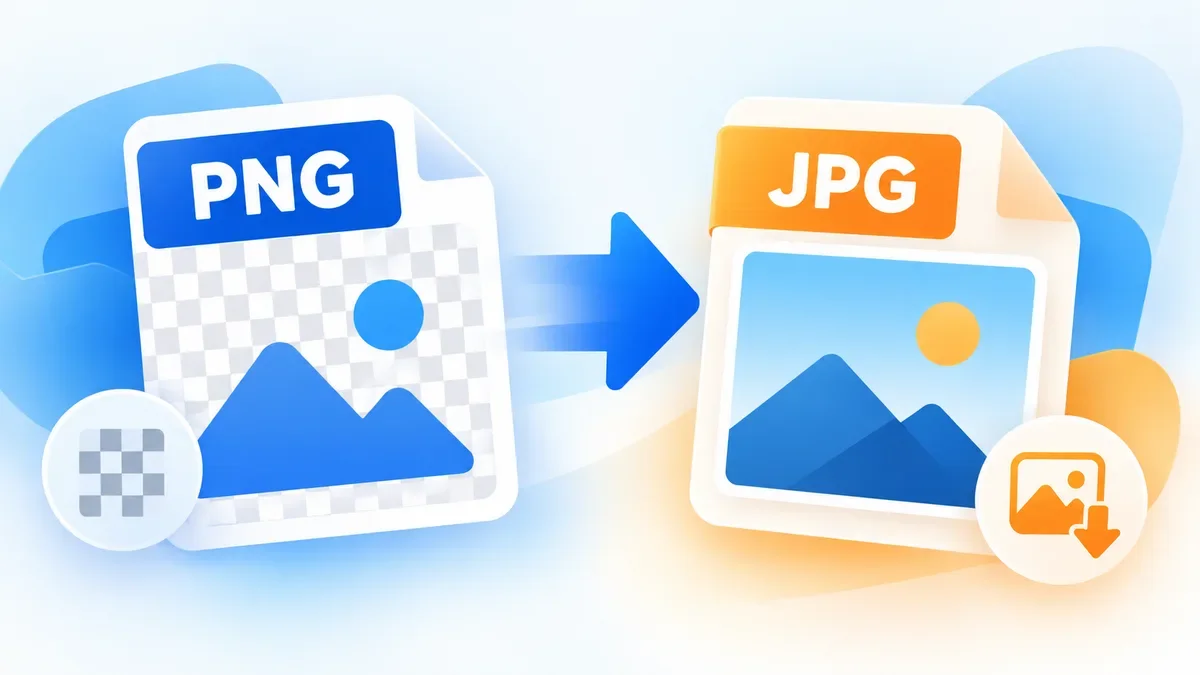
Learn how to convert PNG to JPG online, understand what happens to transparency and image quality, and choose the right format for photos, websites, screenshots, and everyday sharing.
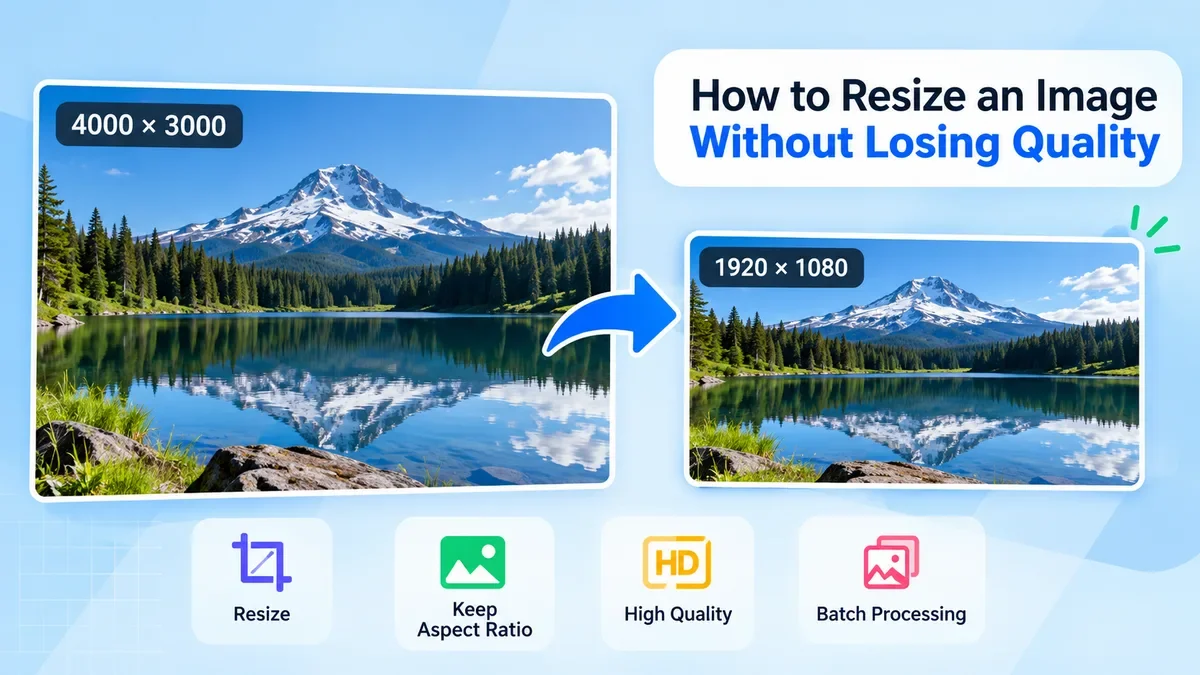
Learn how to resize an image without losing quality. This guide explains how to choose the right dimensions, preserve aspect ratio, avoid stretching, use the right resampling method, and resize images for websites, social media, printing, and other common uses.
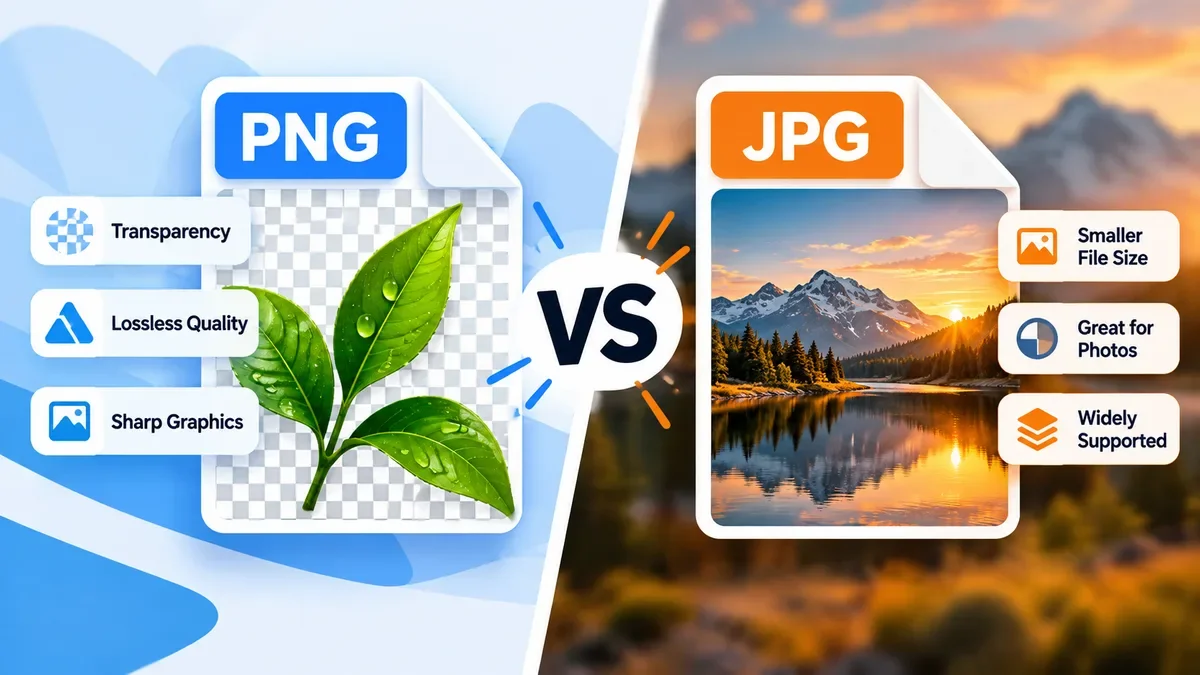
PNG and JPG are two of the most widely used image formats, but they are designed for different purposes. Learn when to use PNG for transparency and sharp graphics, when JPG is better for photographs and smaller file sizes, and how to choose the right format for websites, social media, and everyday images.
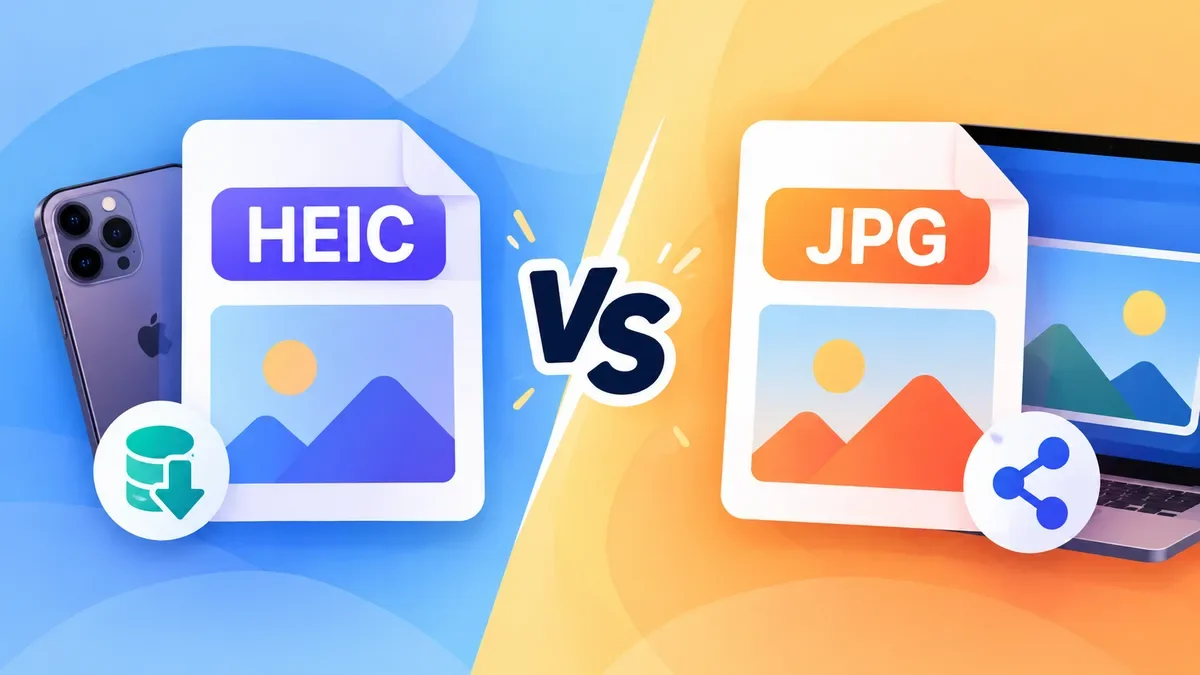
HEIC offers better compression and can save storage space, while JPG remains one of the most widely supported image formats. Learn the practical differences between HEIC and JPG, when to use each format, and when converting HEIC to JPG makes sense.
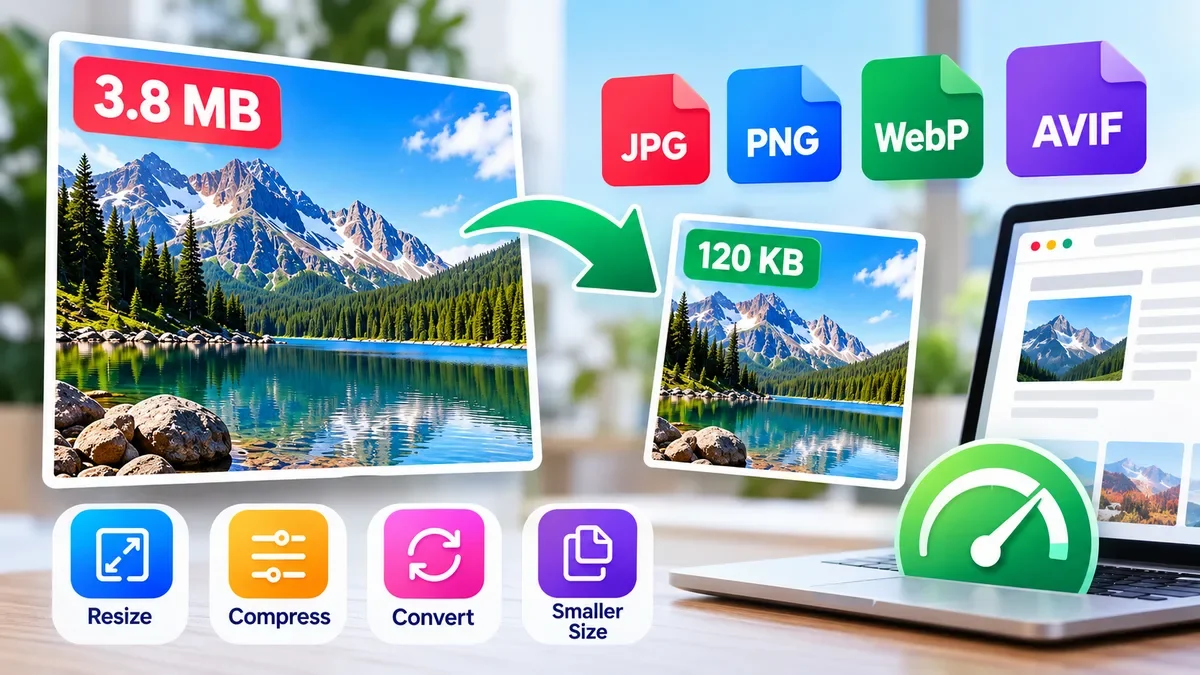
Large image files can slow down websites and increase the amount of data visitors need to download. Learn how to reduce image file size by resizing images, choosing the right format, adjusting compression quality, and removing unnecessary metadata—without making your images look noticeably worse.
Start typing to search tools and articles.