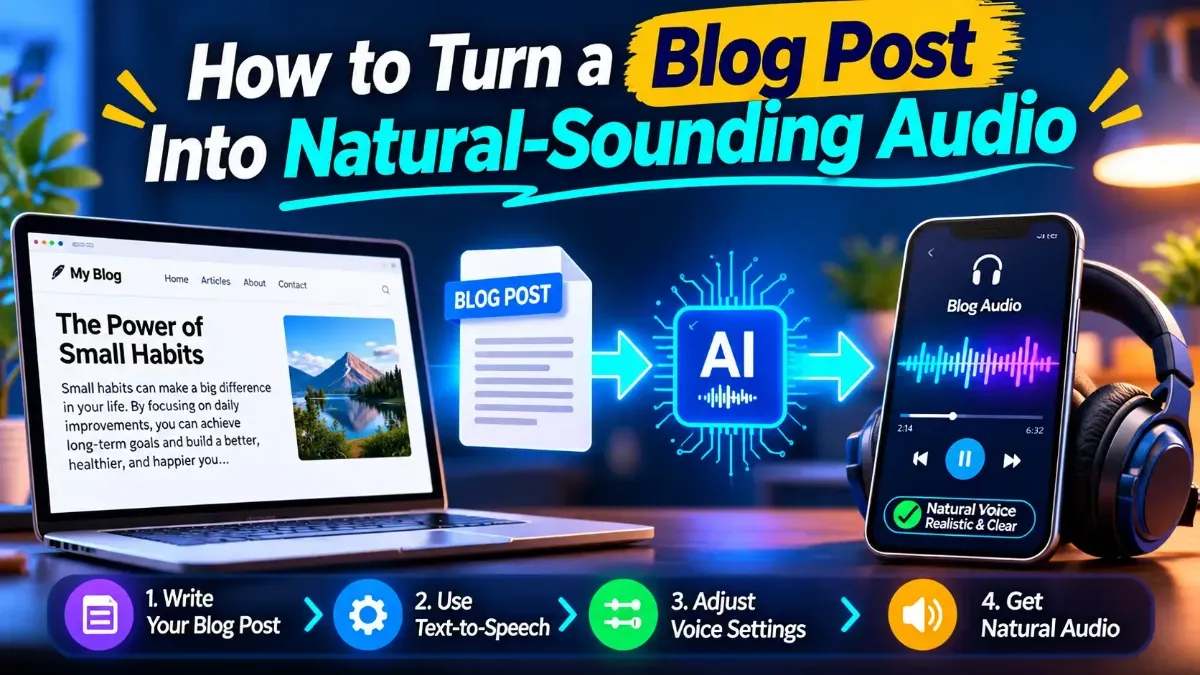
How to Turn a Blog Post Into Natural-Sounding Audio
Learn how to convert a blog post to audio that sounds clear and natural. Prepare your text, choose a suitable voice, and review the result before sharing.
Text-to-speech is fast and consistent, while recording your own voice brings natural expression and personal character. Compare quality, editing, privacy, and project needs to choose the right option.
 ToolCMB Team
7 min read
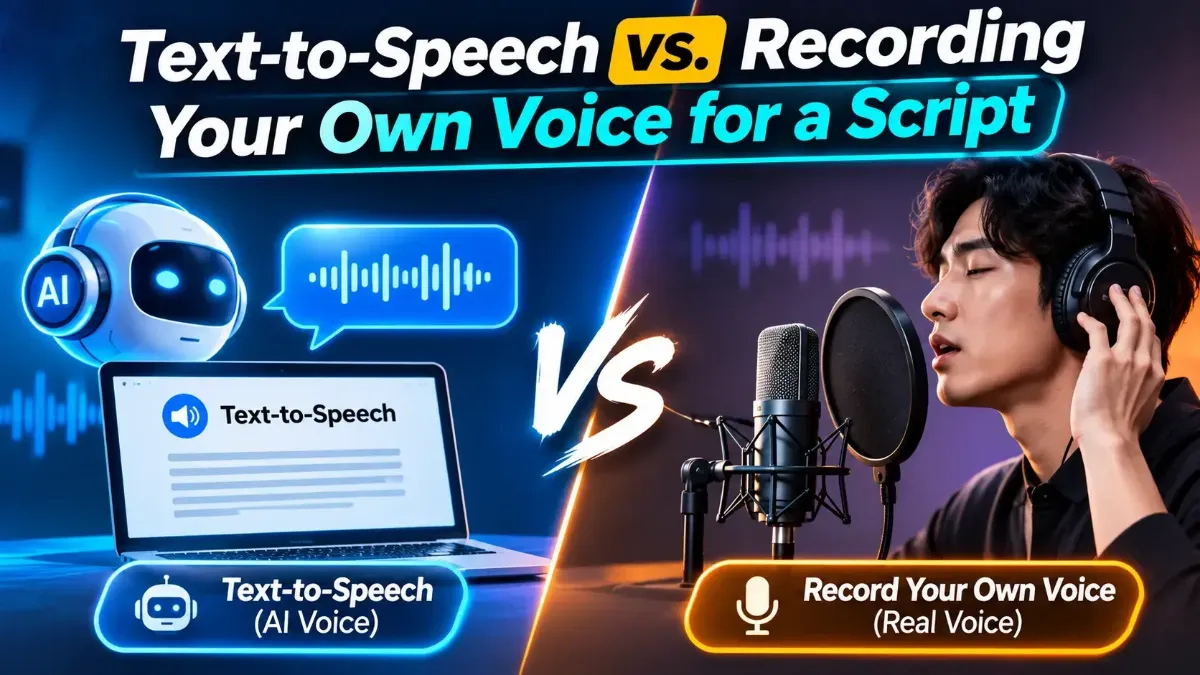
Text to speech vs recording your own voice comes down to what matters most for your script: speed and consistency, or personal expression and a natural connection with listeners. Text-to-speech can turn prepared text into audio quickly, while recording your own voice lets you shape the delivery with your own emphasis, pace, and personality.
Neither option is automatically better. The right choice depends on the kind of content you are making, how often the script may change, who will listen, and how much time you can spend recording and editing.
Text-to-speech (TTS) uses software to generate spoken audio from written words. Recording your own voice means speaking the script into a microphone or another recording device, then editing the result if needed. Both can produce clear narration, but they involve different trade-offs.
| Factor | Text-to-speech | Your own recording |
|---|---|---|
| Speed | Quick to generate and revise | Requires recording and review |
| Delivery | Consistent, with expression depending on the voice and controls | Personal delivery, shaped by your performance |
| Consistency | Easy to keep a similar voice across sections | May vary between takes or recording sessions |
| Editing | Text changes can often be regenerated | Changes may require re-recording and editing |
| Setup | Usually needs a script and a suitable service | Needs a quiet space and recording equipment |
TTS is often a practical choice when you need narration promptly or expect frequent script changes. If one line changes, you can usually update the text and generate a new version rather than scheduling another recording session. That can help with tutorials, internal explainers, draft videos, and other projects where clear communication matters more than a highly individual performance.
It can also help you keep a steady pace and sound across a series. For a set of instructional clips, a consistent voice may make the material feel cohesive. If you work alone or do not have access to a recording space, synthetic speech can provide another way to make written content available in audio form.
However, TTS still needs review. Pronunciations of names, abbreviations, specialist terms, and numbers may come out incorrectly or awkwardly. Punctuation and sentence length can affect pauses and rhythm, so a script written for reading may need adjustments before it works well when spoken.
Your own voice can bring a sense of presence to a script. You can convey warmth, excitement, reassurance, humor, or urgency through timing and emphasis. That can be useful for personal introductions, opinion pieces, storytelling, brand messages, or lessons where a speaker’s personality is part of the experience.
A human recording also gives you direct control over how a phrase sounds. You can slow down for an important point, add a pause for emphasis, or make a line feel conversational. The result does not need to sound like a professional studio production to be effective, but clear speech and a quiet recording environment make a noticeable difference.
Recording takes time, especially when you are learning the process. You may need several takes, remove mistakes, reduce distracting room noise, and balance the audio level. If the script changes after editing, you may need to record the affected lines again. Keep the original audio files and notes about your setup so revisions are easier to manage.
Use these steps to decide which method suits your project. You can also test both with the same short passage before committing to a full script.
Write in a way that is easy to say and hear. Prefer clear sentences, explain unfamiliar terms, and spell out an abbreviation the first time if listeners may not recognize it. Add punctuation where you want a pause, but avoid relying on commas to create every change in rhythm. Read the script aloud before producing the final audio; awkward phrases are often easier to spot by ear.
Check whether the tool supports pronunciation adjustments, voice selection, or controls for pace and emphasis. Try a few options with a small excerpt rather than generating the entire script repeatedly. Listen for misread words, unnatural pauses, and sentences that sound too dense. Rewriting a sentence can sometimes improve the result more than changing the voice.
Choose a quiet room and place the microphone at a consistent distance. Speak naturally rather than trying to imitate a voice-over style you would not normally use. Record a short test, listen back, and adjust the position or room setup if the audio sounds distant, boomy, or noisy. Keep water nearby and take breaks if your voice becomes tired.
Yes. A mixed approach can be useful when a project has different kinds of audio. You might record a brief introduction in your own voice and use TTS for sections that need frequent updates. Another option is to use generated narration during an early draft, then replace it with a human recording for publication.
If you combine methods, pay attention to transitions. Differences in volume, pace, tone, and background sound can make the change between voices feel abrupt. Listen to the complete piece—not just each section on its own—and adjust the editing so the result feels coherent.
Choose TTS when fast revisions, repeatable delivery, or limited recording resources are the main concerns. Choose your own voice when personal connection, distinct expression, or a recognizable speaker is central to the project. If you are unsure, create a short sample using both methods and ask whether the difference helps listeners understand or enjoy the script.
In either case, the script and final review matter. Correct wording, clear pronunciation, suitable pacing, and a listenable recording can do more for the audience than choosing a method simply because it seems more advanced or more traditional.
It can sound clear and natural, but results vary by tool, voice, language, and script. Listen for pronunciation and rhythm, and revise lines that sound awkward.
It depends on the video. A personal voice can make a message feel more direct, while TTS may suit concise explainers or content that needs frequent updates.
TTS is often easier when the script changes because you can regenerate revised text. A personal recording may require new takes and audio editing, particularly if the change affects several lines.
Check the service’s terms and the permissions for the selected voice and generated audio. Rules can differ, so confirm that your intended use is allowed before publishing.
Use clear, conversational sentences, explain unfamiliar terms, and read the script aloud. Review the finished audio for pronunciation, pacing, volume, and distracting noise.
We build fast, free and private browser tools — and write practical guides on how to use them.
Learn how to convert a blog post to audio that sounds clear and natural. Prepare your text, choose a suitable voice, and review the result before sharing.
Make AI voice sound natural by improving the script, adjusting pacing and pronunciation, and reviewing the audio in context. These practical steps help reduce robotic delivery.
Turn lecture notes into clear, portable audio for review. Learn how to prepare your notes, convert them to speech, and listen actively so audio supports—not replaces—studying.
Start typing to search tools and articles.