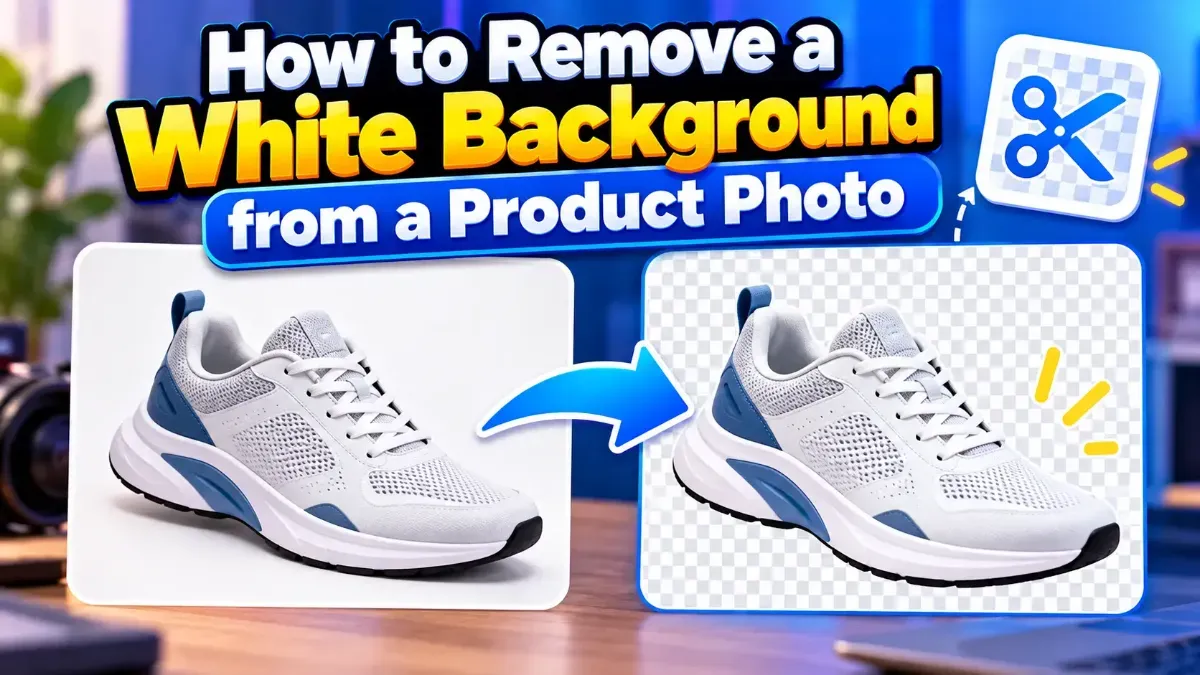
How to Remove a White Background from a Product Photo
Learn how to remove a white background from a product photo, preserve clean edges, export a transparent PNG, and avoid common cutout mistakes.
Learn the settings that cut image size by 60–80% while keeping photos sharp — for websites, email and social media.
 ToolCMB Team
Updated
1 min read

Images are usually the heaviest part of a web page. Smaller images load faster, rank better in Google (Core Web Vitals), use less mobile data and are easier to share by email.
Lossless compression removes redundant data without changing a single pixel. Lossy compression discards details the eye barely notices, which produces much smaller files.
| Format | Best for | Recommended quality |
|---|---|---|
| JPG | Photos | 75–85 |
| PNG | Logos, screenshots | Lossless |
| WebP | Everything on the web | 75–80 |
We build fast, free and private browser tools — and write practical guides on how to use them.
Learn how to remove a white background from a product photo, preserve clean edges, export a transparent PNG, and avoid common cutout mistakes.
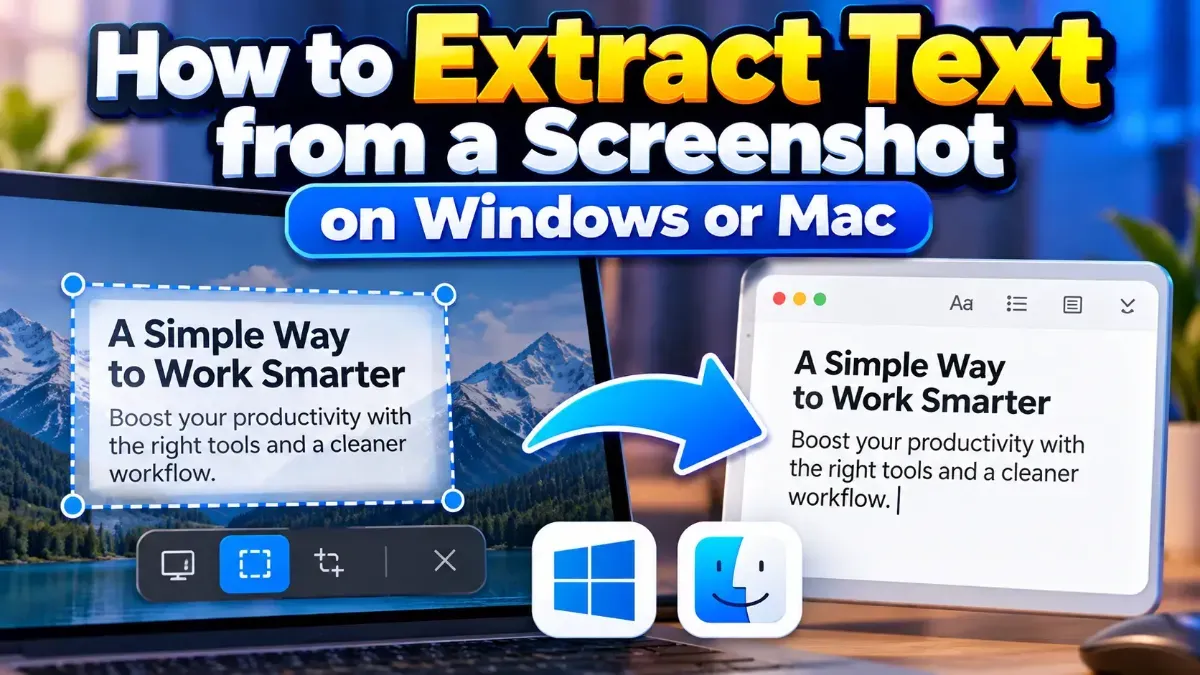
Learn how to extract text from a screenshot on Windows or Mac using built-in features, PowerToys, or browser-based OCR. Get clearer results and keep private information in mind.
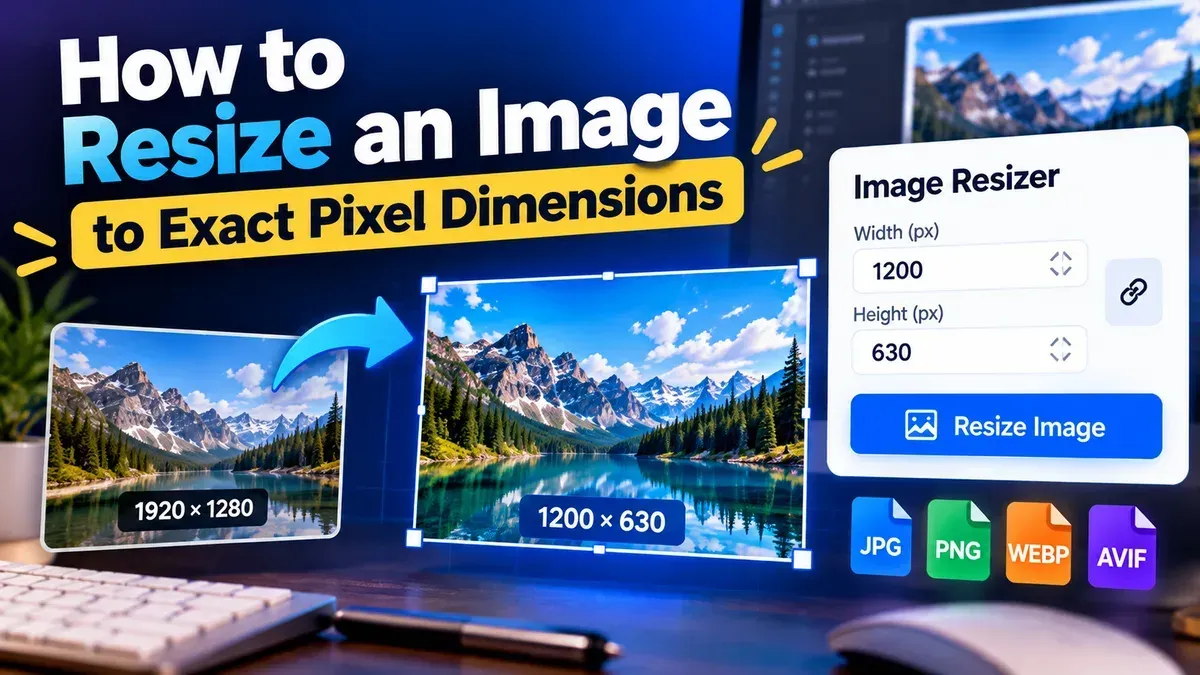
Learn how to resize an image to exact pixel dimensions without stretching it. Choose the right fit, preserve quality, and check the final file before sharing.
Start typing to search tools and articles.