How to Remove Blank Pages From a PDF
Remove blank pages from a PDF by identifying their page numbers, deleting only the unwanted pages, and checking the saved file. A browser-based page deleter can make the process quick and private.
Topic
Keeping your data private.
Remove blank pages from a PDF by identifying their page numbers, deleting only the unwanted pages, and checking the saved file. A browser-based page deleter can make the process quick and private.
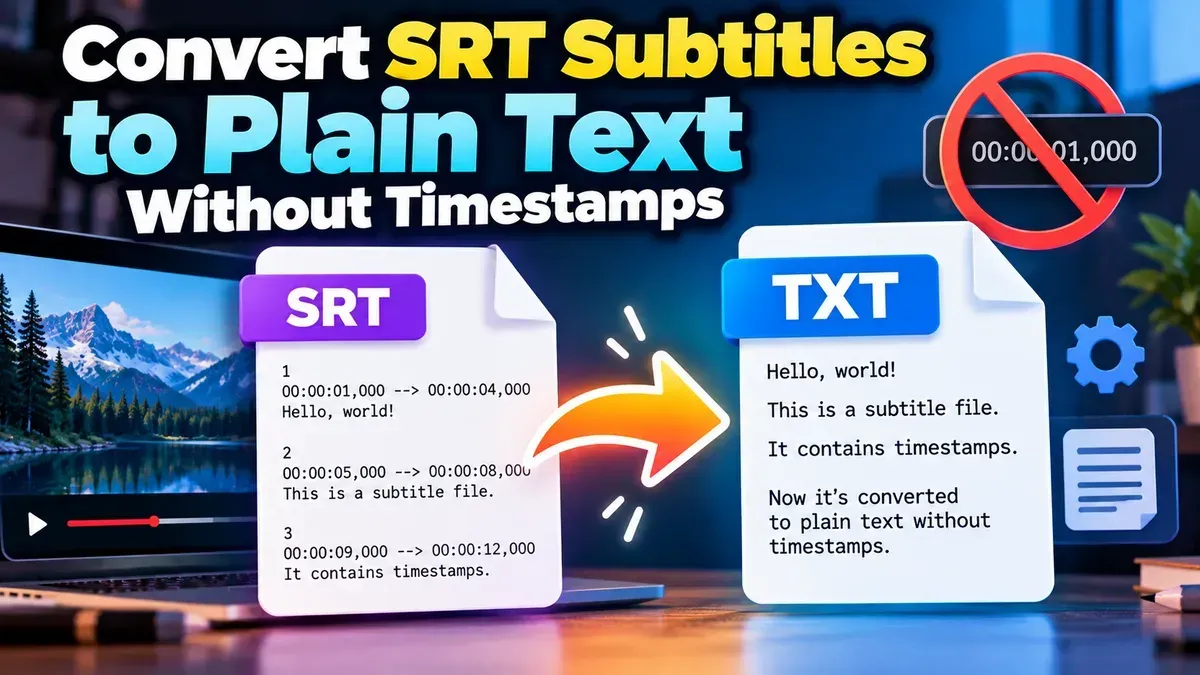
Remove timestamps and sequence numbers from an SRT file to create clean subtitle text. Learn the quickest browser-based method, manual options, and how to check your result.
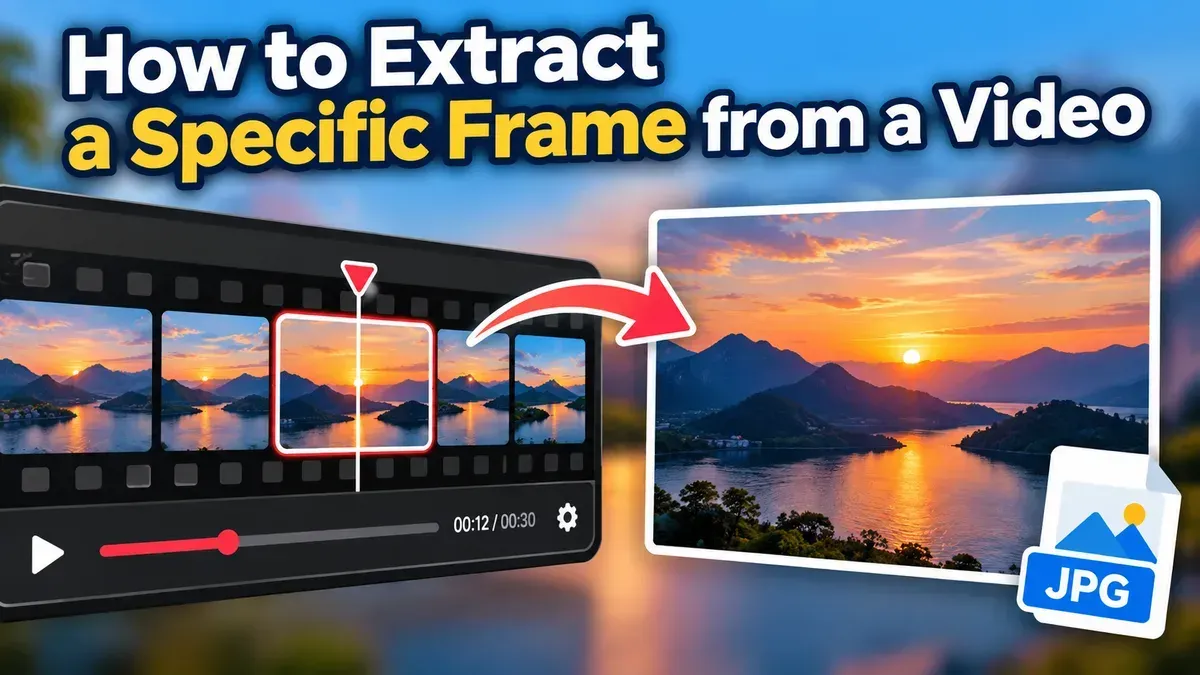
Learn how to extract a frame from a video at a specific time, choose the right timestamp, and save a clear still image using a browser-based tool.
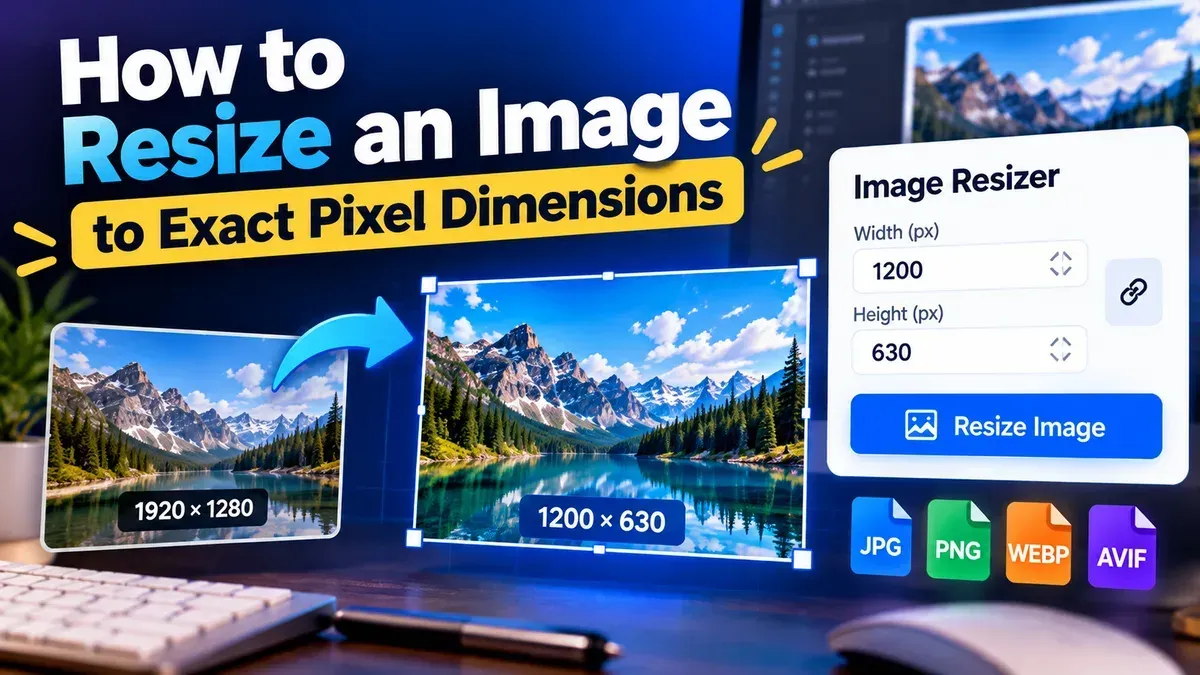
Learn how to resize an image to exact pixel dimensions without stretching it. Choose the right fit, preserve quality, and check the final file before sharing.
Need to separate a PDF into individual pages or smaller documents? Learn how to split a PDF by page range, extract selected pages, and create separate PDF files directly in your browser with ToolCMB. No upload, sign-up, or watermark is required.
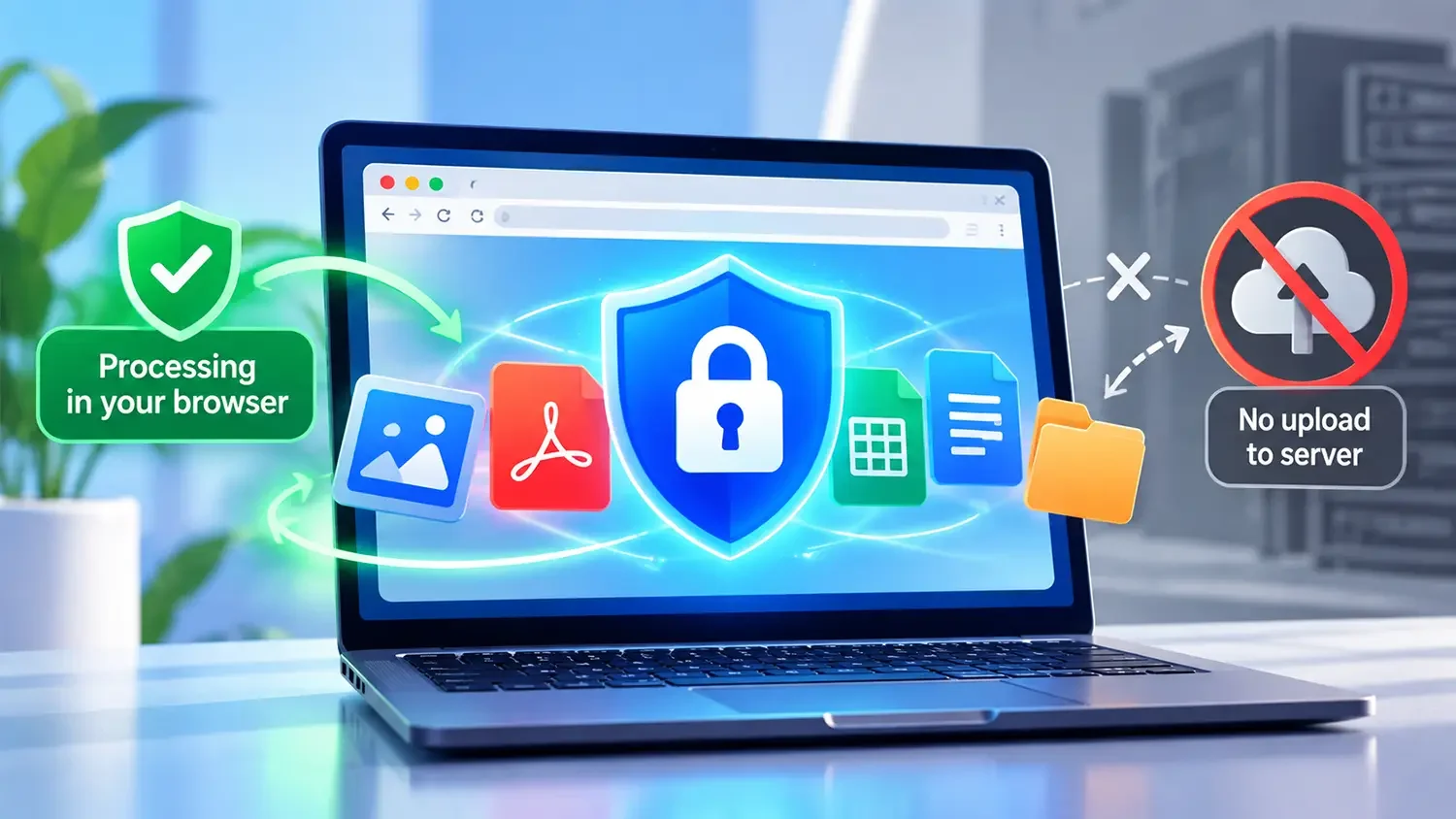
Most "free" converters upload your files to a server. Here is how client-side processing works and why it matters.
Other topics
#SEO#Subtitles#SRT#video editing#PDF Tools#Privacy#video tips#web development#audio editing#developer tools#JSON#MP3#PDF#Audio tips#image converter#image tools#JPG converter#JSON formatter#Online PDF Tools#online tools#Redirects#SRT subtitles#video#WebP#accessibility#aspect ratio#Audio tools#bitrate#file conversion#File sizeStart typing to search tools and articles.