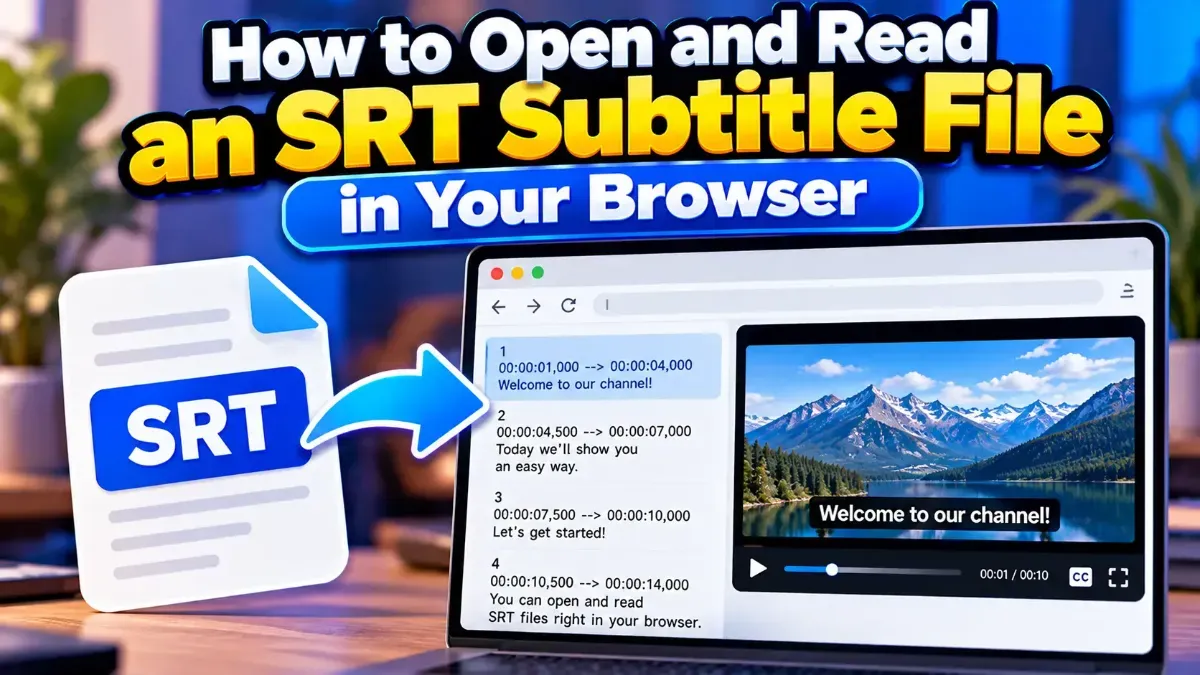
How to Open and Read an SRT Subtitle File in Your Browser
Learn how to open and read an SRT subtitle file in your browser, understand its timestamps and cues, and troubleshoot common formatting problems.
ASS offers detailed subtitle styling, while SRT is usually the safer choice for broad player compatibility. Learn how each format behaves and when to convert.
 ToolCMB Team
6 min read
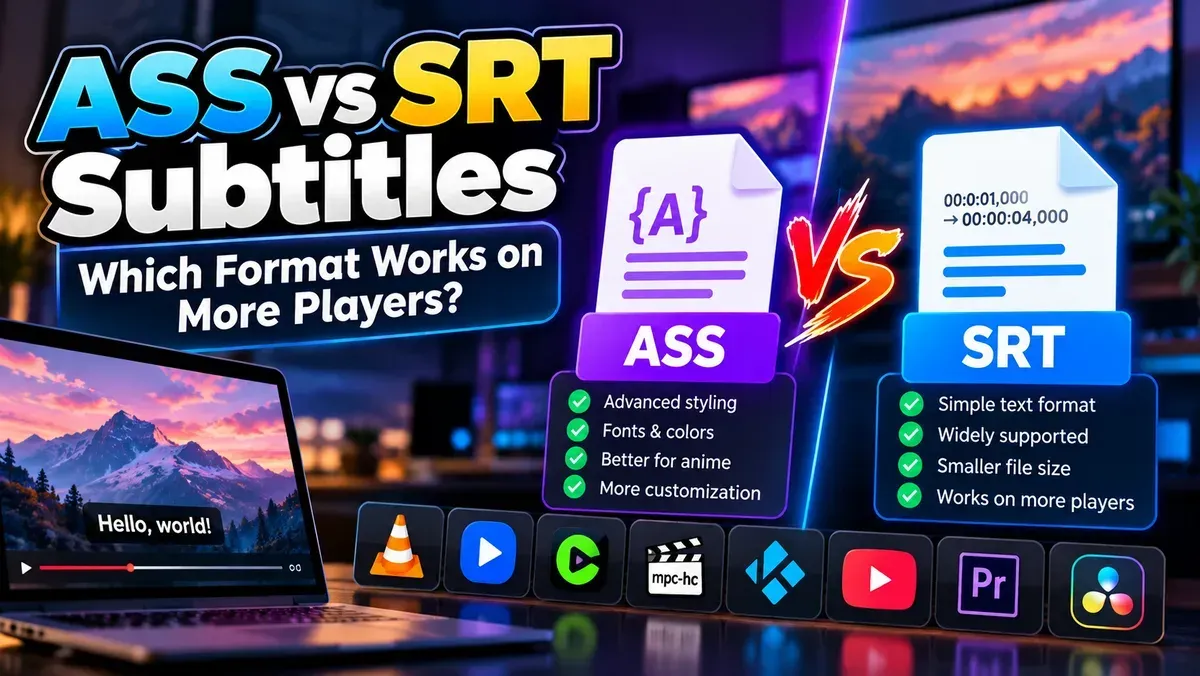
ASS vs SRT subtitles compatibility usually comes down to a trade-off: SRT works on more players, while ASS offers richer styling and positioning. If you need subtitles to display reliably across TVs, phones, media players, and editing apps, SRT is often the safer pick; choose ASS when its advanced presentation matters and your playback software supports it.
Neither format is guaranteed to work everywhere. The player, device, app, file encoding, and subtitle setup all affect what you see. Here is how to choose the right format and avoid common playback problems.
| Feature | SRT | ASS |
|---|---|---|
| Typical compatibility | Broad support across many common players and devices | More dependent on software that supports advanced subtitle rendering |
| Styling | Basic text formatting may be supported, but appearance can vary | Supports defined styles, fonts, colors, outlines, and other presentation details |
| Positioning and effects | Limited compared with ASS | Can include precise positioning, animation, and effects |
| Best suited to | Simple subtitles and broad playback compatibility | Styled subtitles, typesetting, and carefully designed on-screen presentation |
| Potential drawback | Limited control over how subtitles look | Some players may ignore styling or fail to display the file correctly |
These are general tendencies, not guarantees. A particular app may support ASS well, while another may support only a subset of its features. Even SRT display can vary if the text encoding, filename, or player settings are wrong.
SRT is a straightforward text-based subtitle format. It organizes captions into numbered entries with start and end times, followed by the subtitle text. Because it does not depend on a complex styling system, many media players can read and display its essential content.
That simplicity is useful when you are moving a video between devices or sharing a subtitle file with someone whose playback setup you do not know. SRT is commonly supported by desktop media software and many video workflows. Smart TVs, mobile apps, browser-based services, and editing tools vary, so check the requirements of the destination rather than assuming support.
SRT also offers less control over appearance. Some players recognize basic formatting, such as italic or bold text, but the exact treatment can differ. If you need specific colors, font sizes, screen placement, or carefully timed visual effects, SRT may not preserve the intended look.
ASS, short for Advanced SubStation Alpha, is designed for subtitles that need more than plain timed text. It can define styles and include detailed formatting, placement, and effects. This makes it useful for animation fansubs, karaoke-style captions, dialogue with distinct visual treatments, and projects where precise positioning is important.
The trade-off is that a player has to interpret the ASS format and its styling instructions. A compatible desktop player may render a file as intended, while a basic hardware player or video app might show only part of the styling—or fail to load the subtitles. Font availability can also affect appearance: if the viewer's device lacks a specified typeface, it may substitute another one.
Choose ASS when the visual design is part of the viewing experience and you know the target player supports it. For general sharing or playback on an unknown device, SRT is typically the more practical option.
The format is only one part of playback. If subtitles are missing, try these checks before converting the file:
Film.mp4 and a subtitle called Film.srt may be easier for a player to pair than files with unrelated names.Use this simple process when deciding which format to keep:
A converted file can be useful as a compatibility copy while you keep the original ASS for software that supports its richer styling. When subtitles are for a streaming or publishing platform, use that platform's current upload guidance; accepted formats and processing behavior can differ.
Will an SRT file always work if an ASS file does not? Not always. SRT is broadly supported, but the player could still have subtitle loading turned off, require manual selection, or have trouble with the file's encoding or timing.
Will converting ASS to SRT keep the same appearance? Usually not. SRT is much more limited in styling, so detailed layouts and effects may be lost or simplified. The subtitle words and timing can remain intact even when the visual presentation changes.
Should I rename an ASS file to SRT? No. Changing the filename extension does not convert the file's contents. Use a converter to create a valid SRT file, then test the result.
What if I need one file for multiple devices? Keep the original and make a tested SRT copy for devices that do not support ASS. If consistent styling is important, confirm the target players can render ASS before distributing it.
Generally, yes. SRT's simpler structure is supported by more players, but compatibility still depends on the device, app, and file setup.
Many desktop players support ASS, but feature support and rendering can vary. Test the file in the specific player you plan to use.
Yes. Conversion creates a simpler subtitle file, but advanced styling, positioning, and effects may not be retained as SRT features.
The file may use an encoding the player does not interpret correctly. Try saving or converting it using an encoding supported by the destination player, such as UTF-8 where appropriate.
Check the TV or media player's documentation. If it supports SRT but not ASS, use SRT; if it supports ASS and styling matters, test the ASS file before playback.
We build fast, free and private browser tools — and write practical guides on how to use them.
Learn how to open and read an SRT subtitle file in your browser, understand its timestamps and cues, and troubleshoot common formatting problems.
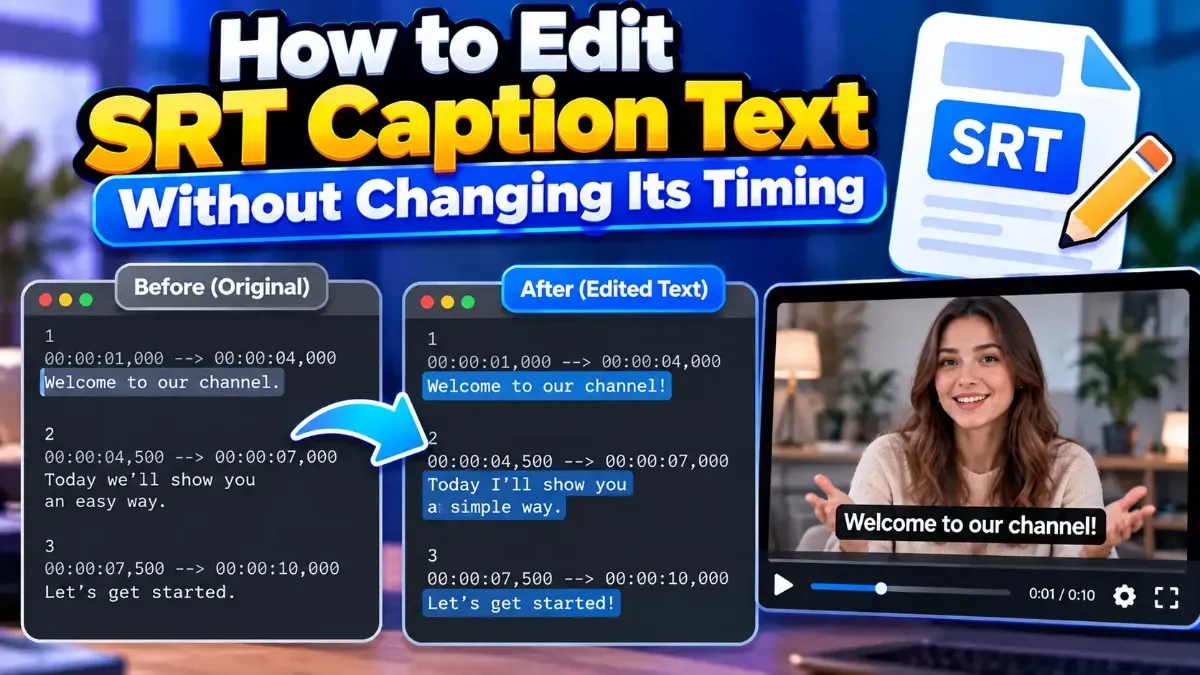
Learn how to edit SRT text without changing timing. Keep every cue’s timestamps intact while correcting captions, then check the file before using it with your video.
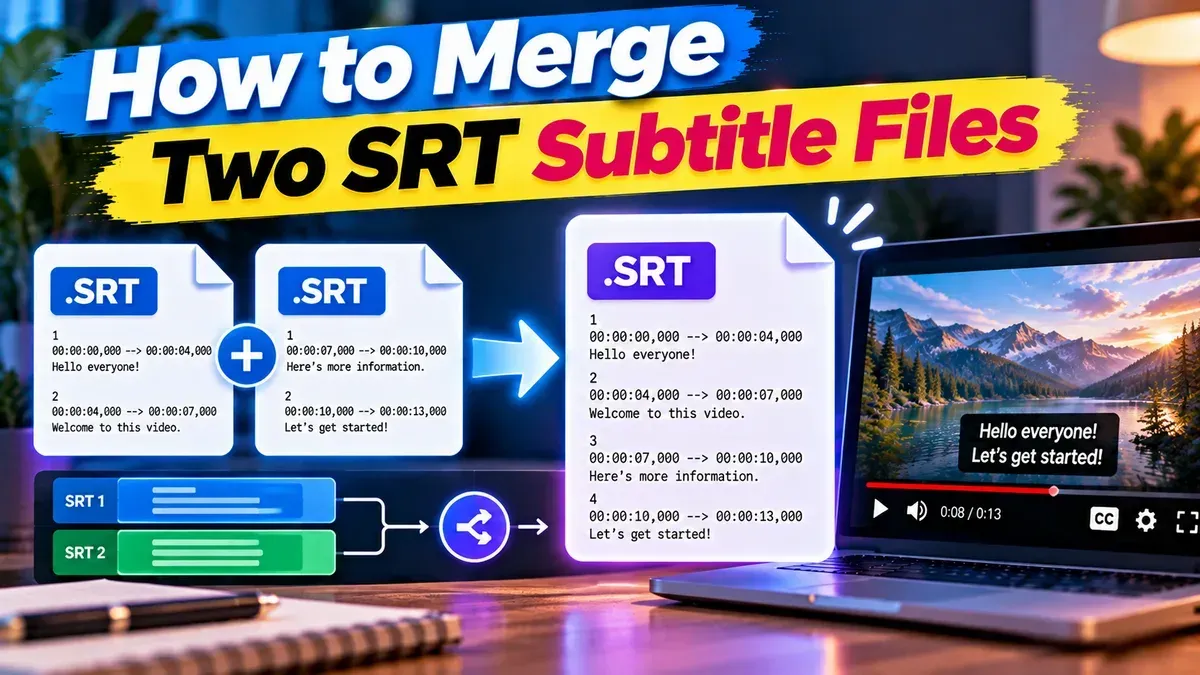
Learn how to merge two SRT subtitle files while keeping their timing intact. Find out how to handle cue order, overlaps, offsets, and common formatting issues.
Start typing to search tools and articles.