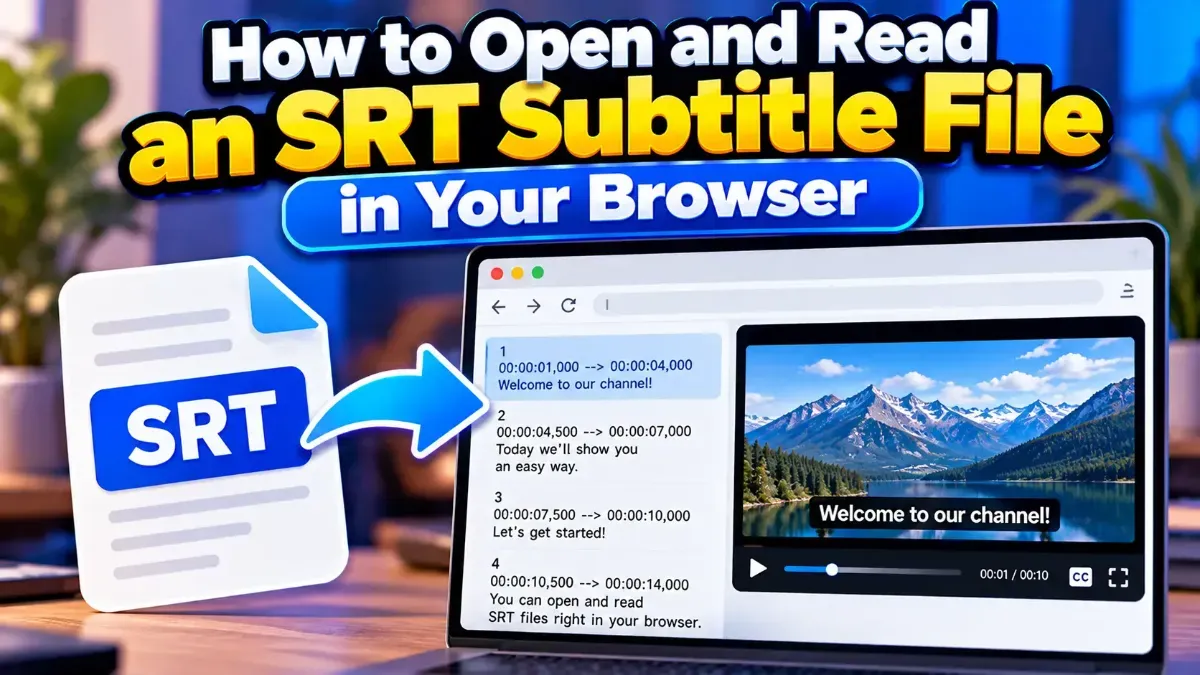
How to Open and Read an SRT Subtitle File in Your Browser
Learn how to open and read an SRT subtitle file in your browser, understand its timestamps and cues, and troubleshoot common formatting problems.
Blog
Learn how to open and read an SRT subtitle file in your browser, understand its timestamps and cues, and troubleshoot common formatting problems.
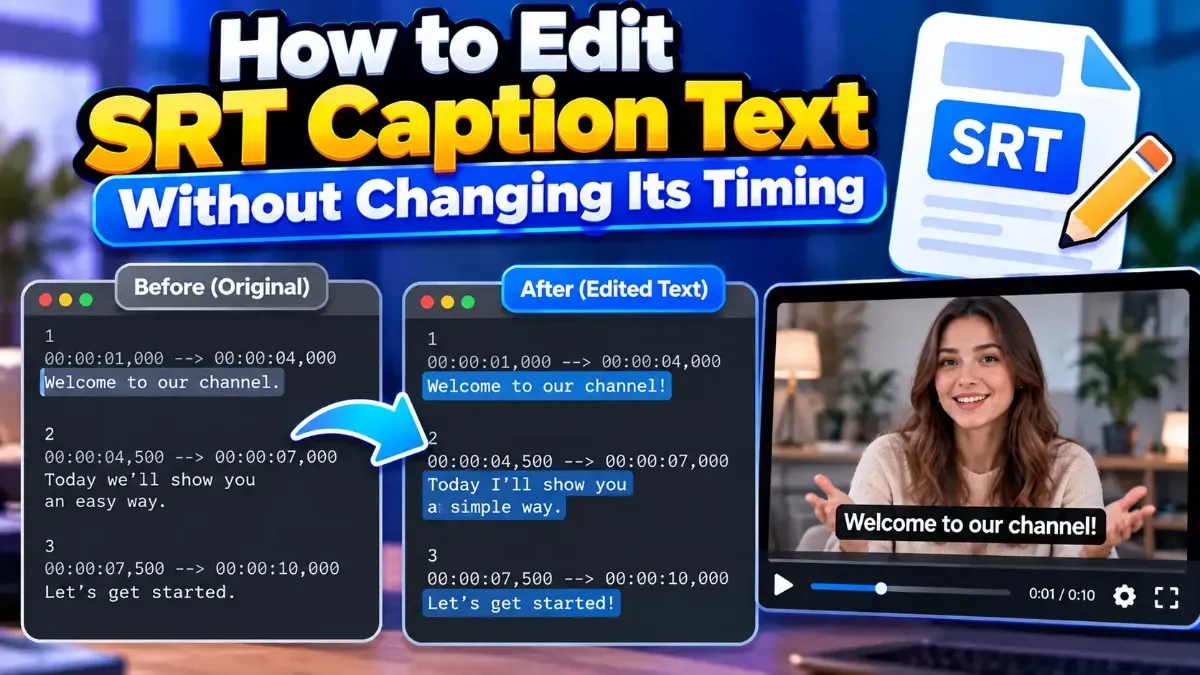
Learn how to edit SRT text without changing timing. Keep every cue’s timestamps intact while correcting captions, then check the file before using it with your video.
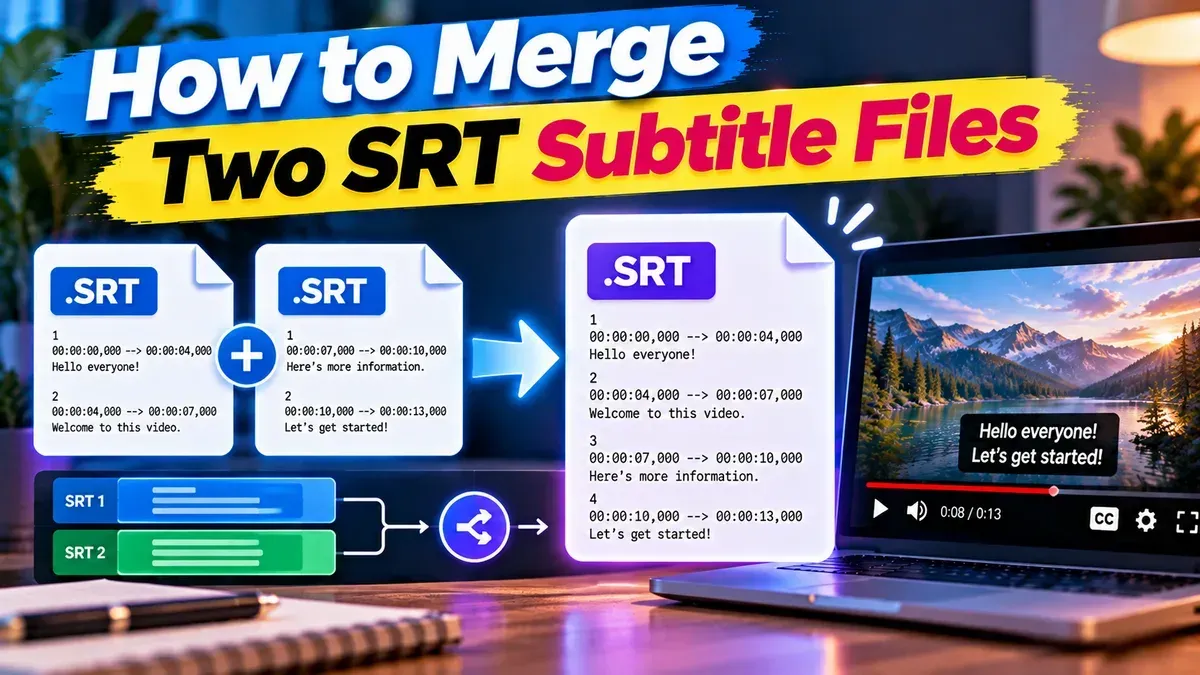
Learn how to merge two SRT subtitle files while keeping their timing intact. Find out how to handle cue order, overlaps, offsets, and common formatting issues.
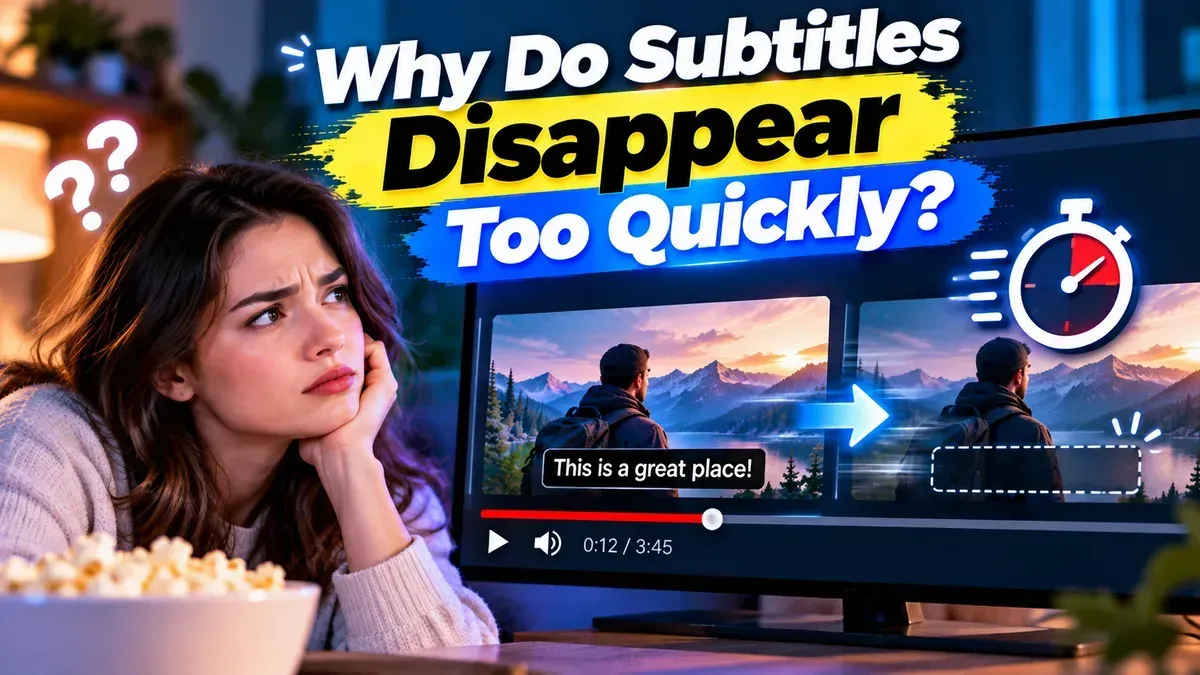
Subtitles may disappear too quickly because their display duration is too short, their timestamps are incorrect, or a player is handling the file differently than expected. Learn how to diagnose and fix the timing.
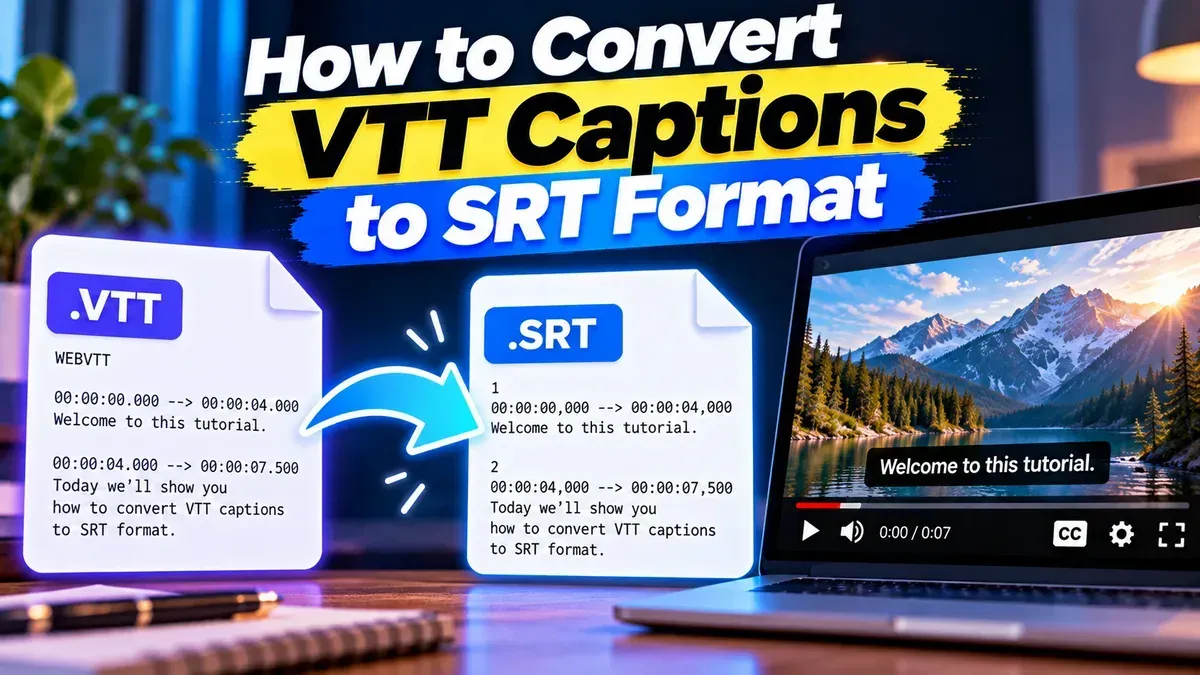
Learn how to convert VTT captions to SRT, understand the differences between the formats, and check your subtitle file for timing or formatting issues.
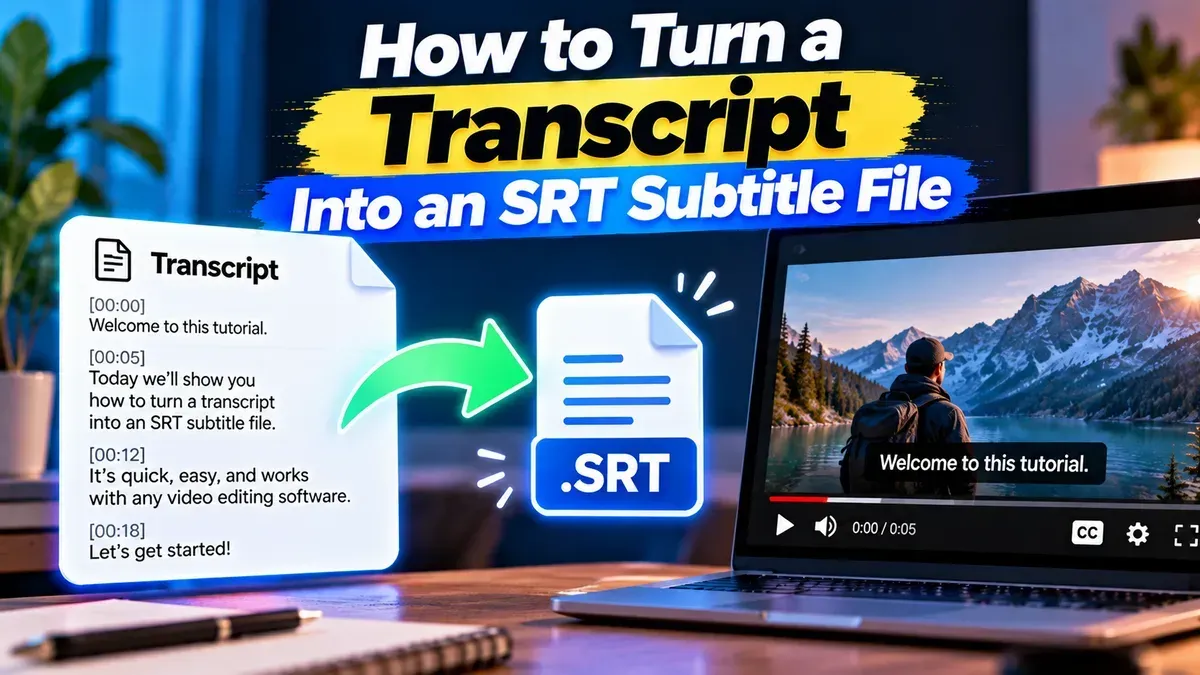
Learn how to turn a transcript into an SRT subtitle file by adding accurate timings, formatting captions correctly, and checking the finished file.
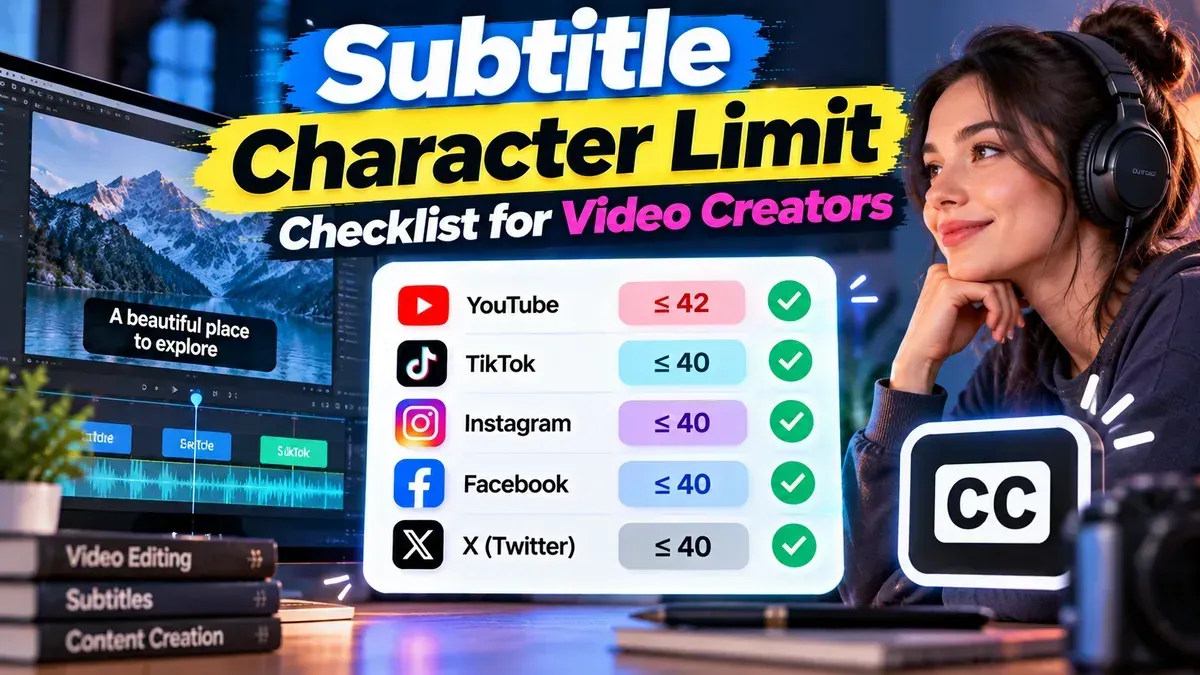
A practical subtitle character limit checklist for setting line lengths, checking reading speed, and reviewing subtitles before you publish.
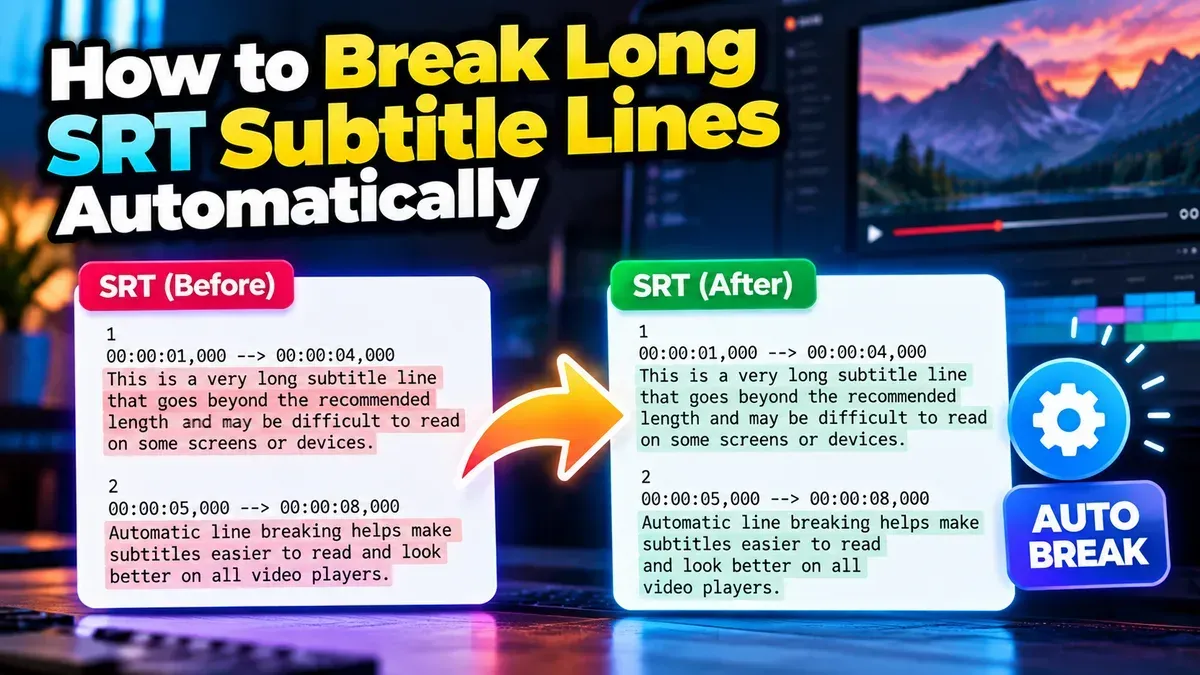
Learn how to automatically break long SRT subtitle lines for easier reading while preserving cue timing, sequence numbers, and file formatting.
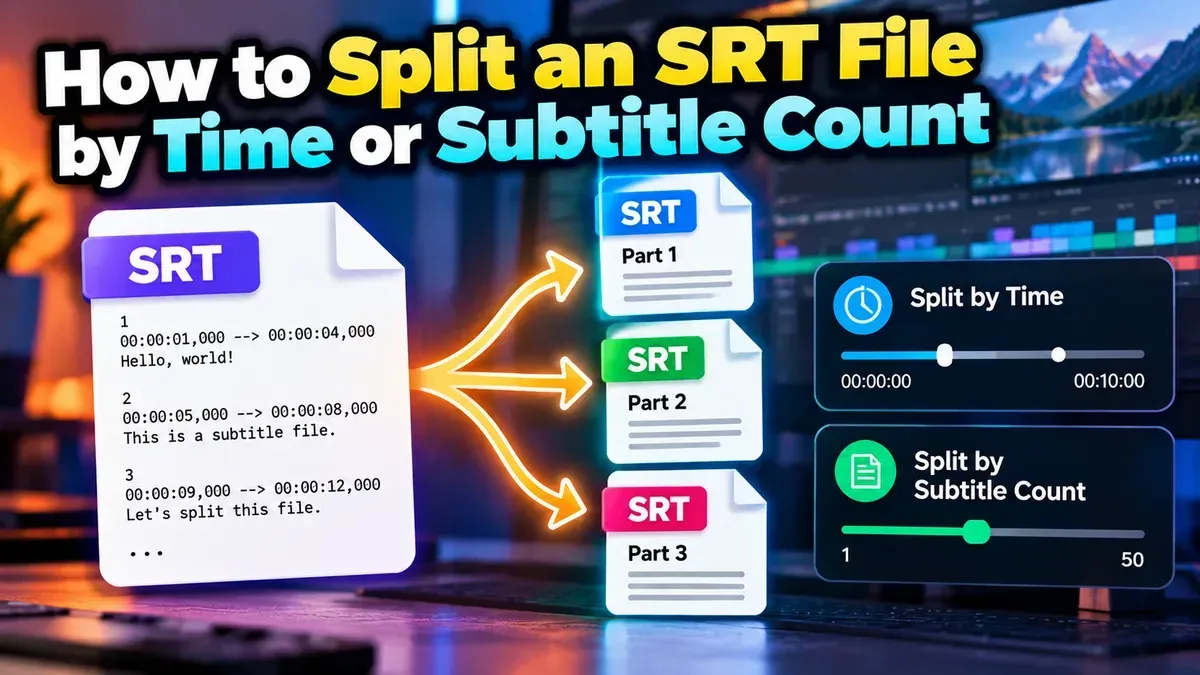
Split an SRT file into smaller subtitle files by time or subtitle count. Learn how to choose a method, set practical segment sizes, and check the results.
Start typing to search tools and articles.