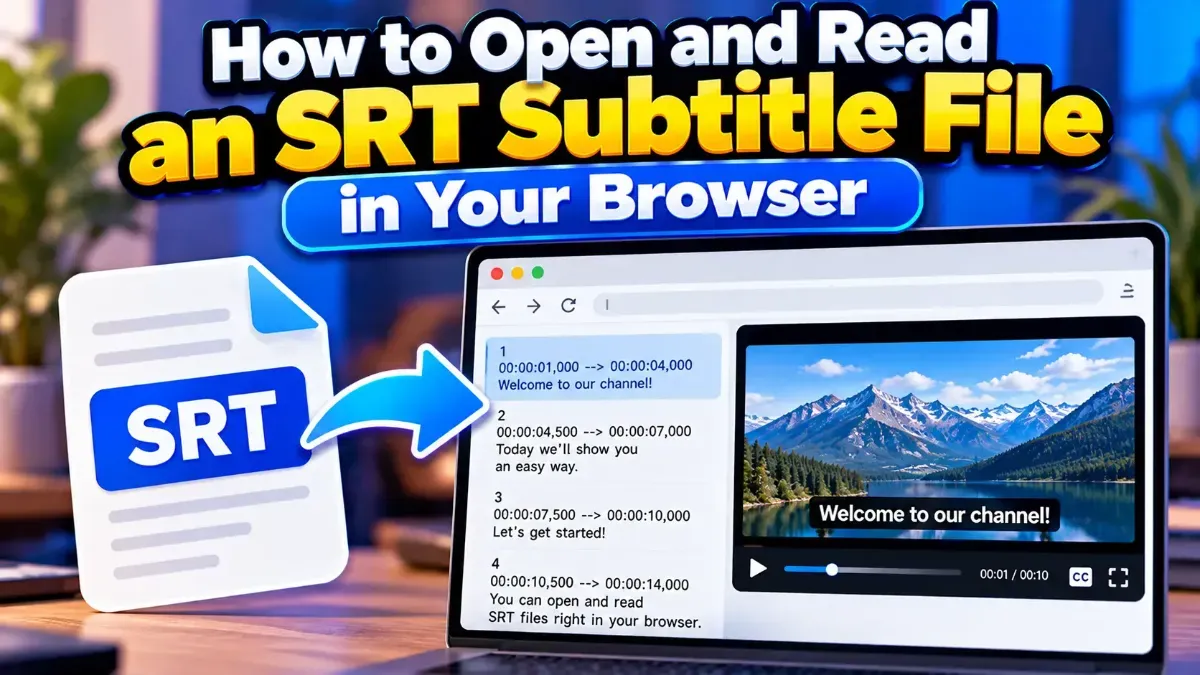
How to Open and Read an SRT Subtitle File in Your Browser
Learn how to open and read an SRT subtitle file in your browser, understand its timestamps and cues, and troubleshoot common formatting problems.
Learn how to merge two SRT subtitle files while keeping their timing intact. Find out how to handle cue order, overlaps, offsets, and common formatting issues.
 ToolCMB Team
6 min read
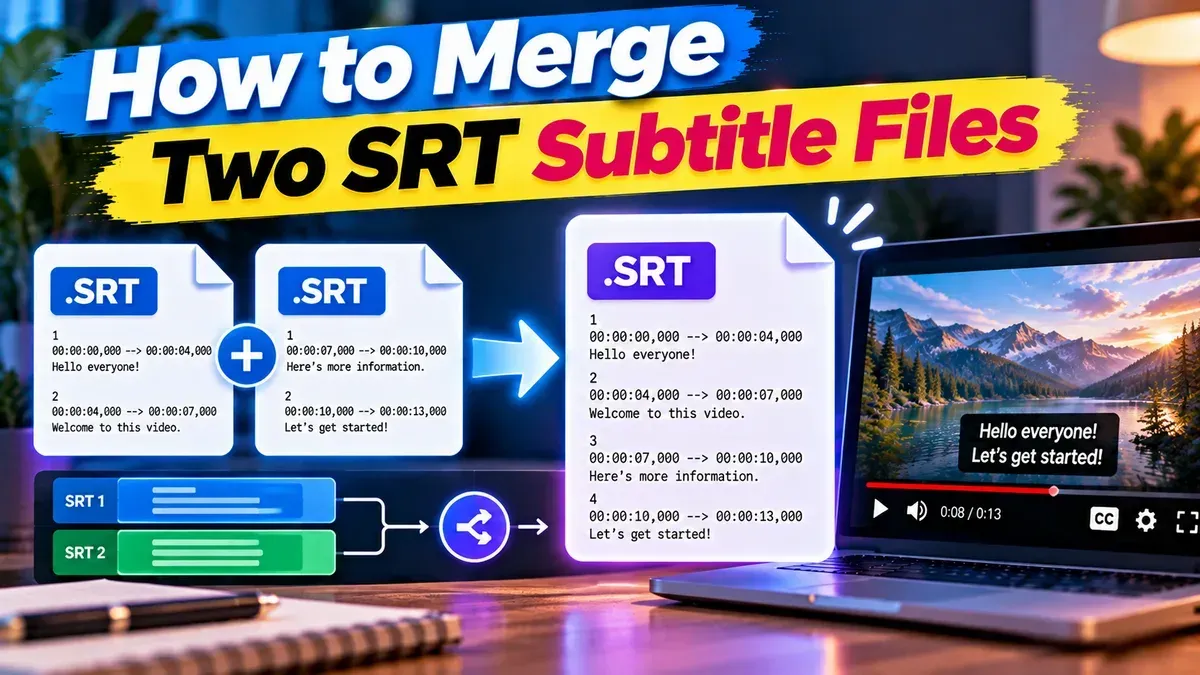
To merge two SRT subtitle files, combine their subtitle cues into one file, keep each cue’s original timestamps, and make sure the cue numbers run in order. Before merging, confirm that both files match the same video timeline; if they cover separate clips or different language tracks, you may need a different approach.
SRT files are plain-text subtitle files made up of numbered cues, timestamps, caption text, and blank lines. Merging is straightforward when two files contain different sections of the same video, but overlapping cues need extra attention. Here’s how to prepare, combine, and check the result.
The key is to combine the subtitle cues, not just paste one file after the other without checking. SRT cue numbers should be sequential in the finished file, and each timestamp must still match the moment the caption appears in the video.
hours:minutes:seconds,milliseconds, such as 00:01:12,400 --> 00:01:14,800. Check that both files use time relative to the same video and that their cues fall where expected..srt extension, then play it with the video. Check the beginning, the join between sections, any overlaps, and the end.Two files can be merged cleanly when their timestamps refer to the same video timeline. For example, if both files start at the beginning of one film, their cue times can be compared directly. If one file was created for a trimmed version, an edited cut, or a separate clip, its timestamps may not line up with the other file even if the captions themselves are correct.
For consecutive clips, confirm where the second clip begins in the combined video. If its subtitle timestamps start at zero, those cues may need an offset equal to the second clip’s start time. Do not add an offset just because you are merging two files: apply one only when the source timelines require it.
If one file contains captions for the first part of a video and the other contains captions for the next part, a single SRT is usually a useful result. If both files cover the full video in different languages, merging them creates two sets of cues on one timeline. That may be appropriate for a specific use, but both languages could appear at once and compete for screen space.
When viewers need to switch languages, keep the subtitle languages as separate tracks in a video format or player that supports multiple tracks. A basic SRT file is a single subtitle stream, not a container for selectable language tracks.
A typical SRT cue looks like this:
1
00:00:02,000 --> 00:00:04,500
The meeting starts in five minutes.

2
00:00:05,000 --> 00:00:07,200
Please take your seats.
The numbers identify the cues, while the timestamps tell a player when to display and hide each caption. When two files are joined, repeated cue numbers can make the file confusing or cause inconsistent behavior in some software. Renumber the cues from the beginning of the combined file, while leaving the timestamps and text unchanged unless you have a specific timing correction to make.
Overlaps are different from duplicate numbering. If two cues have time ranges that intersect, both are scheduled to display at once. This can happen naturally in dialogue, or when merging files that were made independently. Review those moments in a preview. You may need to revise the timing or wording for readability, but avoid deleting or changing a cue unless you know what the video requires.
| Approach | Best for | What to watch for |
|---|---|---|
| Subtitle merge tool | Combining files quickly while retaining their cue text and timing | Confirm the output order and review overlapping cues afterward |
| Text editor | Small files or a simple manual correction | Renumber cues, preserve blank lines, and avoid changing timestamp punctuation |
| Separate subtitle tracks | Two languages viewers should be able to select independently | A single SRT does not provide selectable tracks |
For a straightforward merge, a dedicated tool can help reduce manual copying and numbering mistakes. If you edit the file by hand, work on a copy so the original subtitles remain available if you need to compare or start over.
A file can look correct as plain text and still feel wrong during playback. Preview the subtitles with the exact video version they are intended for, because edits, frame changes, and different cuts can affect synchronization.
.srt and that the text and timestamps remain intact when reopened.If a caption is consistently early or late, the issue may be in the source timing rather than the merge itself. Make timing adjustments only after confirming which file or section is out of sync. Keeping the original files makes it easier to identify the source of a problem.
Yes. A merge can retain the existing timestamps. First make sure both files use the same video timeline; different source edits or clip start times may require timing adjustments.
Yes, it is best to make the cue numbers sequential in the final file. Renumbering does not require changing the cue timestamps or subtitle text.
It can contain cues in more than one language, but the languages may display together. For selectable language options, use separate subtitle tracks instead of combining them into one SRT.
The files may refer to different video versions or timelines, or one section may need a time offset. Preview the merged file and compare the affected cues with the exact video.
Not automatically. Overlaps may be intentional, but they can also make captions hard to read. Preview the moment and adjust the cues only when needed.
We build fast, free and private browser tools — and write practical guides on how to use them.
Learn how to open and read an SRT subtitle file in your browser, understand its timestamps and cues, and troubleshoot common formatting problems.
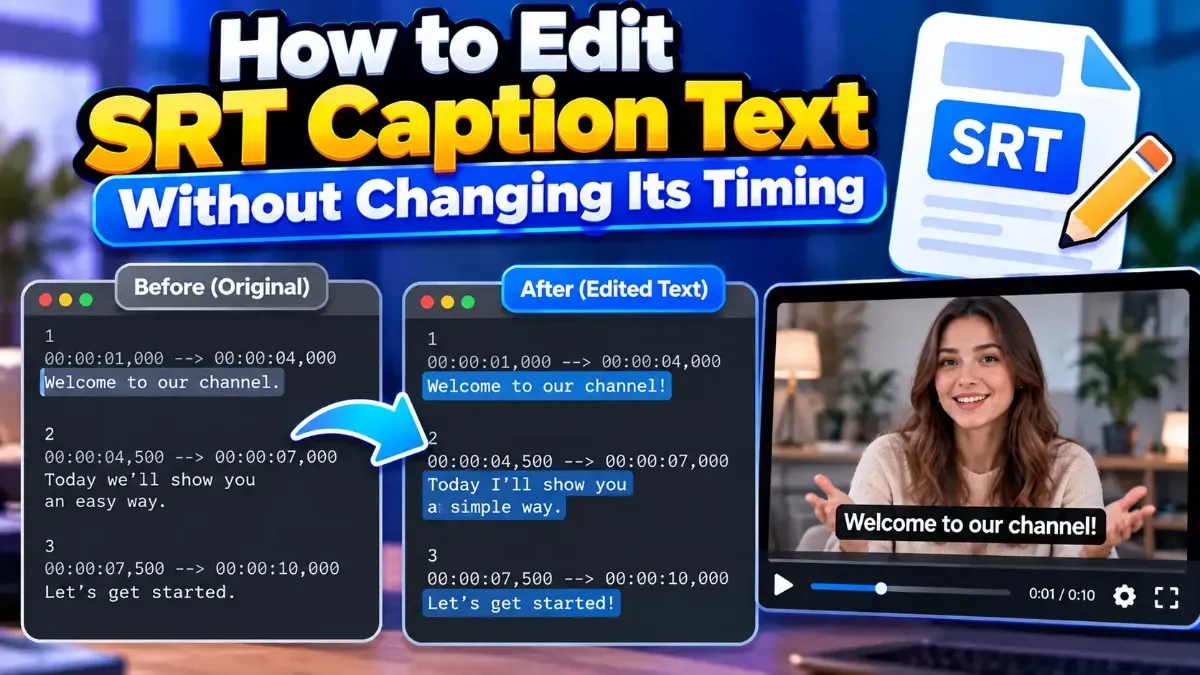
Learn how to edit SRT text without changing timing. Keep every cue’s timestamps intact while correcting captions, then check the file before using it with your video.
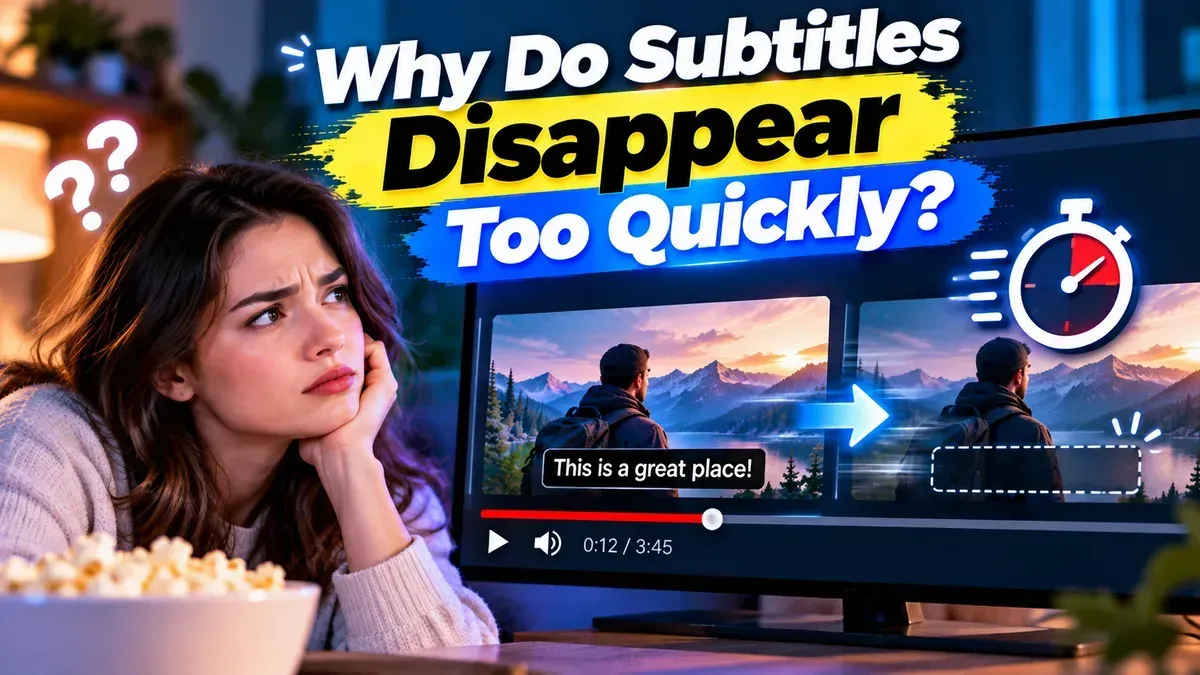
Subtitles may disappear too quickly because their display duration is too short, their timestamps are incorrect, or a player is handling the file differently than expected. Learn how to diagnose and fix the timing.
Start typing to search tools and articles.