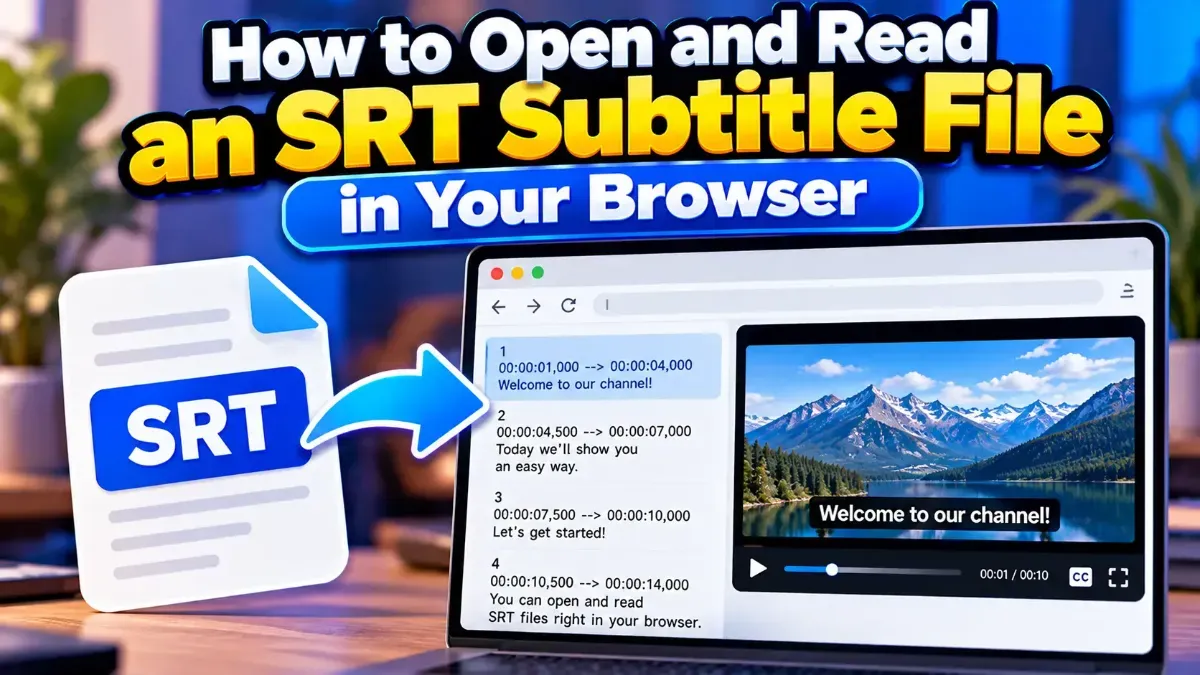
How to Open and Read an SRT Subtitle File in Your Browser
Learn how to open and read an SRT subtitle file in your browser, understand its timestamps and cues, and troubleshoot common formatting problems.
Subtitles may disappear too quickly because their display duration is too short, their timestamps are incorrect, or a player is handling the file differently than expected. Learn how to diagnose and fix the timing.
 ToolCMB Team
6 min read
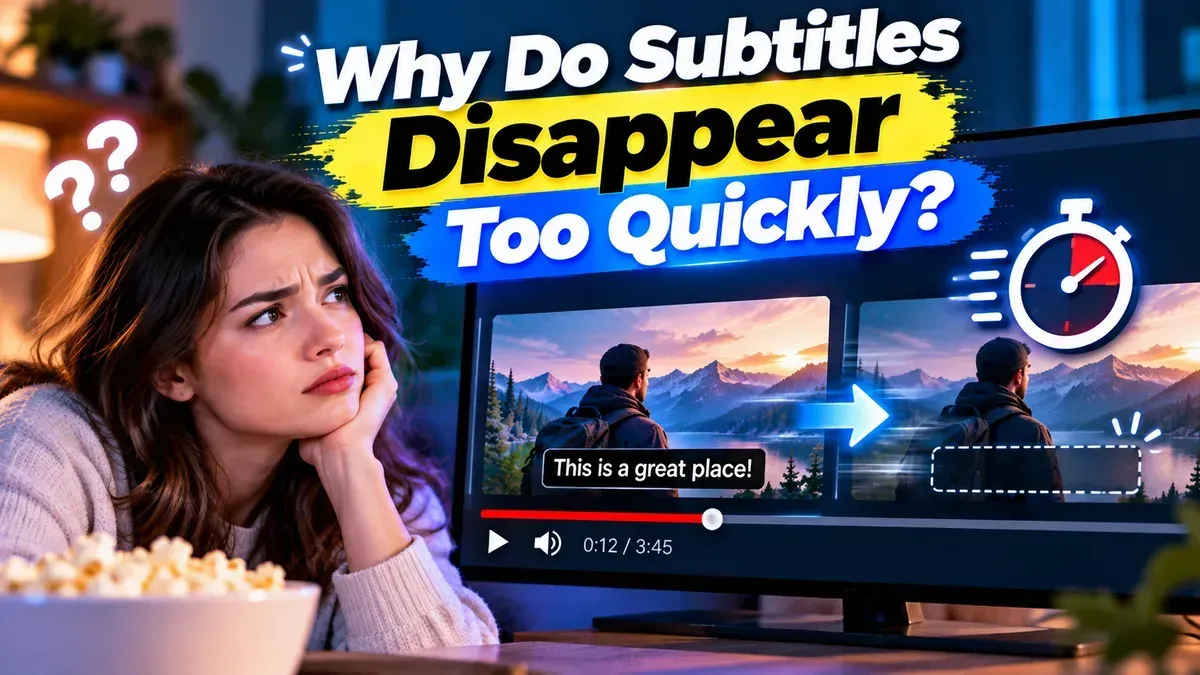
If subtitles disappear too quickly, the usual cause is that each subtitle cue has too little time between its start and end timestamps. Incorrect timing, overlapping cues, or differences in how a video player reads the subtitle file can also make text vanish sooner than expected. You can often fix the problem by checking the subtitle timings, adjusting the affected cues, and previewing the result in your video player.
Subtitle files display text for a defined period. A cue has a start time, an end time, and the words that appear during that interval. If the end time comes too soon after the start time, the subtitle will disappear before you have finished reading it.
For example, a cue that appears for only a fraction of a second may be difficult to read, especially if it contains a full sentence. A subtitle can also seem to disappear too quickly if its timing is out of sync with the dialogue or if another cue begins immediately afterward and replaces it.
Start by identifying whether the issue affects one cue, a group of cues, or the entire subtitle file. If only a few lines vanish early, you may need to adjust those cues. If the whole file is consistently mistimed, check for a broader offset or a mismatch between the subtitle file and video.
00:00:12,000 --> 00:00:14,500.If you prefer not to edit timestamps manually, the Subtitle Duration Fixer can adjust subtitle display times to help make cues easier to read while keeping them synchronized. Review the result in your video player before using it, especially if the original file has overlaps or irregular timing.
There is no single duration that works for every line. A short phrase usually needs less time than a long sentence, and reading speed, line length, screen size, and viewing distance all matter. As a practical check, read the subtitle once at a comfortable pace. If it disappears before you finish, its duration may be too short.
Also consider the rhythm of the dialogue. A subtitle should generally appear close to when the words are spoken and remain long enough to read, but it should not linger so long that it feels disconnected from the conversation or overlaps unrelated dialogue. When adjusting many cues, aim for consistent, natural timing rather than applying the same duration to every line.
| What you notice | Possible cause | What to check |
|---|---|---|
| One line vanishes immediately | That cue has a very short duration | Compare its start and end timestamps |
| Every line appears early or late | The subtitle track is offset or mismatched | Confirm the video version and overall synchronization |
| A line disappears when another appears | Cues overlap or meet too closely | Review the end of one cue and the start of the next |
| Timing changes between devices | Player behavior or file compatibility may differ | Test the same subtitle file in another player |
In an SRT file, each subtitle entry typically includes a sequence number, a timestamp range, and the subtitle text. WebVTT uses a similar cue structure, though its formatting differs. When editing either type, preserve the expected timestamp format and the blank lines separating cues. A formatting mistake can make a player skip cues or interpret them unexpectedly.
Pay attention to the difference between duration and synchronization. Duration is how long a cue stays visible. Synchronization is whether the cue appears at the right moment relative to the audio. Extending a subtitle can solve a readability problem, but it will not correct a track that is consistently several seconds out of sync.
If all cues are shifted by roughly the same amount, changing each cue’s duration is unlikely to be the right fix. If only certain lines disappear early, focus on those individual timestamps. If the issue starts after a cut or edit in the video, the subtitle timing may need correction from that point onward.
The key is to diagnose the pattern before making changes. A single rushed cue may need a longer display time, while a file-wide timing issue may need synchronization work instead. Careful edits and a short playback check can help subtitles remain readable without drifting away from the dialogue.
The cue’s end time may be earlier than the end of the spoken line. Check the timestamp and extend it carefully while keeping the next cue in mind.
No. Short phrases and longer sentences need different amounts of reading time. Adjust cues according to their text and the surrounding dialogue.
Not necessarily. Extending duration affects how long text remains visible; synchronization problems involve when cues start and end relative to the audio.
Yes. A player may replace one cue when another begins, or display overlapping cues in an unexpected way. Check the timing of both subtitles.
If timing becomes increasingly inaccurate or scenes do not line up, the file may be for a different edit of the video. Try to match the subtitle file to the exact video version.
We build fast, free and private browser tools — and write practical guides on how to use them.
Learn how to open and read an SRT subtitle file in your browser, understand its timestamps and cues, and troubleshoot common formatting problems.
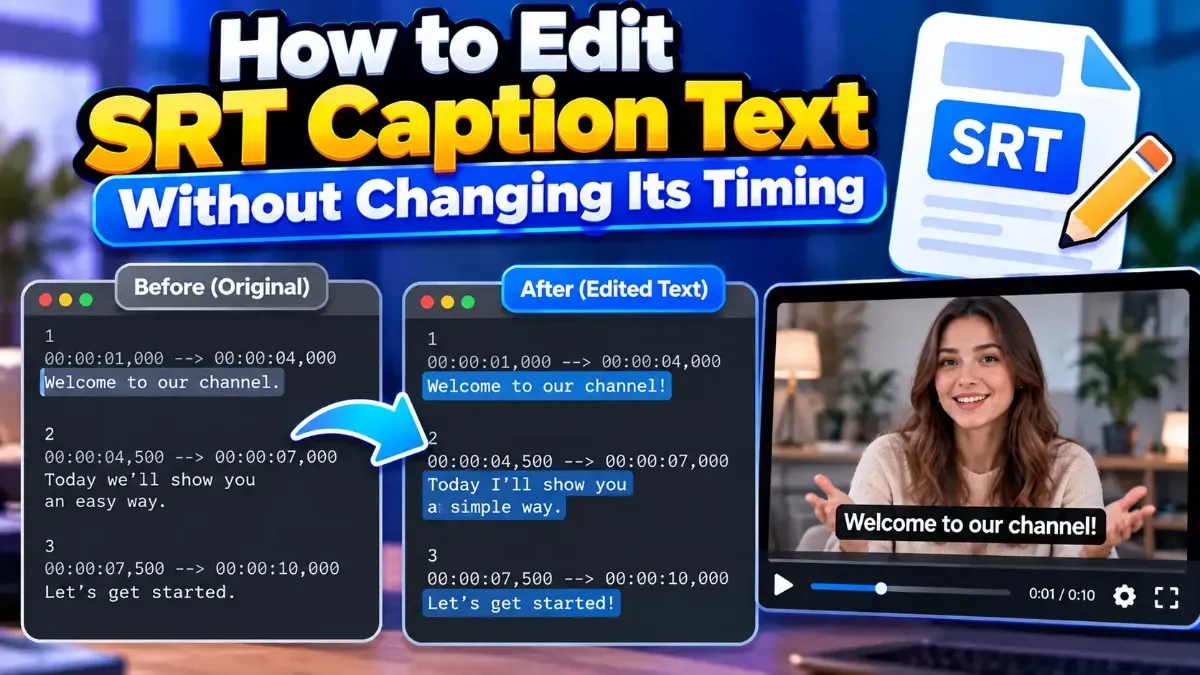
Learn how to edit SRT text without changing timing. Keep every cue’s timestamps intact while correcting captions, then check the file before using it with your video.
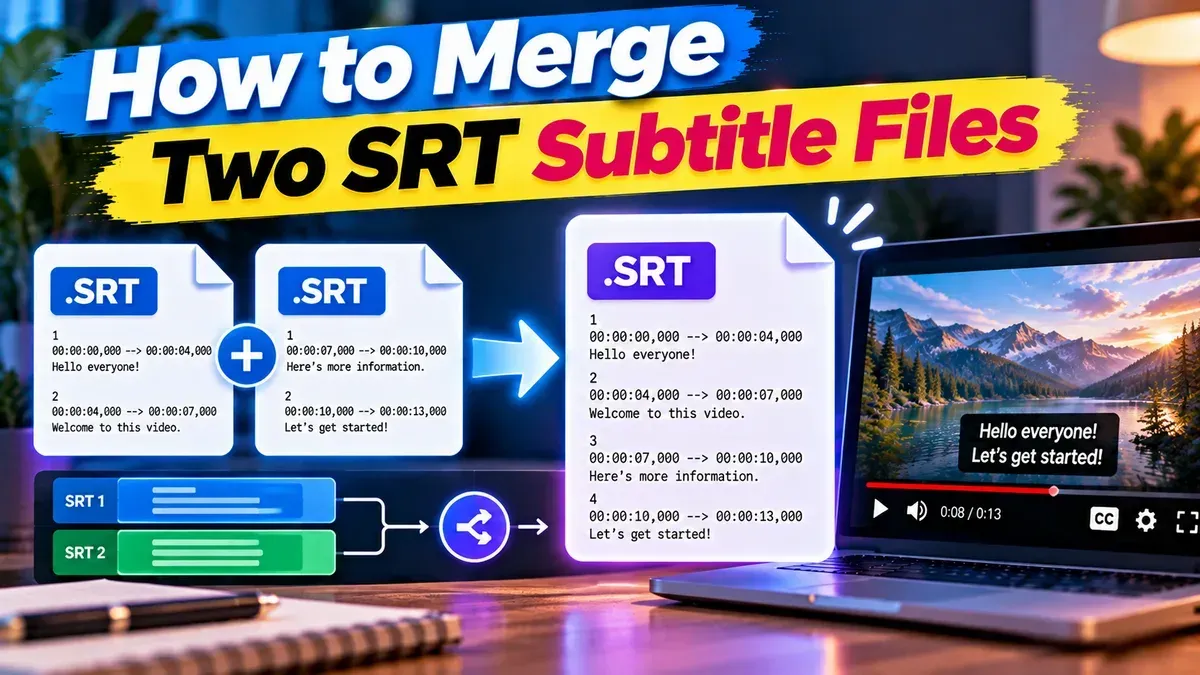
Learn how to merge two SRT subtitle files while keeping their timing intact. Find out how to handle cue order, overlaps, offsets, and common formatting issues.
Start typing to search tools and articles.