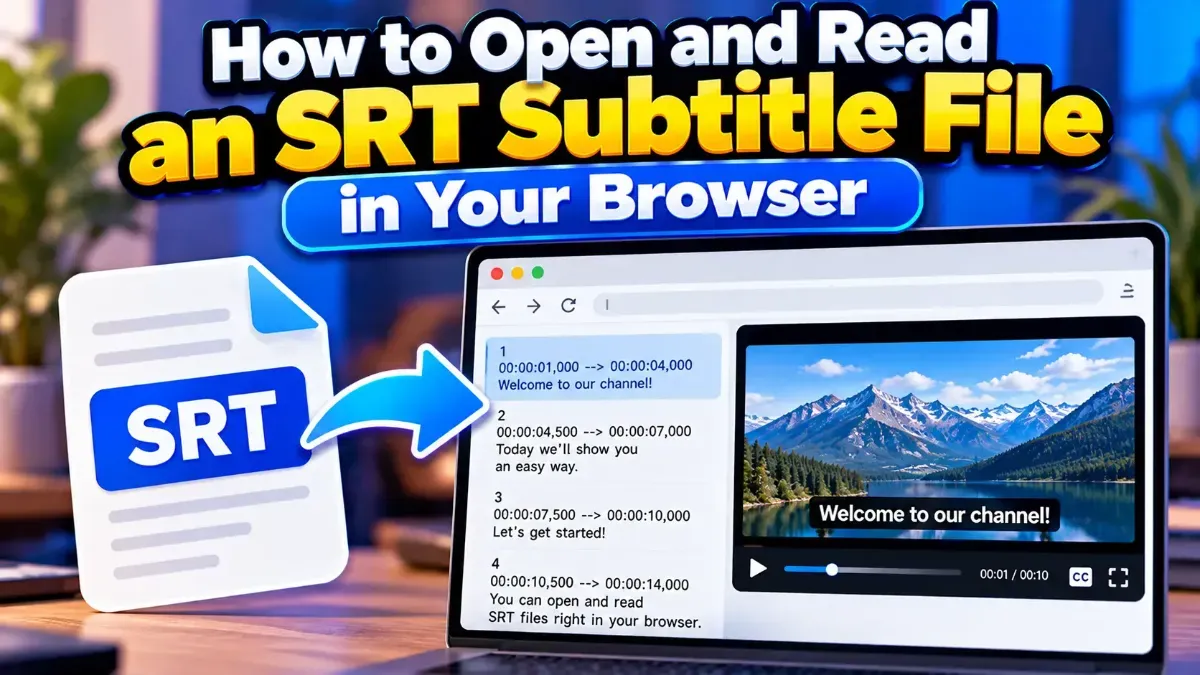
How to Open and Read an SRT Subtitle File in Your Browser
Learn how to open and read an SRT subtitle file in your browser, understand its timestamps and cues, and troubleshoot common formatting problems.
Learn how to automatically break long SRT subtitle lines for easier reading while preserving cue timing, sequence numbers, and file formatting.
 ToolCMB Team
6 min read
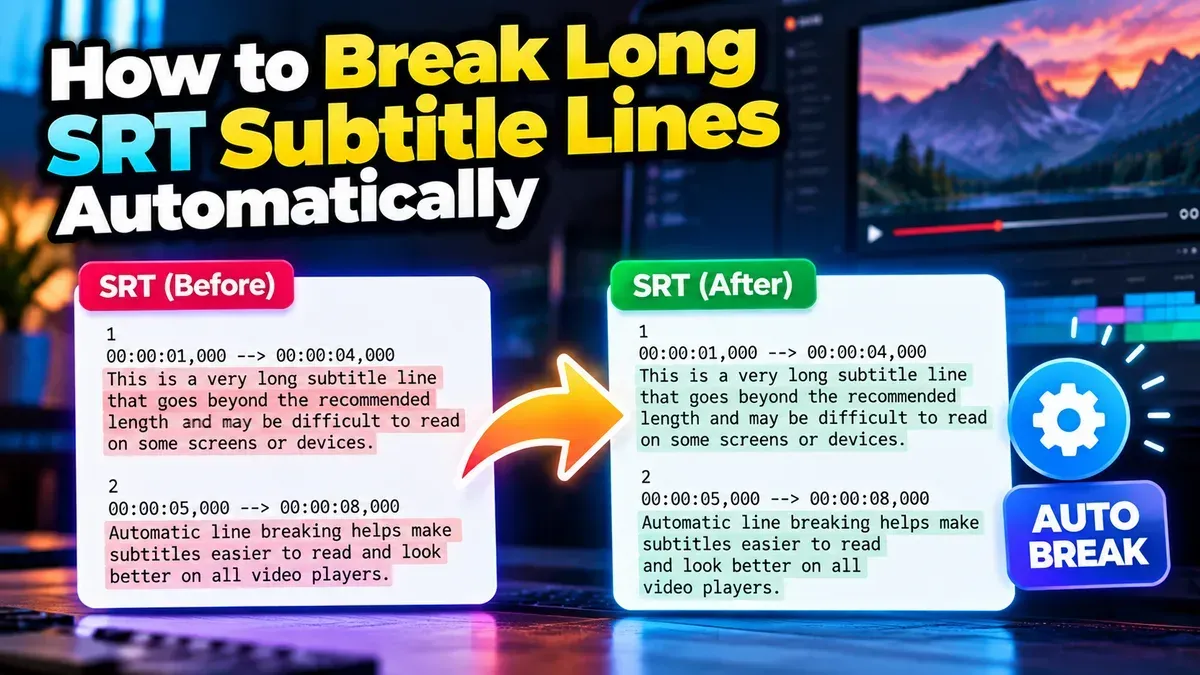
To automatically break long SRT subtitle lines, use a subtitle line-breaking tool to split text into shorter rows while keeping each cue’s timestamps intact. Then review the result in context: good line breaks make subtitles easier to read without separating names, phrases, or other closely connected words.
An SRT file stores subtitles as numbered cues. Each cue usually contains a start and end time, one or more lines of subtitle text, and a blank line before the next cue. When a text line is too long, it may stretch across the video frame, wrap unpredictably in a player, or take more effort to read quickly.
Breaking a long line into two shorter lines gives the text a more balanced shape. It can also make subtitles easier to scan on different screen sizes, from a laptop to a phone. The goal is not to force every cue into the same shape. It is to make each subtitle comfortable to read while the dialogue is on screen.
Line breaks should not be confused with splitting a subtitle cue into multiple timed cues. A line break changes how the text is arranged within one cue. Splitting a cue changes its timing and sequence, so it requires additional editorial decisions.
Automatic formatting is most useful as a first pass. It can apply a consistent limit quickly, but it cannot always tell which words belong together or whether a particular split matches the speaker’s meaning.
Character count is only one part of readability. Consider the shape and meaning of the text as well as how long the cue stays on screen. A shorter line can still be confusing if it breaks a phrase at the wrong place, while a slightly longer line may read naturally when it stays together.
There is also a difference between the amount of text in a cue and the length of a single line. A cue with two readable lines can still be difficult if it appears briefly or contains too many words. If the text feels rushed, review the cue timing and wording as well as the line breaks.
| Editing action | What changes | When it helps |
|---|---|---|
| Break a line | The text is rearranged onto another line within the same cue; timing stays the same. | A cue is readable in duration but has an overly long text line. |
| Split a cue | The subtitle is divided into separate cues, requiring new timing and cue numbering. | A long passage needs to appear in smaller timed portions. |
Use a line breaker when you want more manageable text rows. If a cue contains too much text to read comfortably within its current display time, changing line breaks alone may not solve the problem. You may need to revise the wording or carefully retime and divide the cue in a subtitle editor.
A mechanical character limit can put a line break between parts of a name or phrase. Read each cue as a complete thought and move breaks to natural boundaries where possible. Pay particular attention to dialogue that includes people’s names, addresses, dates, or technical terms.
Standard SRT structure uses a cue number, a timestamp line with an arrow, subtitle text, and a blank separator. Line-break editing should affect the subtitle text, not the timestamps or the numbering. After processing, inspect the first few cues, a few from the middle, and the final cue to catch formatting problems.
A maximum line length is a practical control, not a promise that subtitles will look identical everywhere. Players can render text differently, and long words or non-Latin writing systems may behave differently from ordinary English text. Preview the file in the playback environment when possible.
Line breaks do not determine whether a subtitle is on screen long enough. Read the subtitles alongside the video, checking that viewers have time to follow the text and that a break does not create an unintended pause in the sentence.
For a short file, a careful visual scan may be enough. For a longer file, review it in sections and pay extra attention to dialogue-heavy scenes. Keep the original file until you have confirmed that the updated subtitles work correctly.
There is no universal maximum. Around 32–42 characters can be a starting point for many English subtitles, but adjust the target for the video, language, screen, and reading pace.
A line break within a cue does not need to change its start or end time. Splitting one cue into multiple cues is different and requires timing edits.
Most standard SRT files can be formatted this way, but review the output if the file uses unusual characters, formatting, or nonstandard structure. Keep an untouched copy as a backup.
No. Use one line when the text fits comfortably. Use a second line when it makes a long subtitle easier to read, and prioritize natural phrasing over a uniform layout.
They can help, but line length is only one factor. Timing, wording, contrast, display size, and natural phrase breaks also affect readability.
We build fast, free and private browser tools — and write practical guides on how to use them.
Learn how to open and read an SRT subtitle file in your browser, understand its timestamps and cues, and troubleshoot common formatting problems.
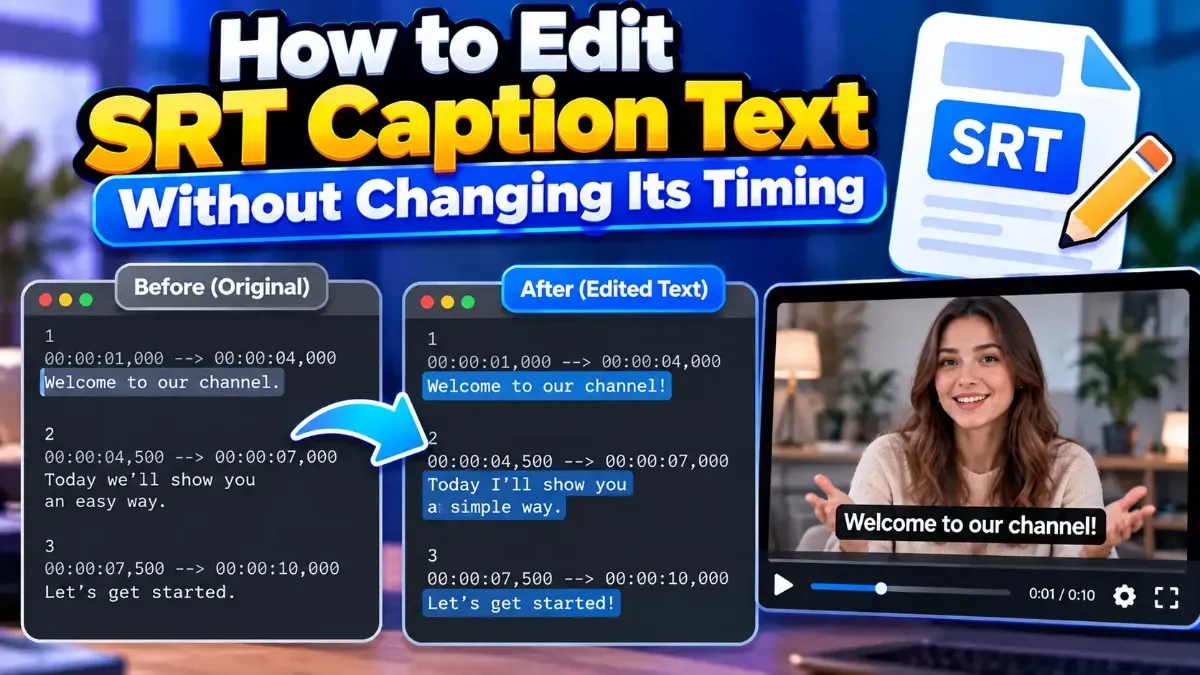
Learn how to edit SRT text without changing timing. Keep every cue’s timestamps intact while correcting captions, then check the file before using it with your video.
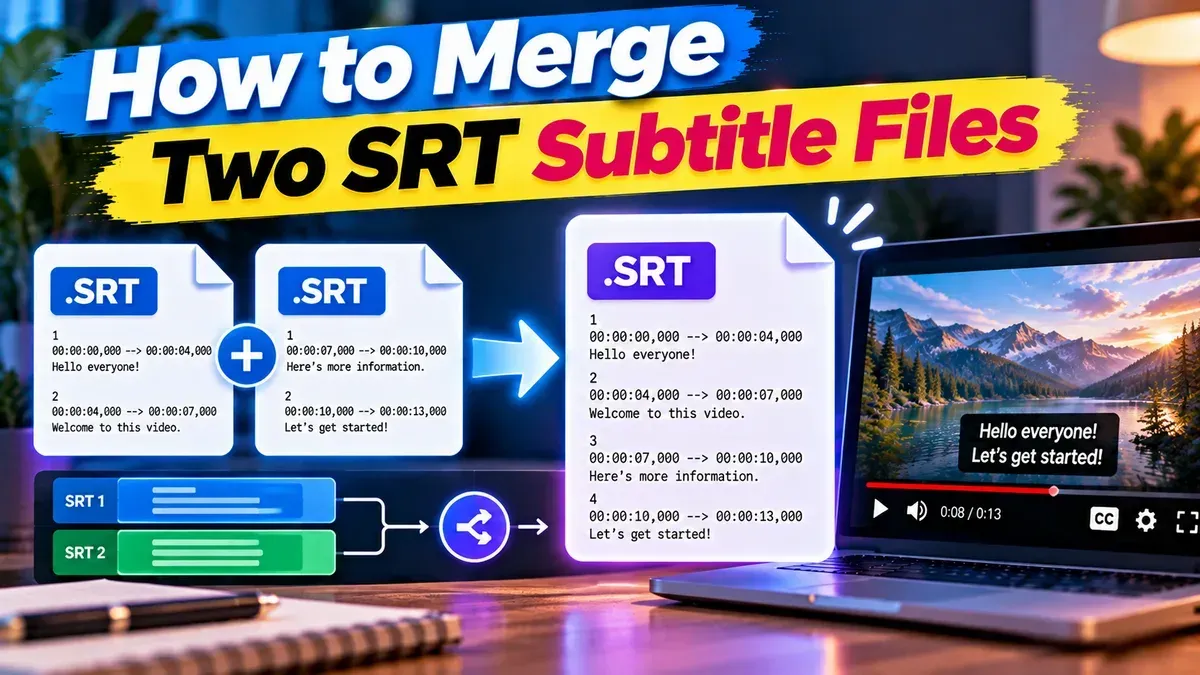
Learn how to merge two SRT subtitle files while keeping their timing intact. Find out how to handle cue order, overlaps, offsets, and common formatting issues.
Start typing to search tools and articles.