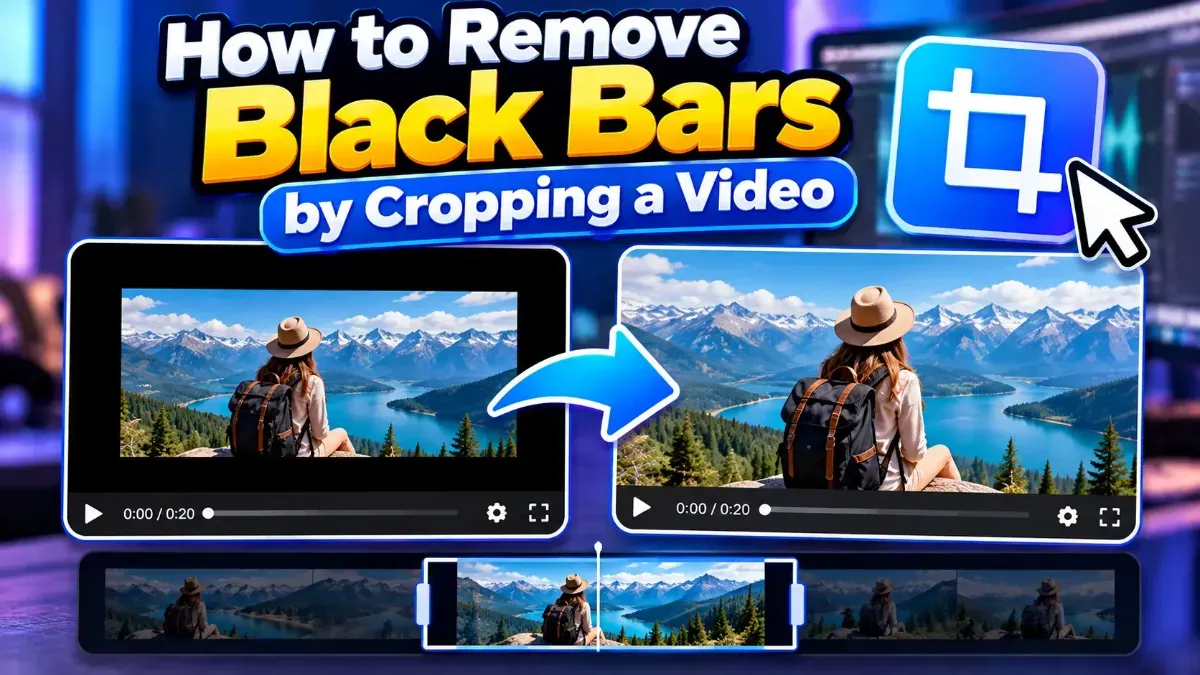
How to Remove Black Bars by Cropping a Video
Learn how to remove black bars from a video by cropping the frame carefully. Find out when cropping works, how to choose an aspect ratio, and what to check before exporting.
Topic
Learn how to remove black bars from a video by cropping the frame carefully. Find out when cropping works, how to choose an aspect ratio, and what to check before exporting.
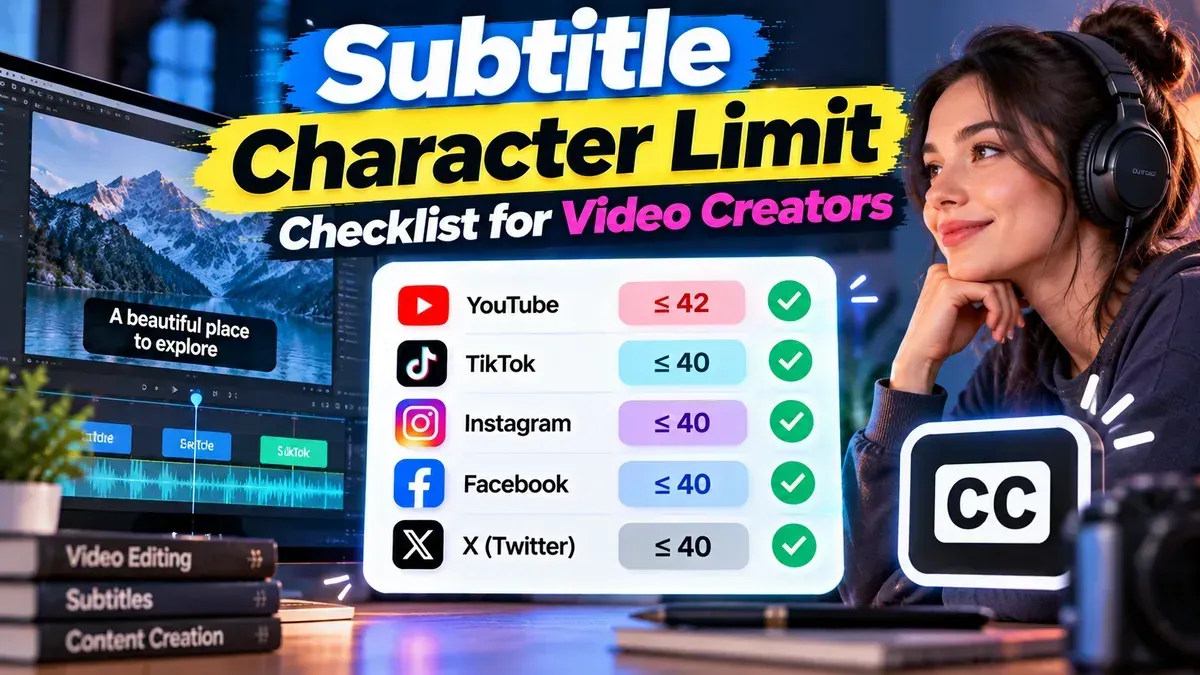
A practical subtitle character limit checklist for setting line lengths, checking reading speed, and reviewing subtitles before you publish.
A phone video can look upright on your phone but sideways on a computer because the devices may interpret its rotation information differently. Learn why it happens and how to fix it.
Learn how to crop a vertical video for TikTok without stretching the image, cutting off important action, or hiding your subject behind app controls. Follow simple steps to frame and export a phone-ready video.
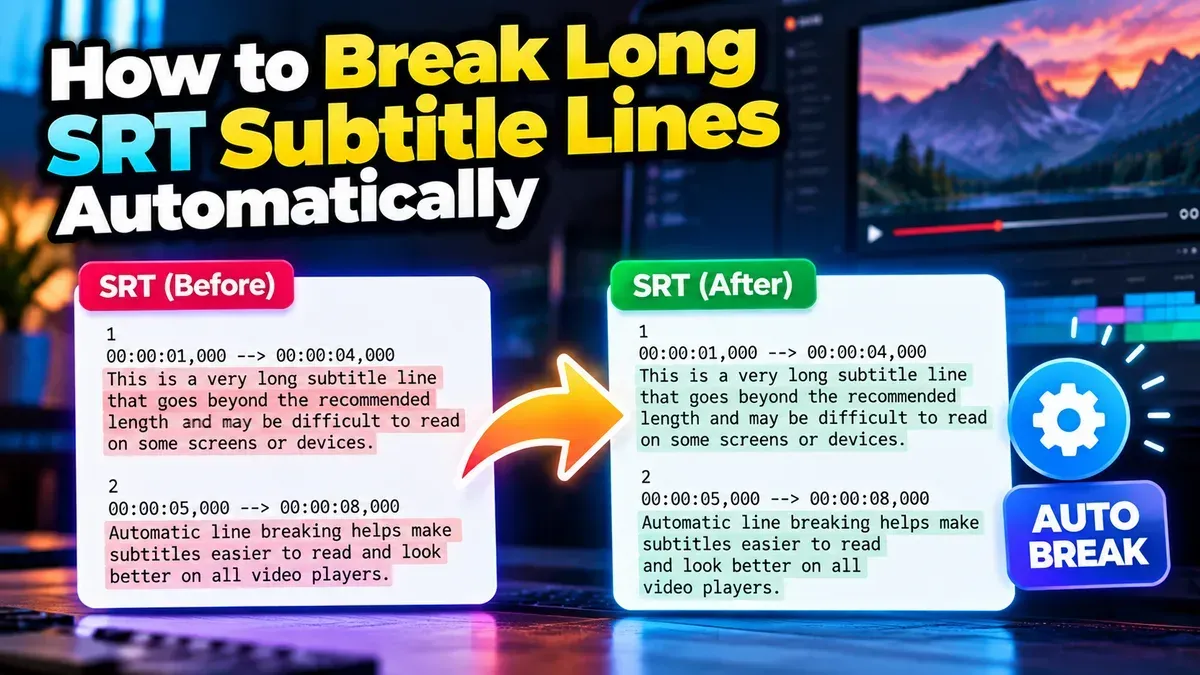
Learn how to automatically break long SRT subtitle lines for easier reading while preserving cue timing, sequence numbers, and file formatting.
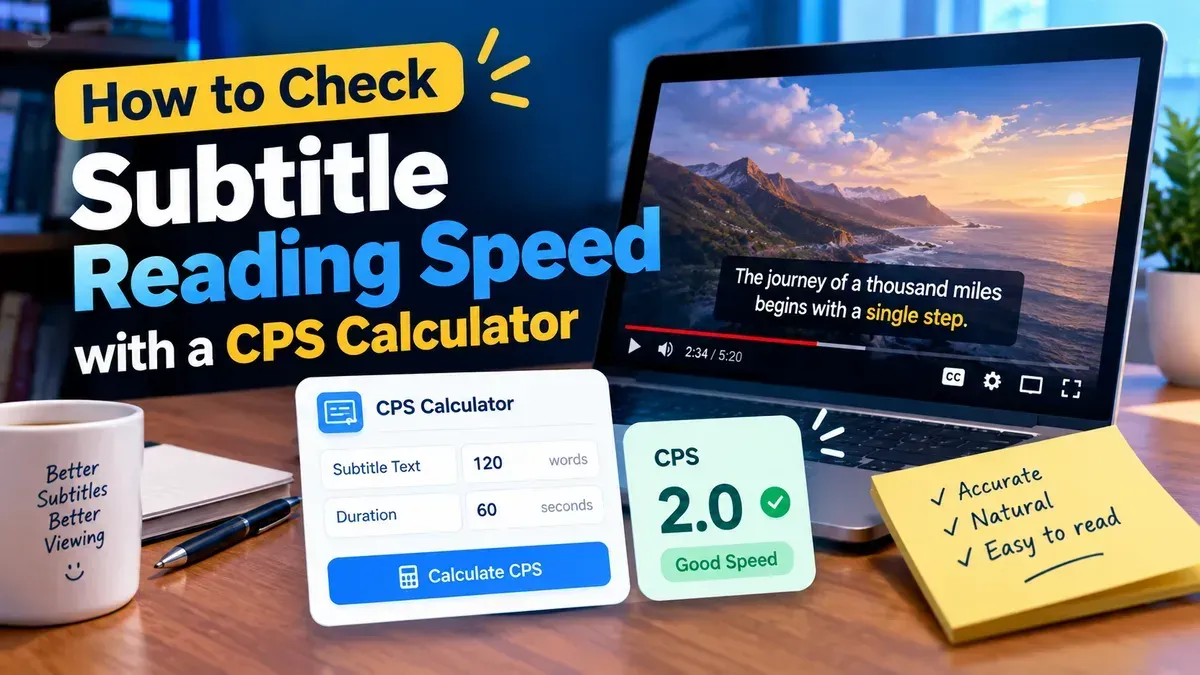
Learn how to use a subtitle characters per second calculator to measure caption reading speed, identify rushed subtitles, and make practical timing and line-break improvements.
Choose 16:9 for traditional widescreen viewing and 9:16 for full-screen vertical viewing on phones. The best video aspect ratio depends on where people will watch and how you want the frame to feel.
Other topics
#SEO#Subtitles#SRT#video editing#PDF Tools#Privacy#video tips#web development#audio editing#developer tools#JSON#MP3#PDF#Audio tips#image converter#image tools#JPG converter#JSON formatter#Online PDF Tools#online tools#Redirects#SRT subtitles#video#WebP#accessibility#aspect ratio#Audio tools#bitrate#file conversion#File sizeStart typing to search tools and articles.