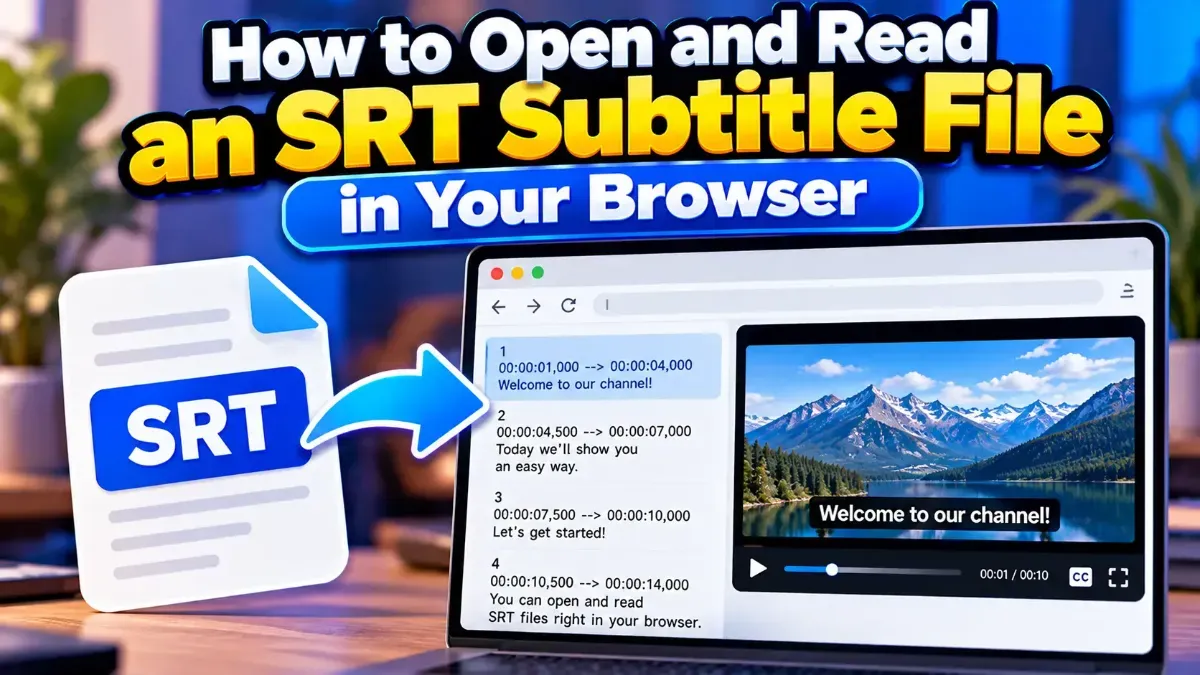
How to Open and Read an SRT Subtitle File in Your Browser
Learn how to open and read an SRT subtitle file in your browser, understand its timestamps and cues, and troubleshoot common formatting problems.
Topic
Learn how to open and read an SRT subtitle file in your browser, understand its timestamps and cues, and troubleshoot common formatting problems.
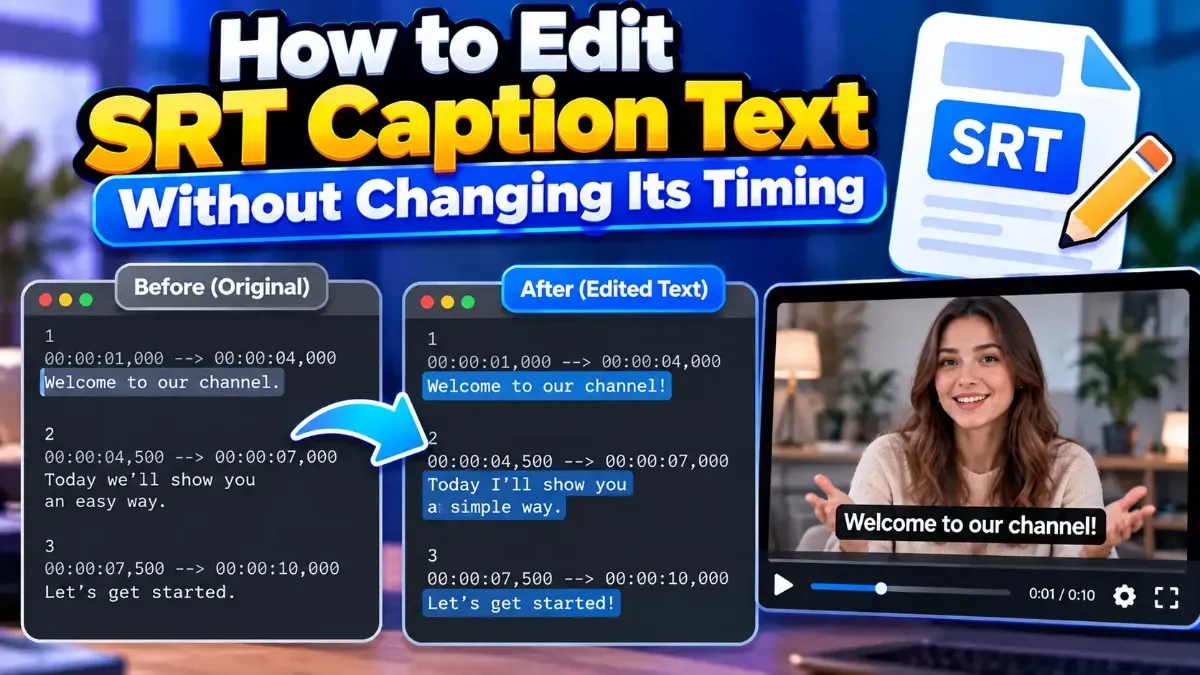
Learn how to edit SRT text without changing timing. Keep every cue’s timestamps intact while correcting captions, then check the file before using it with your video.
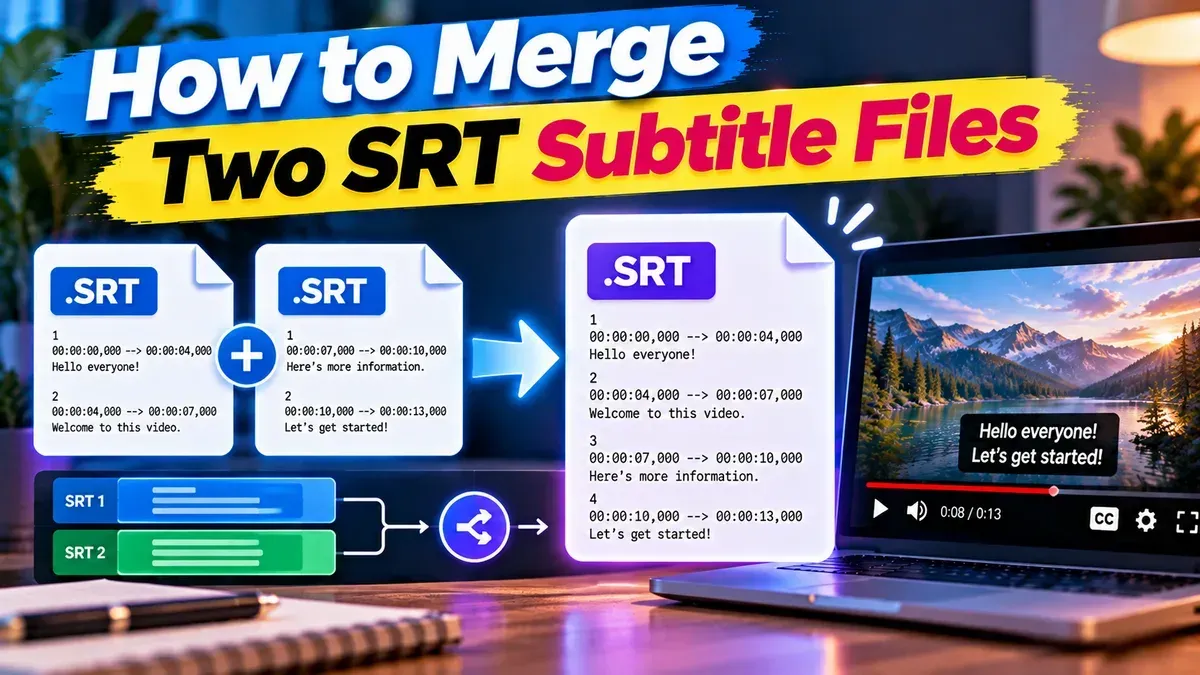
Learn how to merge two SRT subtitle files while keeping their timing intact. Find out how to handle cue order, overlaps, offsets, and common formatting issues.
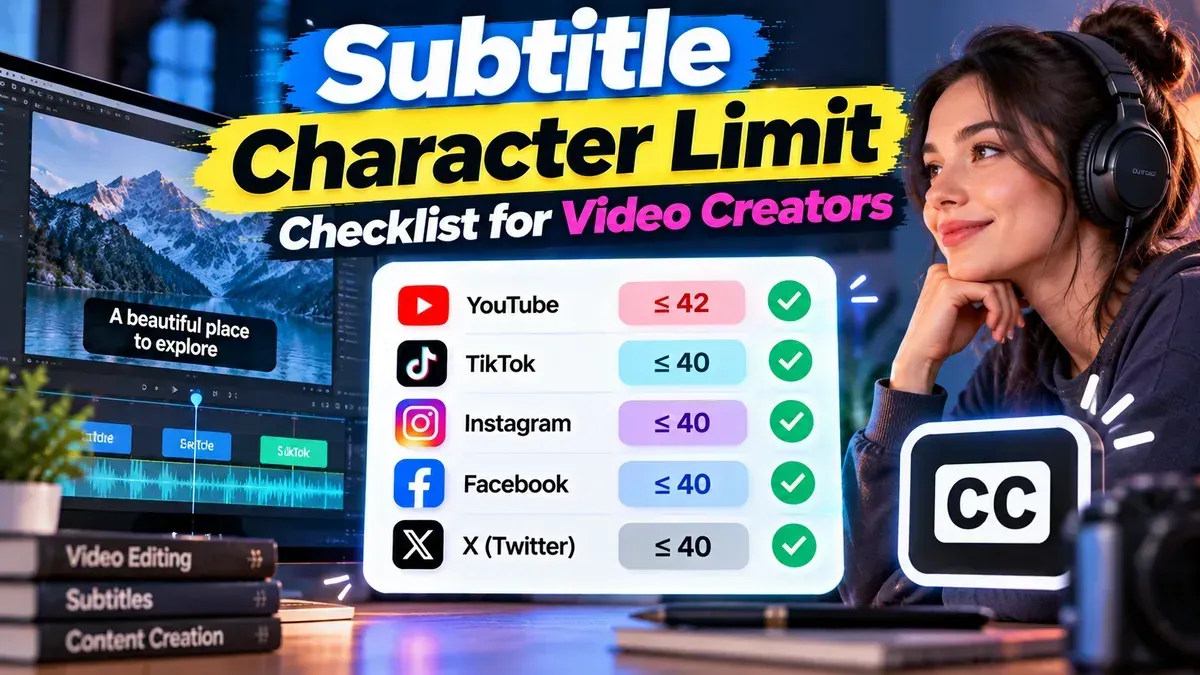
A practical subtitle character limit checklist for setting line lengths, checking reading speed, and reviewing subtitles before you publish.
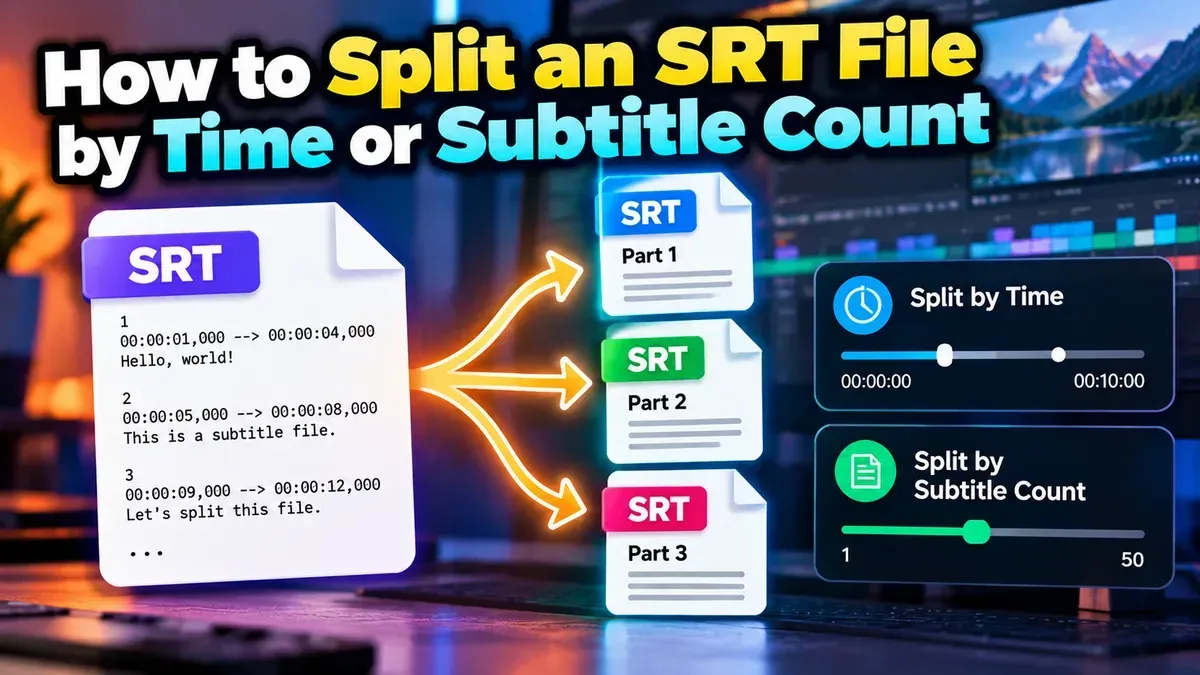
Split an SRT file into smaller subtitle files by time or subtitle count. Learn how to choose a method, set practical segment sizes, and check the results.
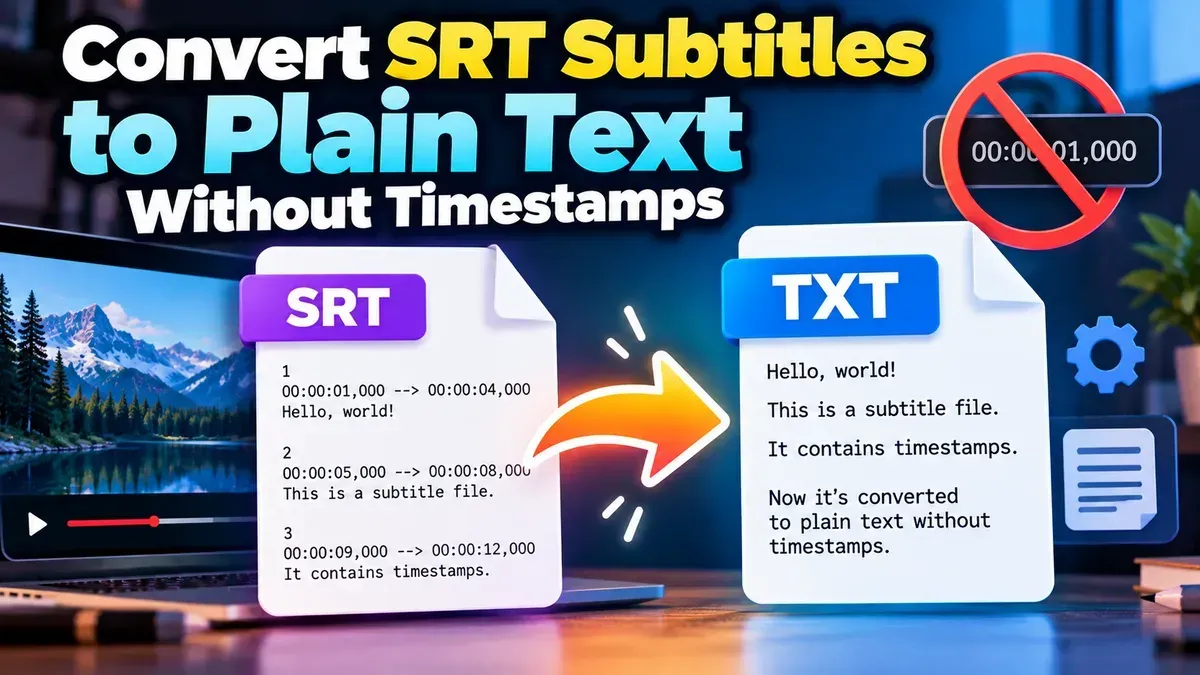
Remove timestamps and sequence numbers from an SRT file to create clean subtitle text. Learn the quickest browser-based method, manual options, and how to check your result.
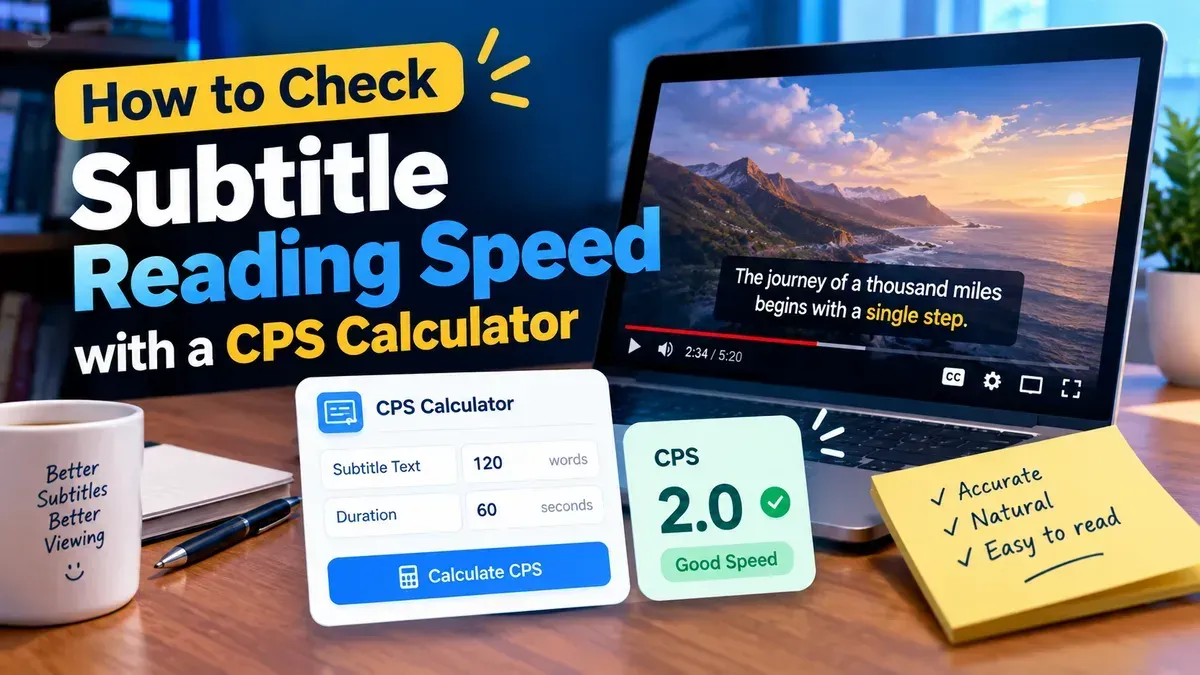
Learn how to use a subtitle characters per second calculator to measure caption reading speed, identify rushed subtitles, and make practical timing and line-break improvements.
Learn how to check an SRT file for timestamp errors, including malformed timecodes, out-of-order cues, overlaps, and subtitles that start or end at the wrong time.
Other topics
#SEO#Subtitles#SRT#video editing#PDF Tools#Privacy#video tips#web development#audio editing#developer tools#JSON#MP3#PDF#Audio tips#image converter#image tools#JPG converter#JSON formatter#Online PDF Tools#online tools#Redirects#SRT subtitles#video#WebP#accessibility#aspect ratio#Audio tools#bitrate#file conversion#File sizeStart typing to search tools and articles.