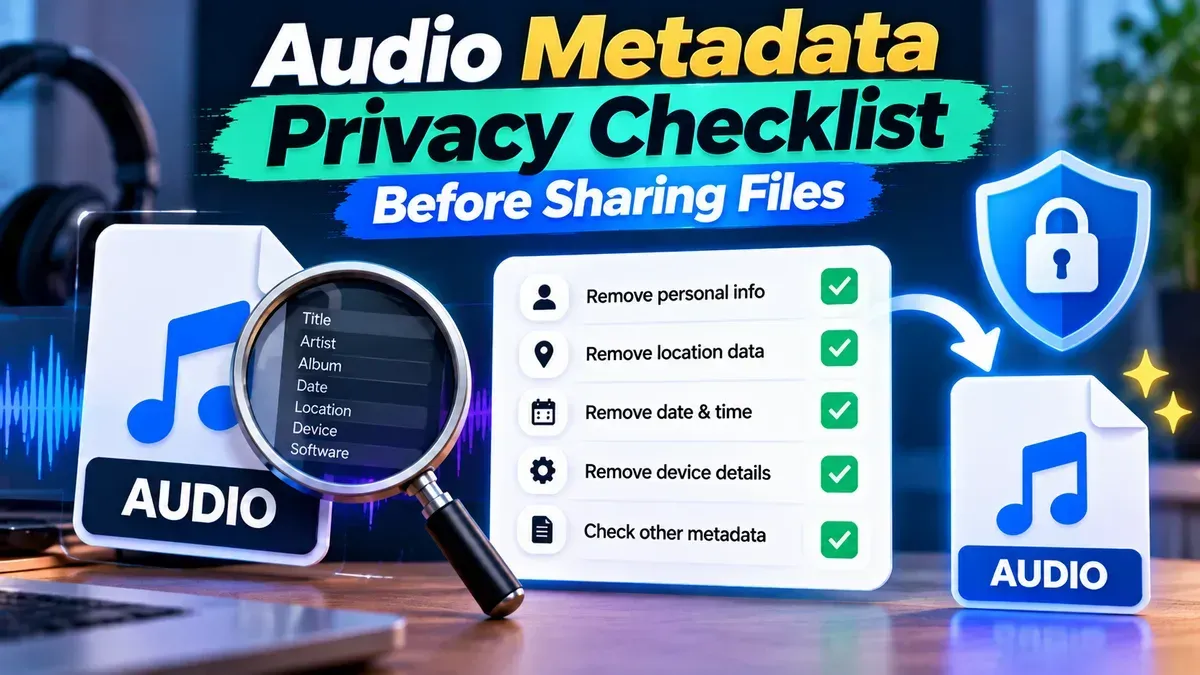
Audio Metadata Privacy Checklist Before Sharing Files
Before you send an audio file, check its tags, filename, embedded artwork, and the recording itself. This practical checklist explains what metadata removal can—and cannot—protect.
Blog
Short, practical articles to help you get more done with our free tools.
Before you send an audio file, check its tags, filename, embedded artwork, and the recording itself. This practical checklist explains what metadata removal can—and cannot—protect.
Learn how to combine voice memos into one audio file on iPhone, Android, or a computer. Follow simple steps to arrange clips, join them, and save the finished recording.
MP3 generally works on the widest range of devices, especially older players and car stereos. M4A is also widely supported on modern phones and computers, but compatibility depends on the audio codec and the device or app.
A phone video can look upright on your phone but sideways on a computer because the devices may interpret its rotation information differently. Learn why it happens and how to fix it.
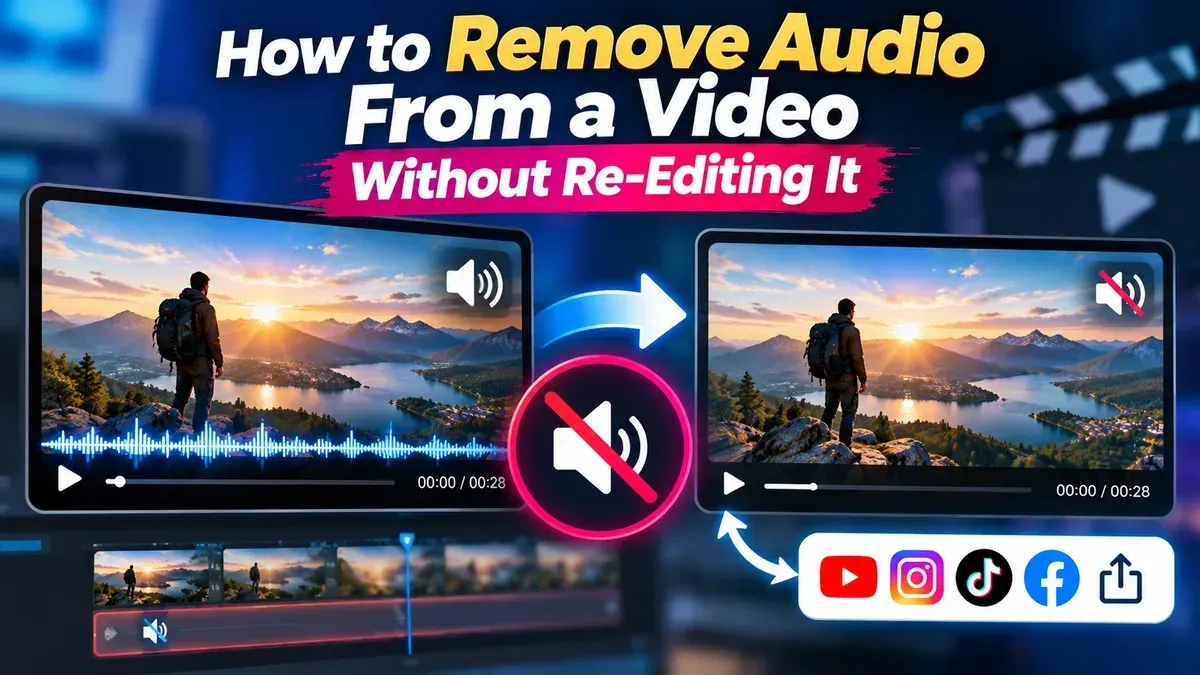
Need a silent version of a clip without opening a video editor? Learn how to mute a video, save a separate copy, and check the result while keeping your original file.
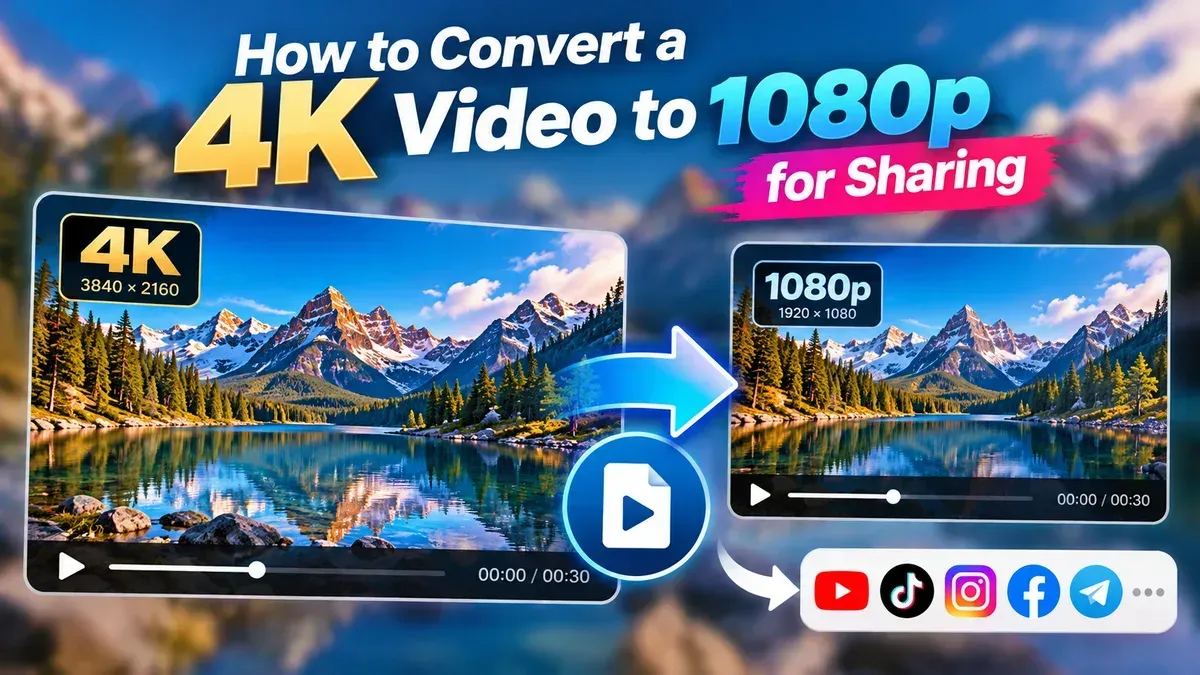
Learn how to convert a 4K video to 1080p for sharing, with practical steps for choosing resolution, keeping the right aspect ratio, and managing file size and quality.
Learn how to crop a vertical video for TikTok without stretching the image, cutting off important action, or hiding your subject behind app controls. Follow simple steps to frame and export a phone-ready video.
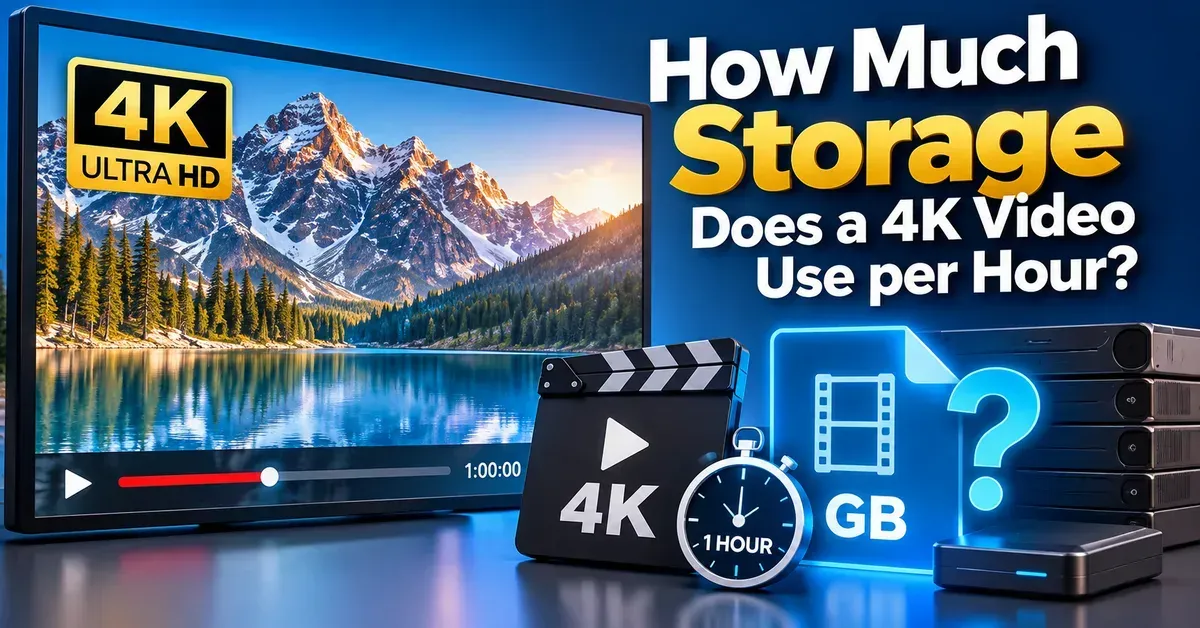
A 4K video can use roughly 7–90 GB per hour or more, depending mainly on bitrate, codec, frame rate, and recording settings. Use the bitrate formula to estimate your needs.
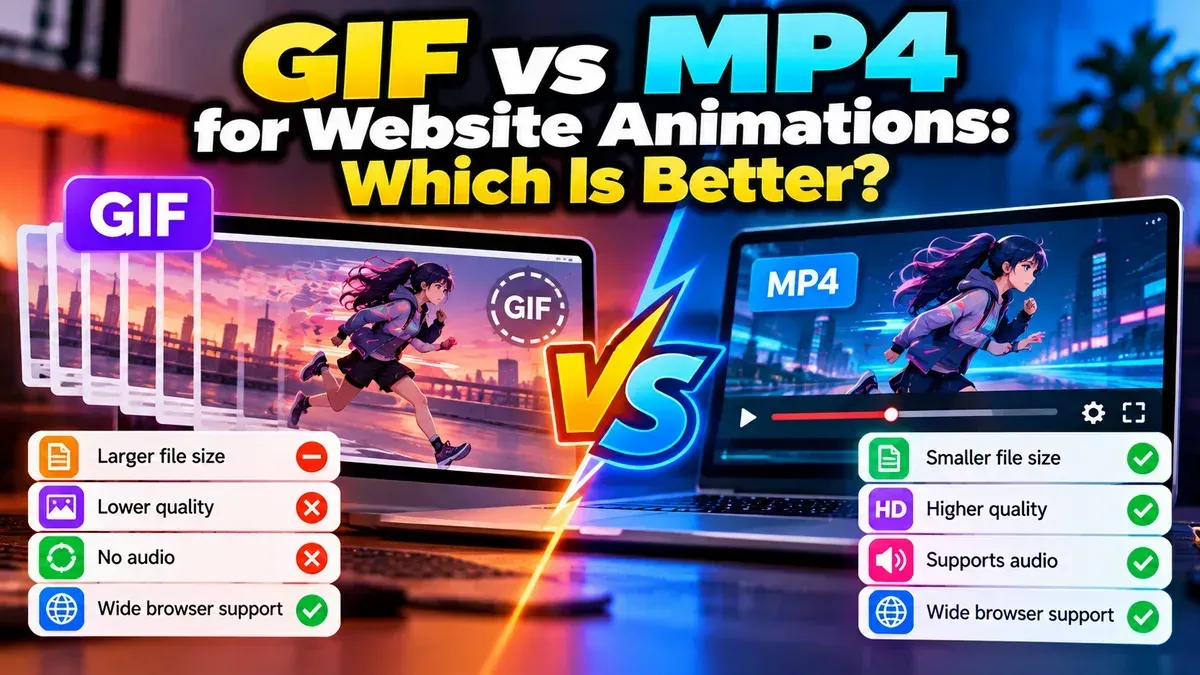
For most website animations, MP4 is the better choice because it can deliver smoother motion in a smaller file. GIF still works well for simple, silent animations that need to loop automatically.
Start typing to search tools and articles.