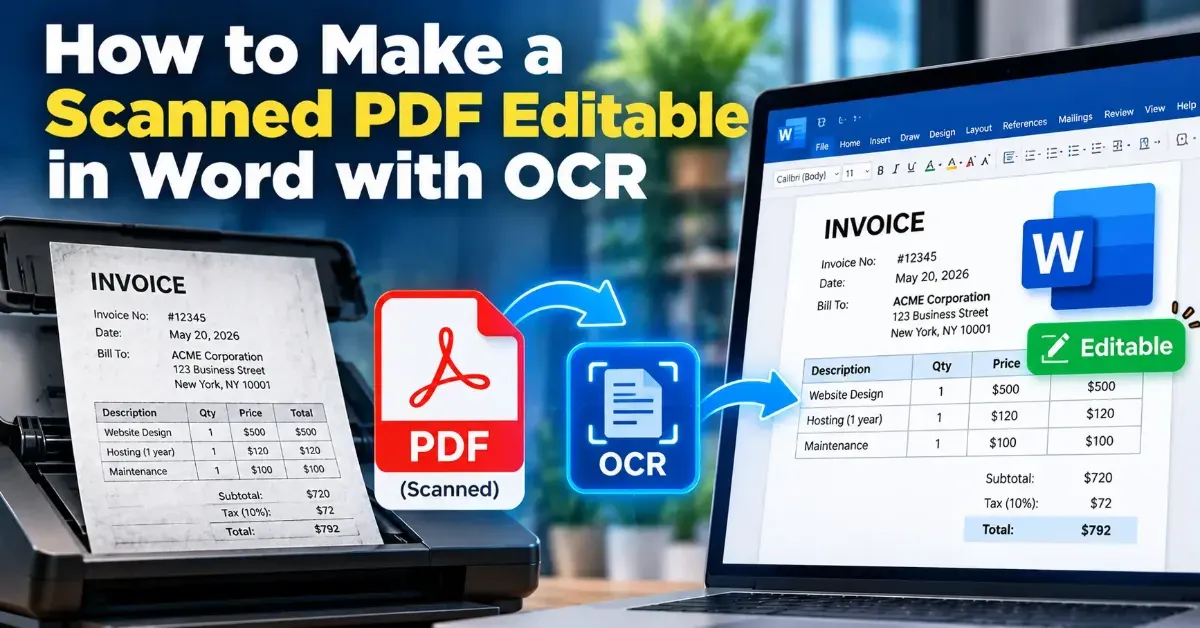
How to Make a Scanned PDF Editable in Word with OCR
Learn how OCR turns scanned PDF pages into editable Word text, how to convert a file, and what to check when formatting or recognition needs cleanup.
Blog
Practical PDF tips and guides to help you work with PDF files more easily. Learn how to compress, merge, split, convert, optimize, and manage PDFs while keeping your documents useful, readable, and private.
Learn how OCR turns scanned PDF pages into editable Word text, how to convert a file, and what to check when formatting or recognition needs cleanup.
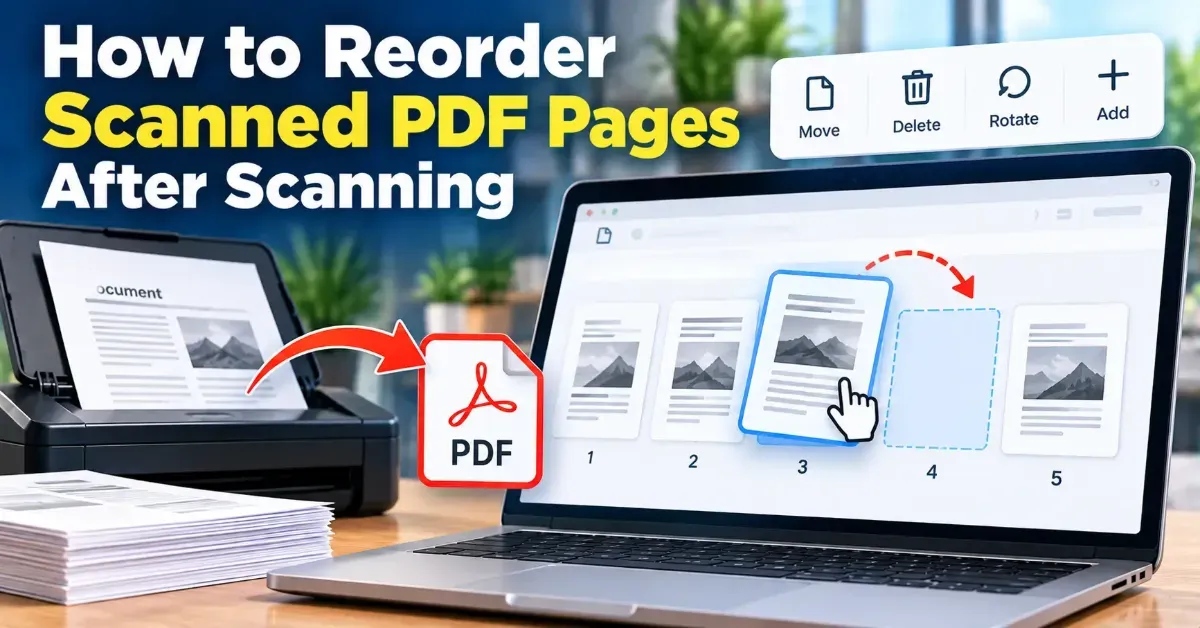
Learn how to reorder scanned PDF pages after scanning. Preview the pages, arrange them correctly in a browser-based tool, and check the finished file before sharing.
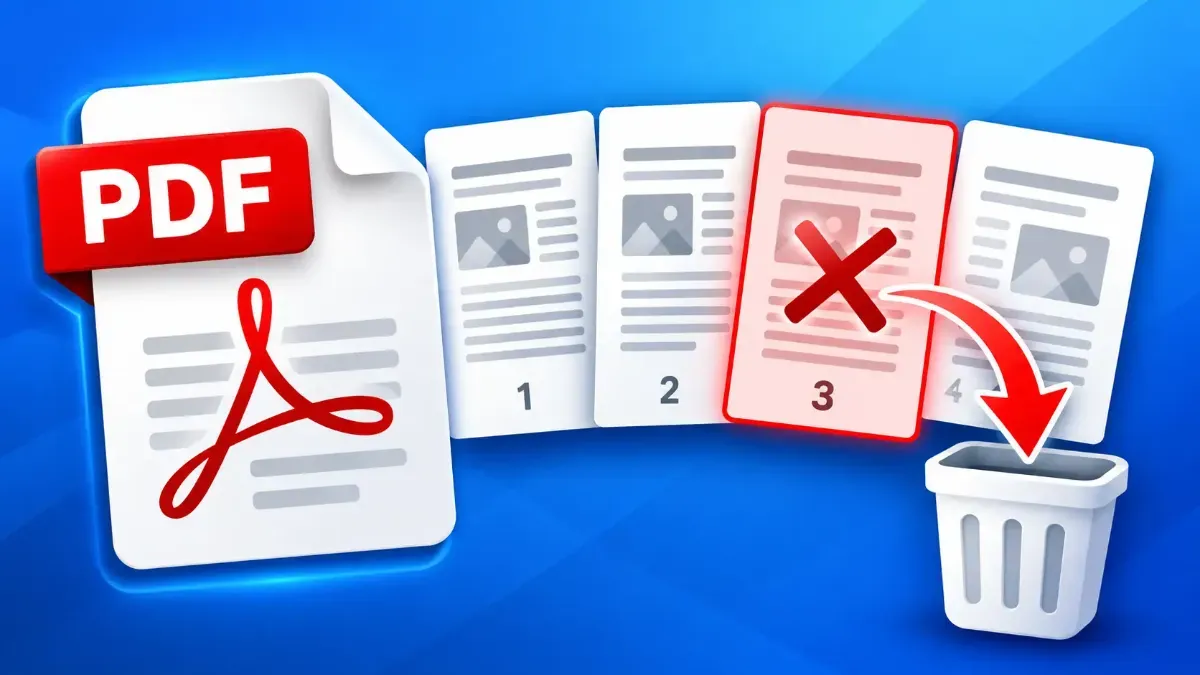
Remove an unwanted PDF page without rebuilding the document. Learn how to choose the right page, delete it, check the remaining pages, and save a clean copy.
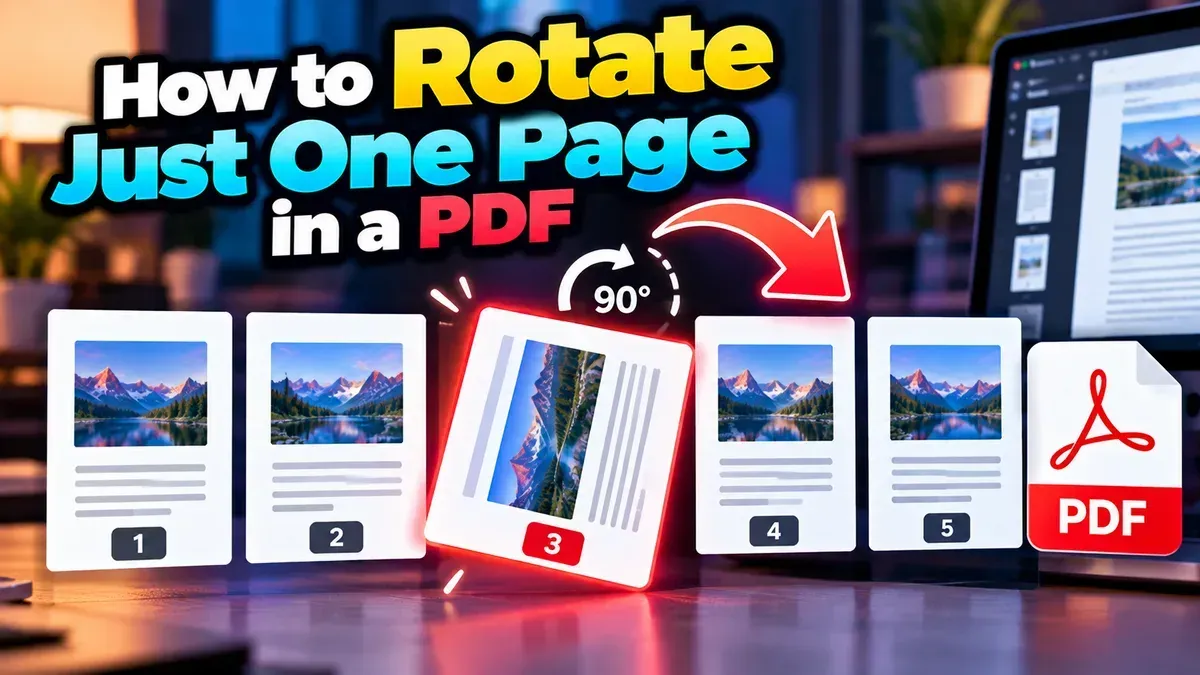
Learn how to rotate just one page in a PDF without changing the orientation of the rest. Follow simple browser-based steps and check the saved file before sharing.
Remove blank pages from a PDF by identifying their page numbers, deleting only the unwanted pages, and checking the saved file. A browser-based page deleter can make the process quick and private.
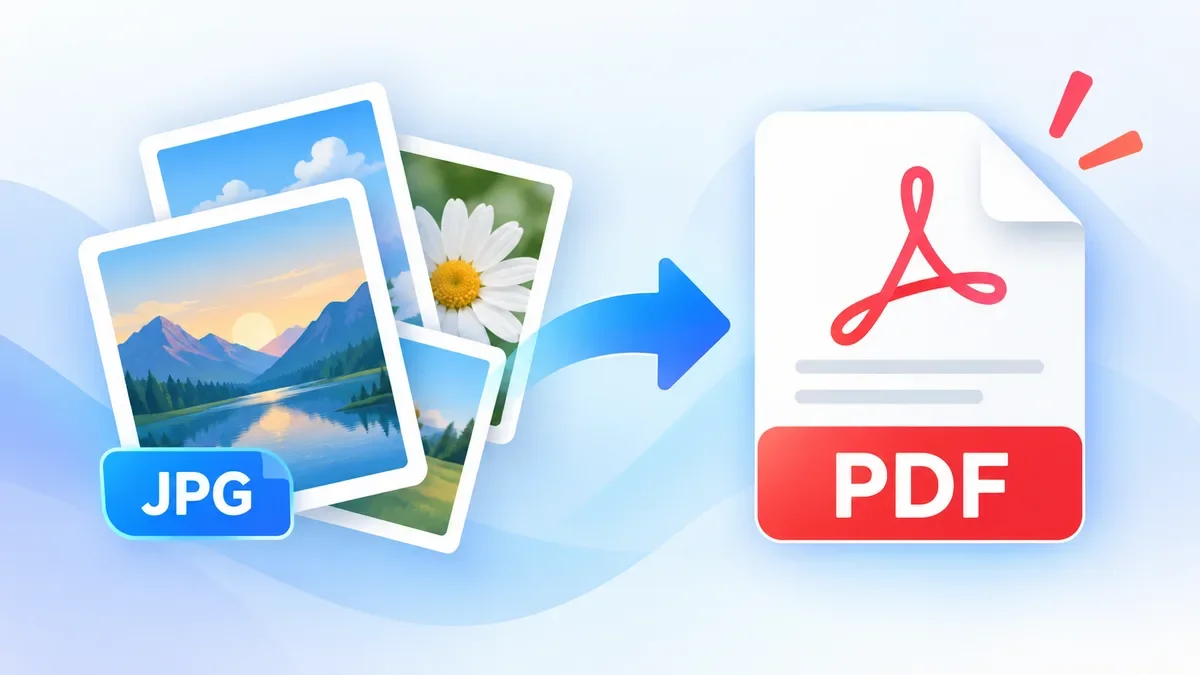
Need to turn JPG images into a PDF? ToolCMB lets you convert one or multiple JPG files into a PDF directly in your browser. Arrange images, rotate pages, choose the page size and layout, then download your PDF without uploading your files to a server.
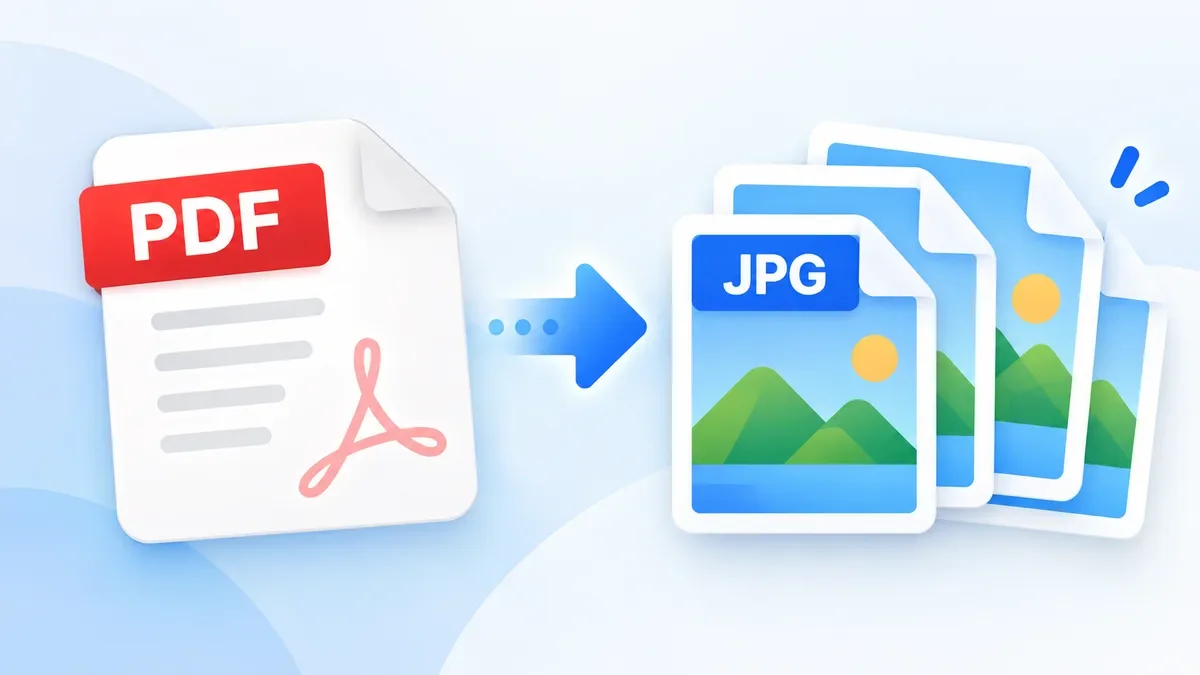
Need to turn a PDF into an image? Converting PDF pages to JPG can make documents easier to share, upload, preview, or use in image-based applications. With ToolCMB, you can convert PDF pages directly in your browser without uploading your files to a server.
Need to separate a PDF into individual pages or smaller documents? Learn how to split a PDF by page range, extract selected pages, and create separate PDF files directly in your browser with ToolCMB. No upload, sign-up, or watermark is required.
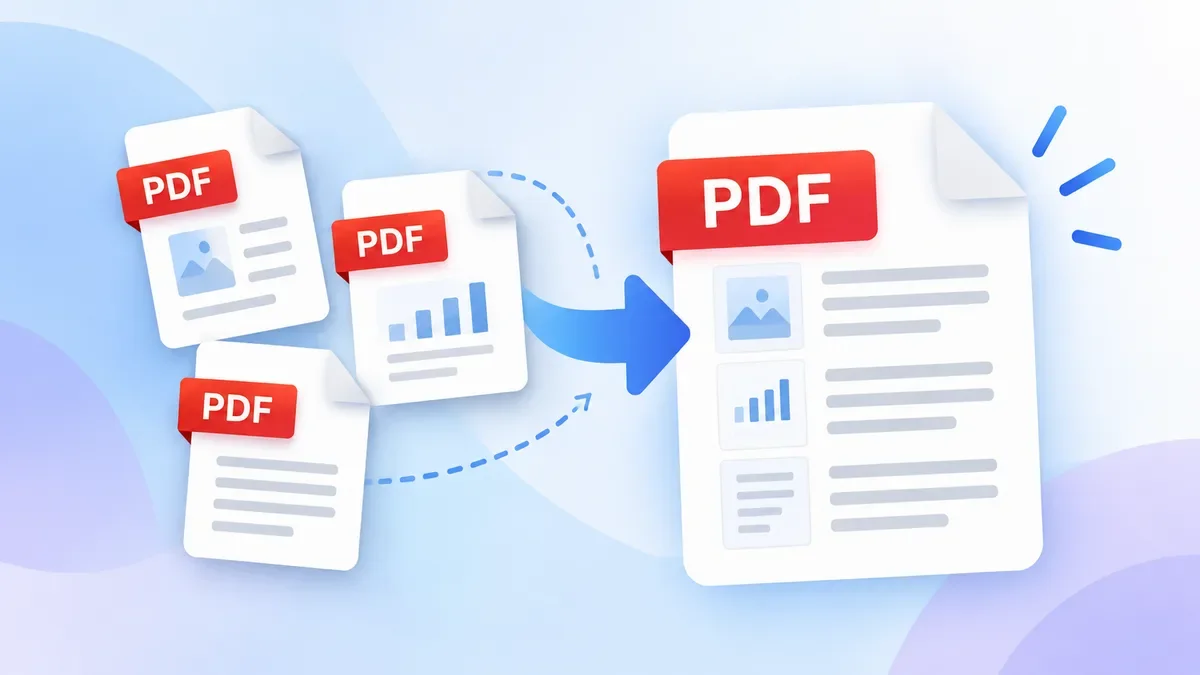
Need to combine multiple PDF files into one document? Learn how to merge PDF files online, arrange pages, combine PDFs with images, and download one organized PDF without installing software.
Start typing to search tools and articles.