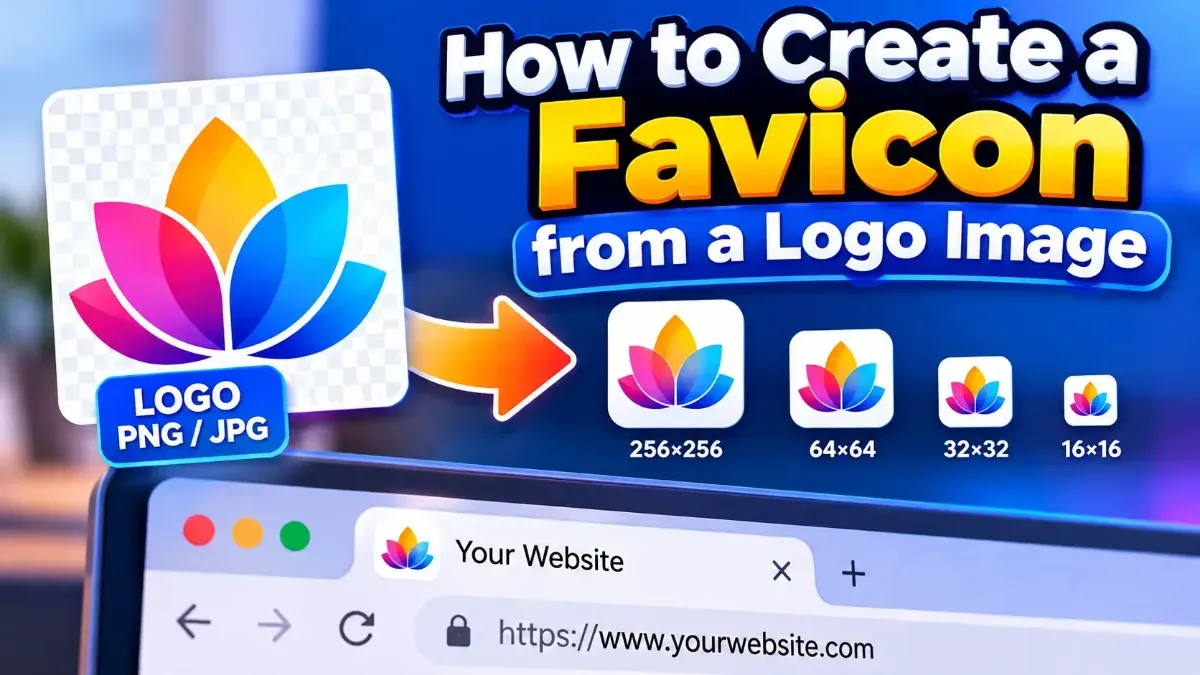
How to Create a Favicon from a Logo Image
Turn a clear logo into a crisp favicon by simplifying the design, preparing a square image, generating the right file formats, and adding the files to your website.
Blog
Short, practical articles to help you get more done with our free tools.
Turn a clear logo into a crisp favicon by simplifying the design, preparing a square image, generating the right file formats, and adding the files to your website.
For most spoken-word podcasts, 96 kbps mono or 128 kbps stereo MP3 is a practical starting point. Choose based on your show’s sound, format, and distribution requirements.
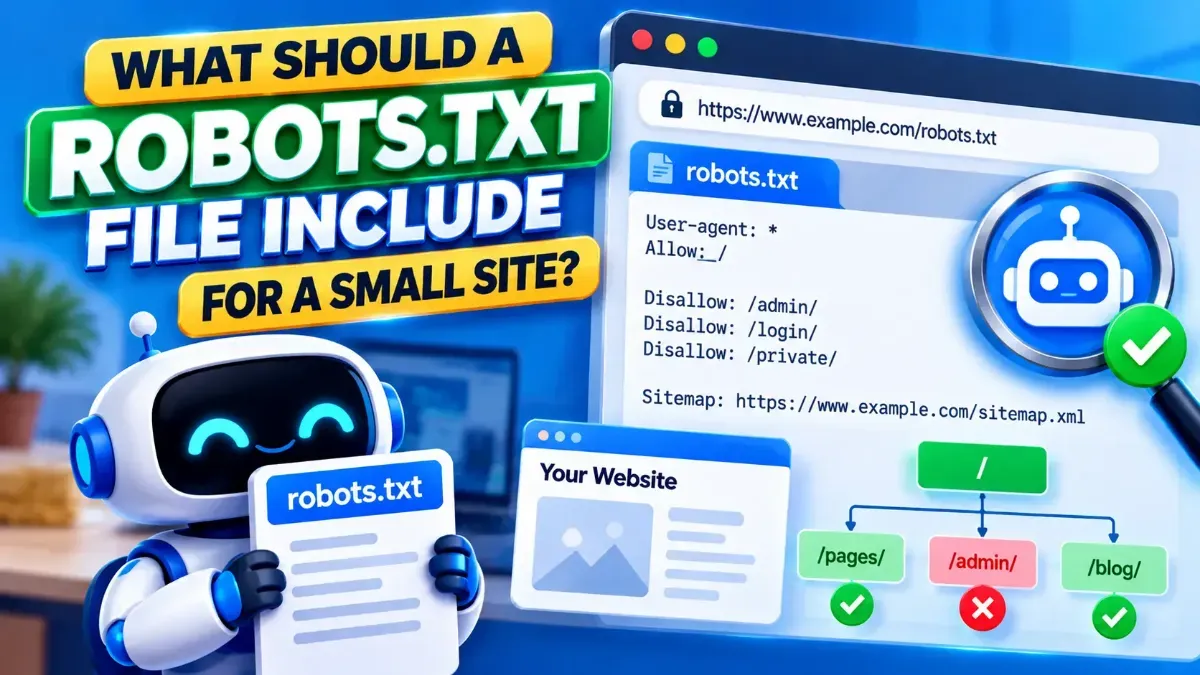
A small site usually needs a simple robots.txt file: identify crawlers, block only pages that should not be crawled, and point to your sitemap. Learn what to include and what to leave out.
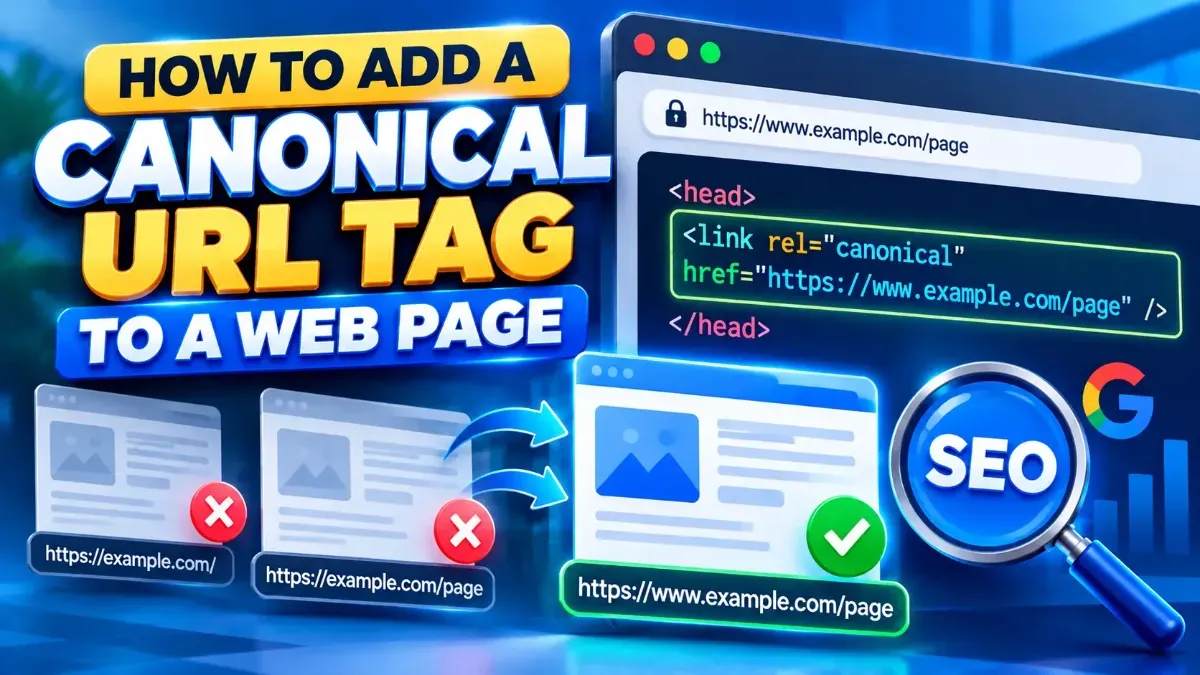
Learn how to add a canonical URL tag to a web page, choose the preferred URL, place the tag correctly, and avoid common SEO mistakes.
Learn how to find a redirect chain for a URL, read each hop and status code, and decide whether a slow or broken redirect needs fixing.
A 301 redirect signals a permanent move; a 302 signals a temporary one. Learn how to choose the right status code, avoid common SEO and browser pitfalls, and test your redirects.
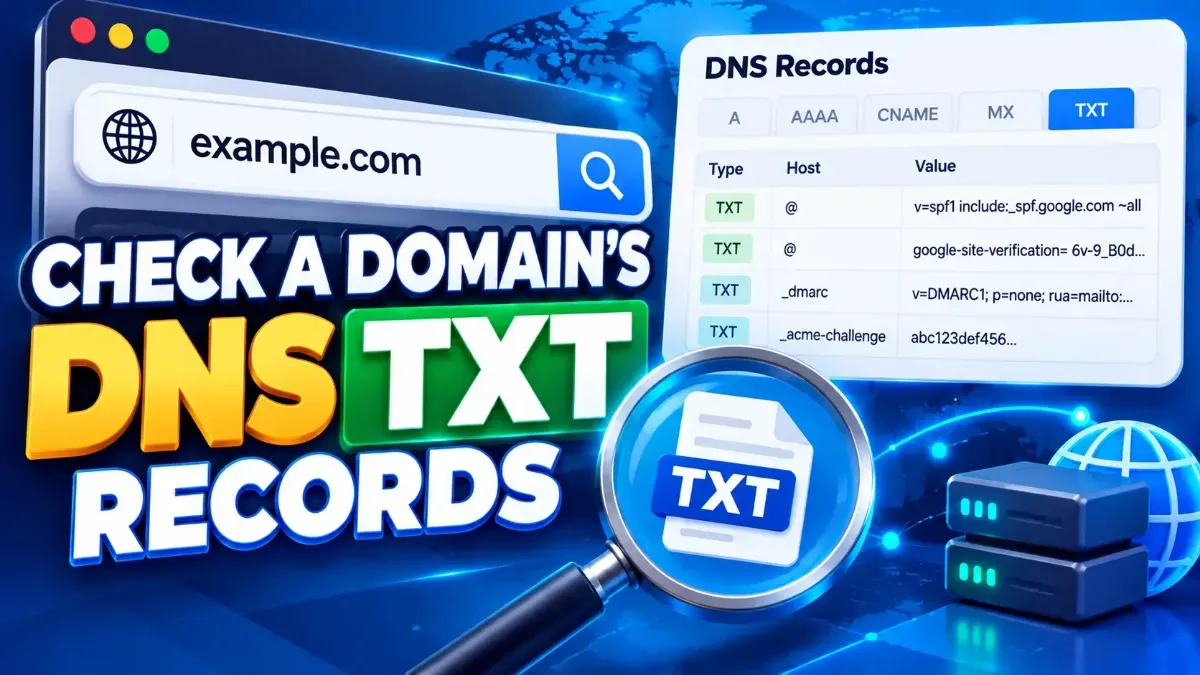
Learn how to check DNS TXT records for a domain using command-line tools or a browser-based checker, and understand common TXT records such as SPF, DKIM, and DMARC.
Learn how to check an SSL certificate expiration date using your browser, OpenSSL, or an online checker—and what to do before a certificate expires.
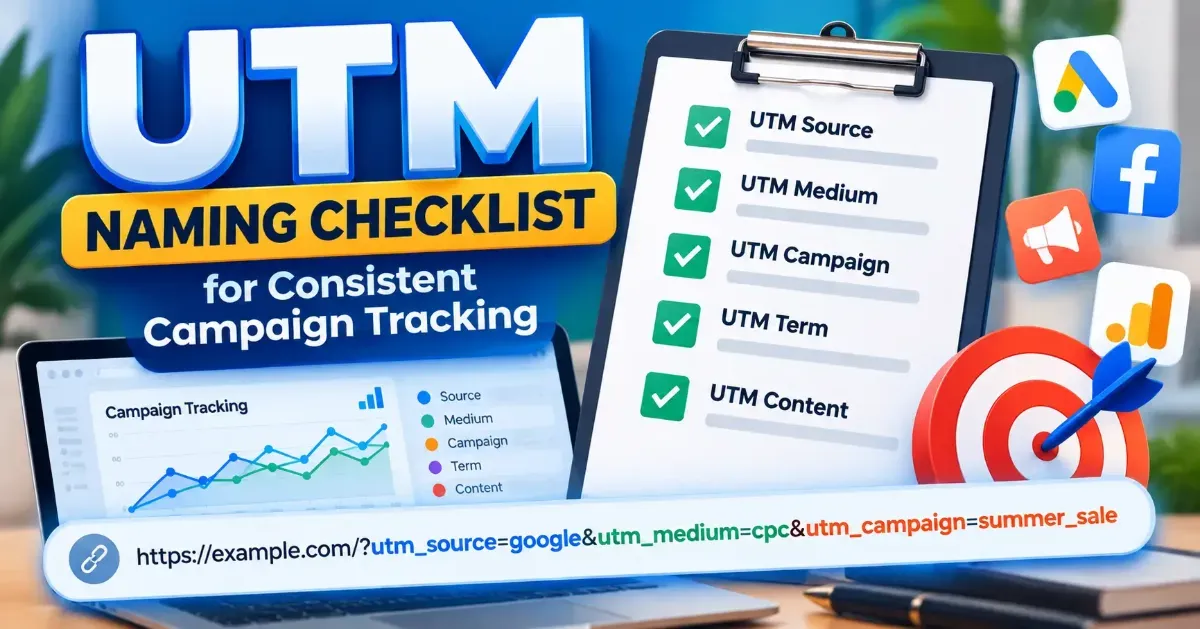
Use this UTM naming convention checklist to create consistent campaign URLs, keep analytics reports readable, and reduce tracking mistakes across your marketing team.
Start typing to search tools and articles.