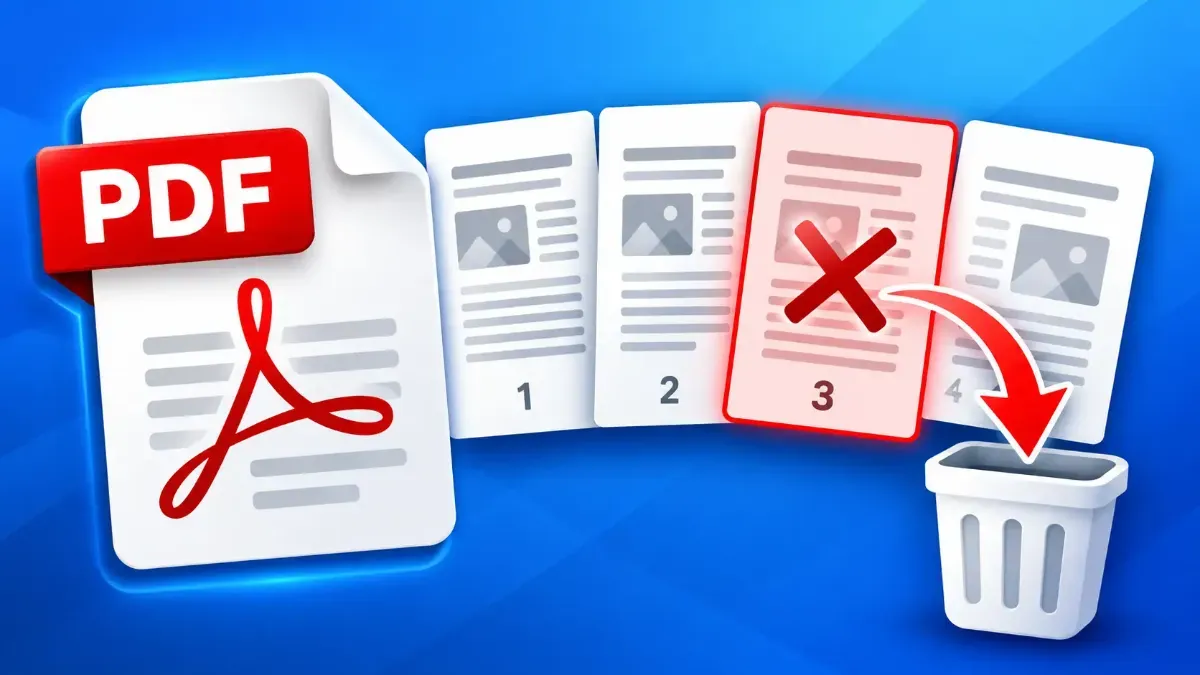
How to Delete a Page from a PDF Without Recreating It
Remove an unwanted PDF page without rebuilding the document. Learn how to choose the right page, delete it, check the remaining pages, and save a clean copy.
Topic
Remove an unwanted PDF page without rebuilding the document. Learn how to choose the right page, delete it, check the remaining pages, and save a clean copy.
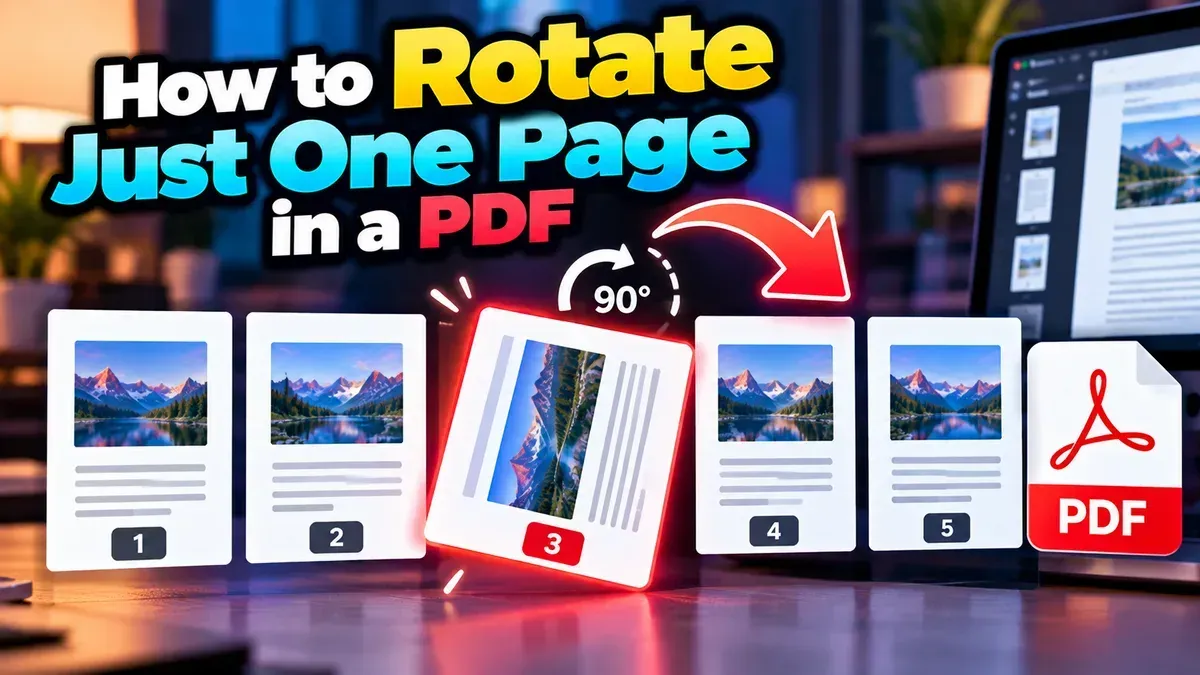
Learn how to rotate just one page in a PDF without changing the orientation of the rest. Follow simple browser-based steps and check the saved file before sharing.
Remove blank pages from a PDF by identifying their page numbers, deleting only the unwanted pages, and checking the saved file. A browser-based page deleter can make the process quick and private.
Other topics
#SEO#Subtitles#SRT#video editing#PDF Tools#Privacy#video tips#web development#audio editing#developer tools#JSON#MP3#PDF#Audio tips#image converter#image tools#JPG converter#JSON formatter#Online PDF Tools#online tools#Redirects#SRT subtitles#video#WebP#accessibility#aspect ratio#Audio tools#bitrate#file conversion#File sizeStart typing to search tools and articles.