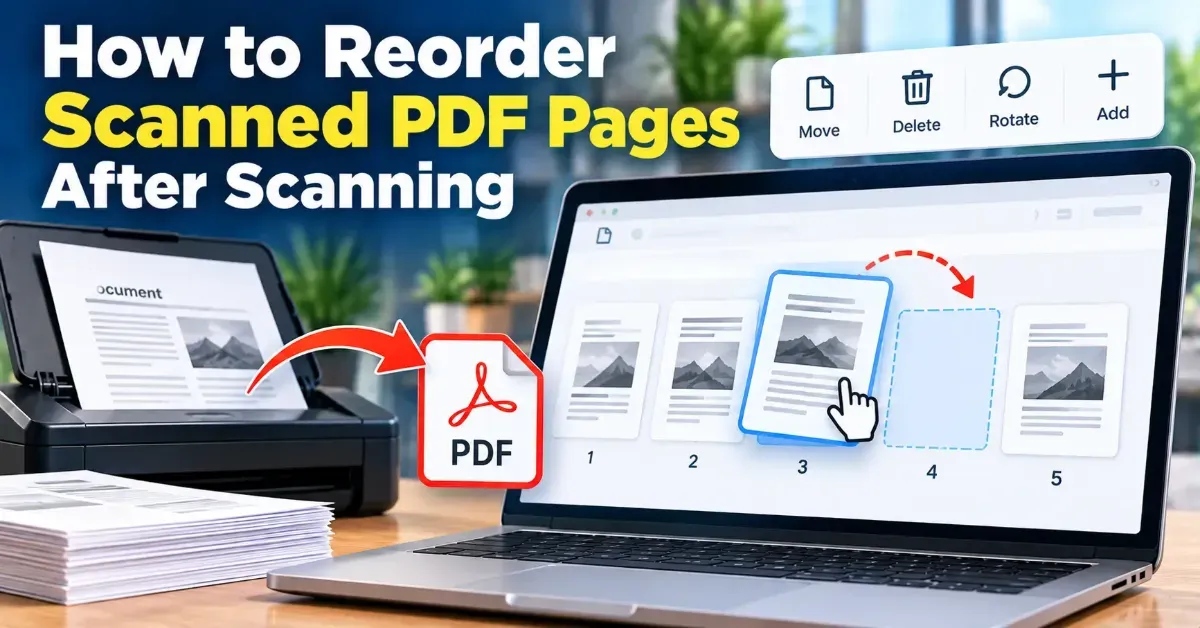
How to Reorder Scanned PDF Pages After Scanning
Learn how to reorder scanned PDF pages after scanning. Preview the pages, arrange them correctly in a browser-based tool, and check the finished file before sharing.
Topic
PDF Free Online Tools
Learn how to reorder scanned PDF pages after scanning. Preview the pages, arrange them correctly in a browser-based tool, and check the finished file before sharing.
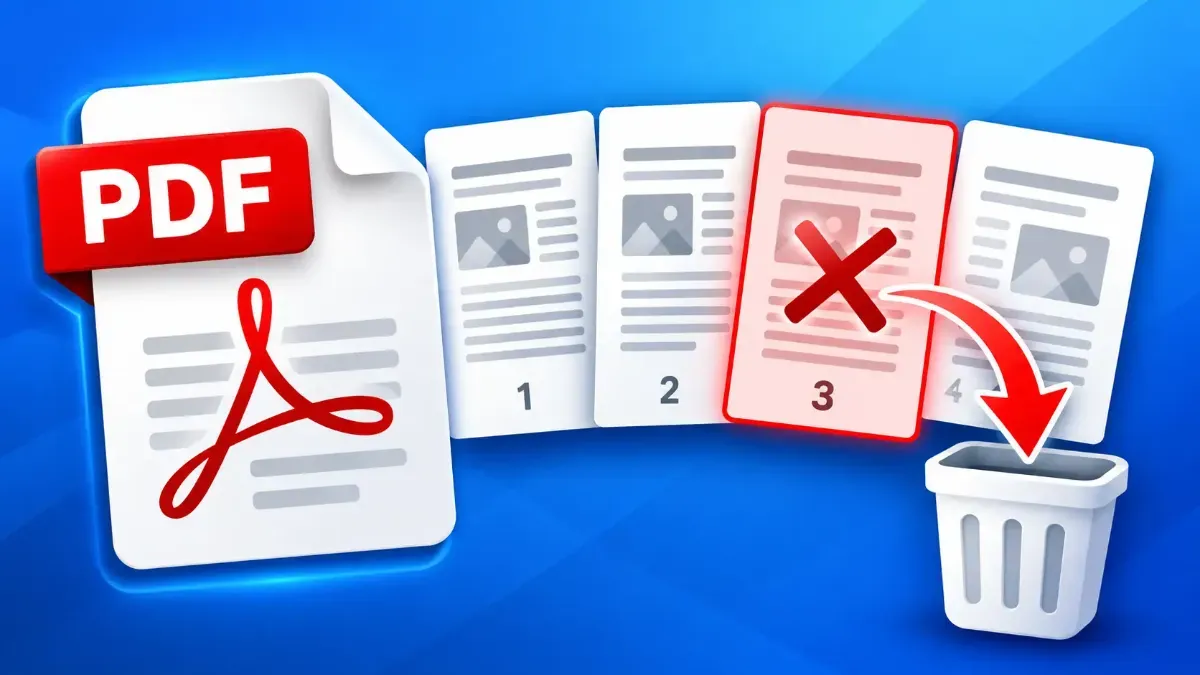
Remove an unwanted PDF page without rebuilding the document. Learn how to choose the right page, delete it, check the remaining pages, and save a clean copy.
Need to separate a PDF into individual pages or smaller documents? Learn how to split a PDF by page range, extract selected pages, and create separate PDF files directly in your browser with ToolCMB. No upload, sign-up, or watermark is required.
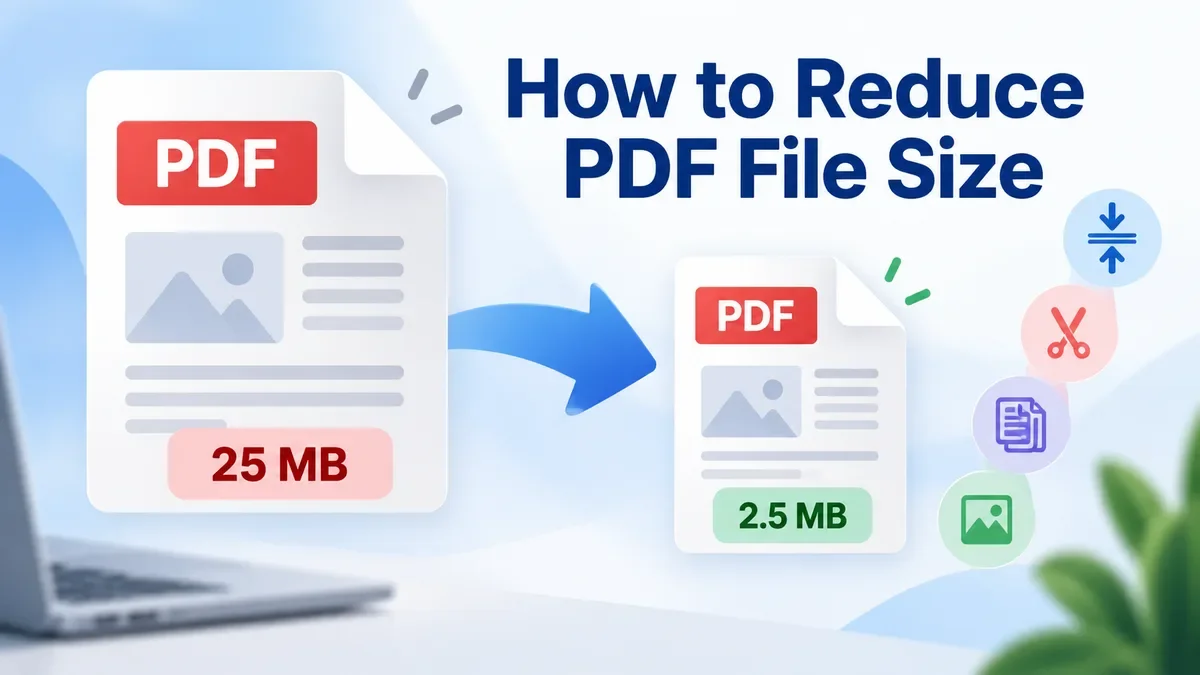
Large PDF files can be difficult to email, upload, or store. Learn practical ways to reduce PDF file size while keeping text, images, and page layout readable, including when to use a PDF compressor, split a document, or convert selected pages.
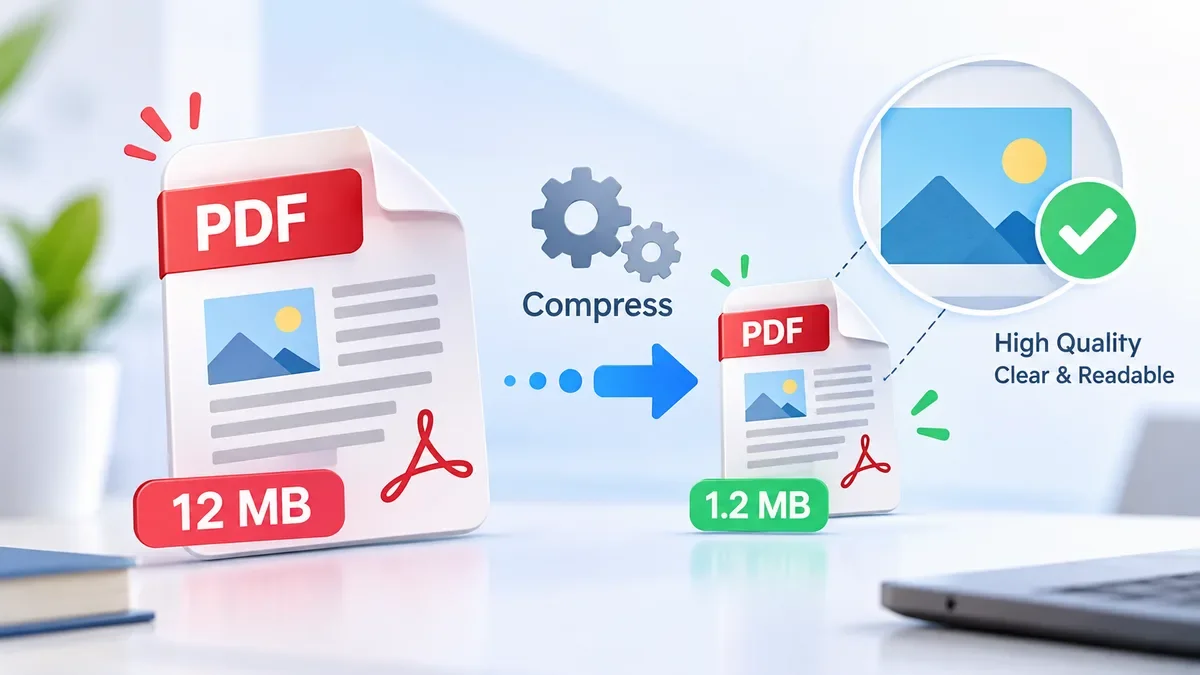
Need to make a PDF smaller without making it blurry or difficult to read? Learn how to compress a PDF while keeping text, graphics, and images clear, with practical tips for email, document sharing, printing, and file upload limits.
Other topics
#SEO#Subtitles#SRT#video editing#PDF Tools#Privacy#video tips#web development#audio editing#developer tools#JSON#MP3#PDF#Audio tips#image converter#image tools#JPG converter#JSON formatter#Online PDF Tools#online tools#Redirects#SRT subtitles#video#WebP#accessibility#aspect ratio#Audio tools#bitrate#file conversion#File sizeStart typing to search tools and articles.