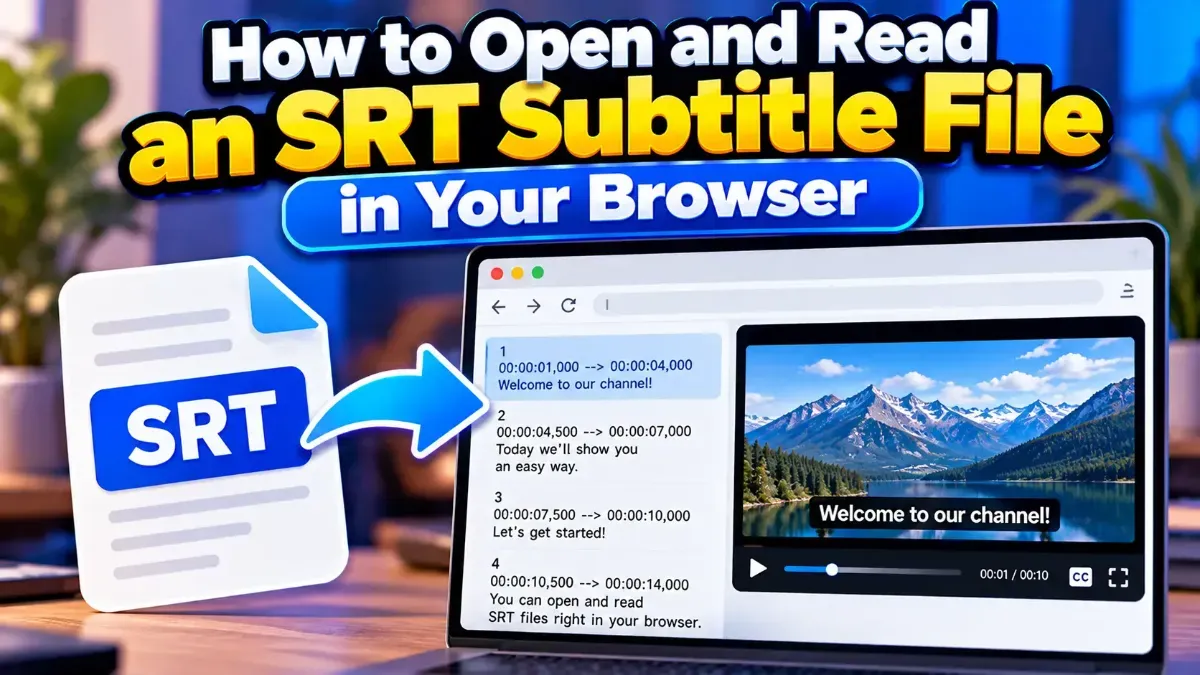
How to Open and Read an SRT Subtitle File in Your Browser
Learn how to open and read an SRT subtitle file in your browser, understand its timestamps and cues, and troubleshoot common formatting problems.
Topic
Learn how to open and read an SRT subtitle file in your browser, understand its timestamps and cues, and troubleshoot common formatting problems.
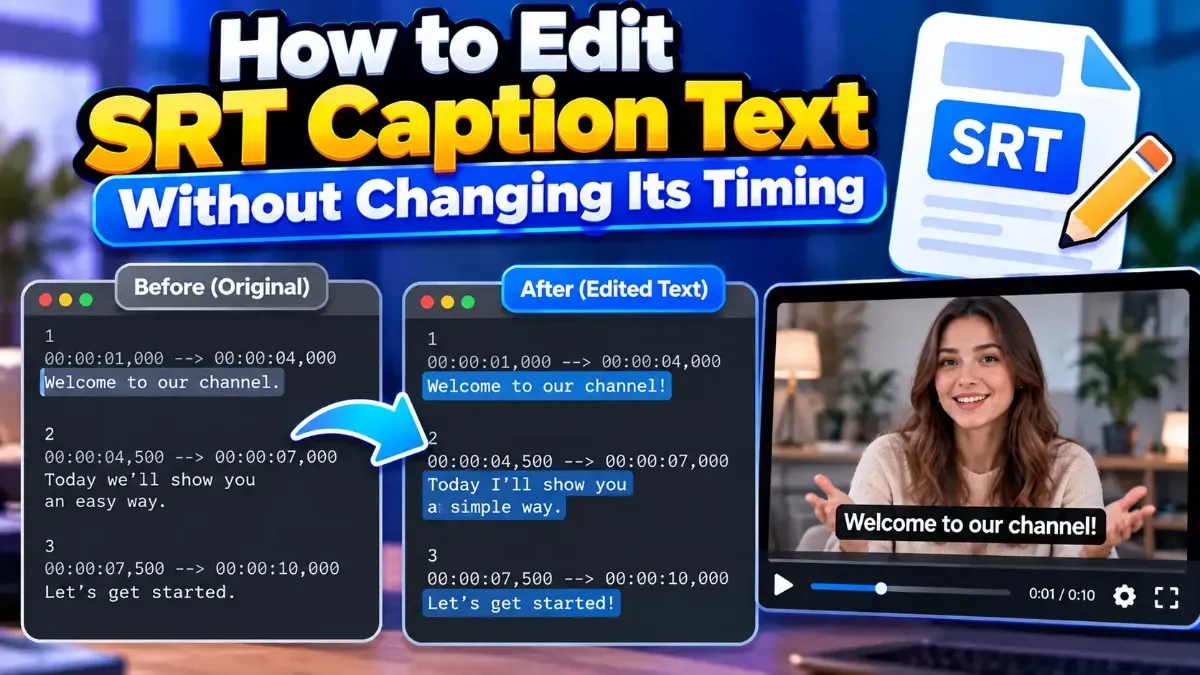
Learn how to edit SRT text without changing timing. Keep every cue’s timestamps intact while correcting captions, then check the file before using it with your video.
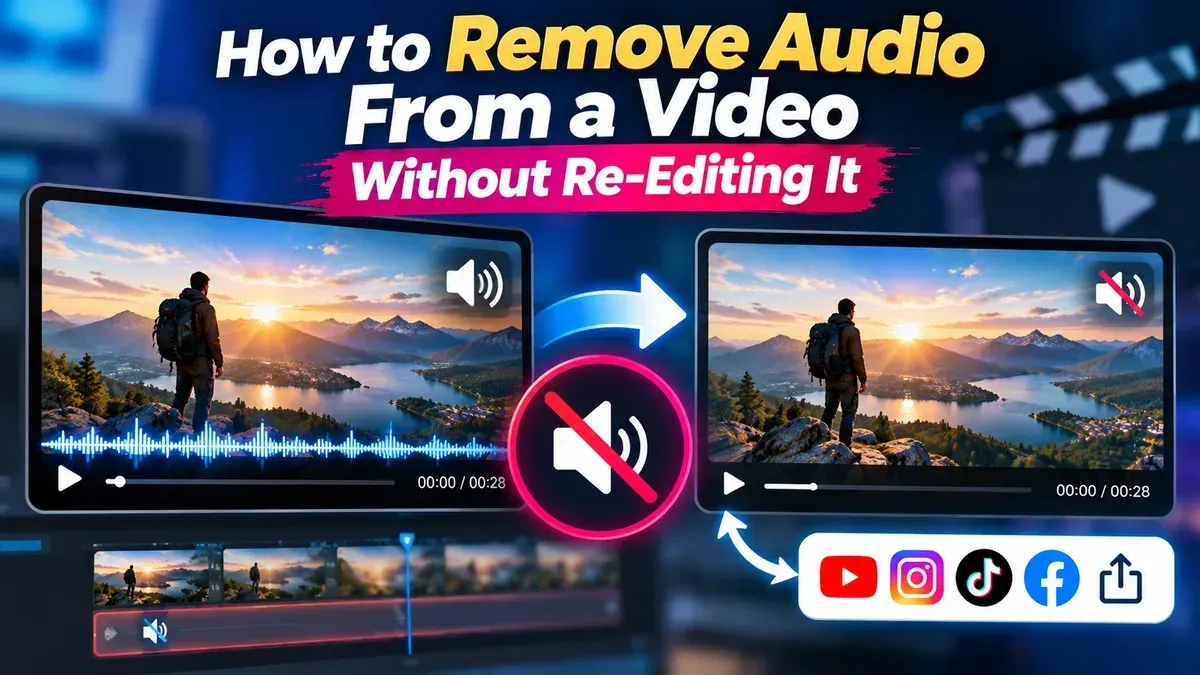
Need a silent version of a clip without opening a video editor? Learn how to mute a video, save a separate copy, and check the result while keeping your original file.
Learn how to fix SRT subtitles out of sync by identifying a constant delay or gradual drift, measuring the timing difference, and applying the right correction.
Learn how to shrink a video file for email without making it hard to watch. Choose the right format, resolution, and compression settings—or send a shareable link.
Learn how to remove metadata from a video before sharing it. Check what information may be embedded, clean a copy safely, and verify the exported file before sending it.
Other topics
#SEO#Subtitles#SRT#video editing#PDF Tools#Privacy#video tips#web development#audio editing#developer tools#JSON#MP3#PDF#Audio tips#image converter#image tools#JPG converter#JSON formatter#Online PDF Tools#online tools#Redirects#SRT subtitles#video#WebP#accessibility#aspect ratio#Audio tools#bitrate#file conversion#File sizeStart typing to search tools and articles.