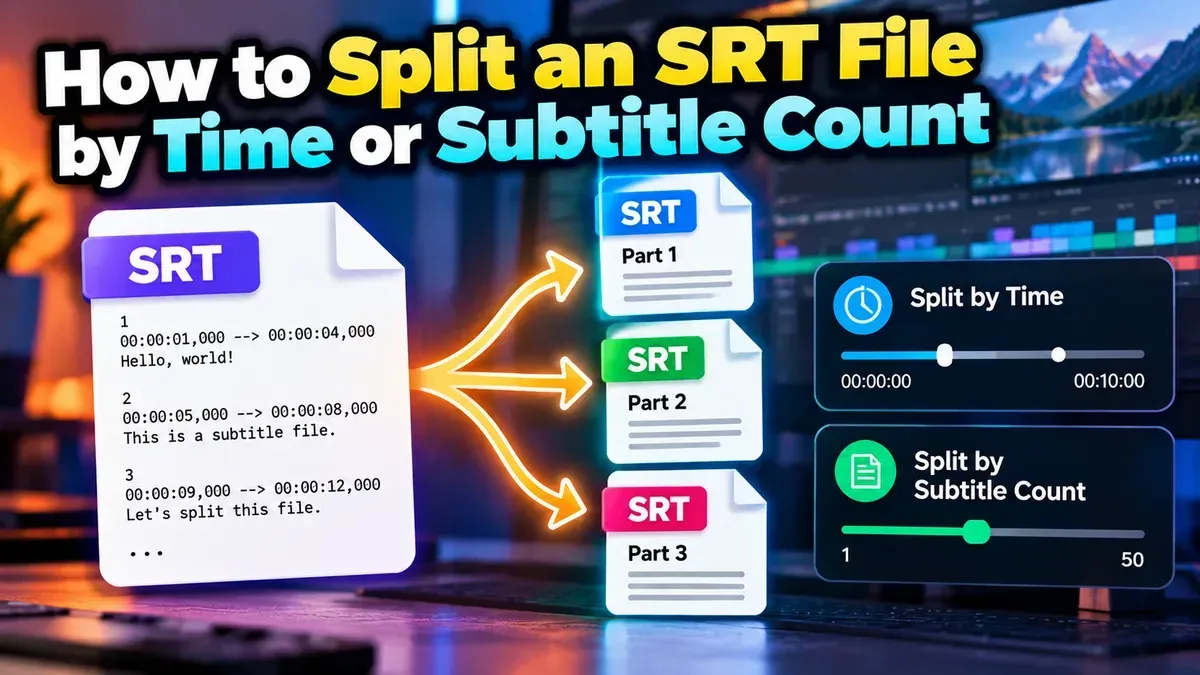
How to Split an SRT File by Time or Subtitle Count
Split an SRT file into smaller subtitle files by time or subtitle count. Learn how to choose a method, set practical segment sizes, and check the results.
Topic
Split an SRT file into smaller subtitle files by time or subtitle count. Learn how to choose a method, set practical segment sizes, and check the results.
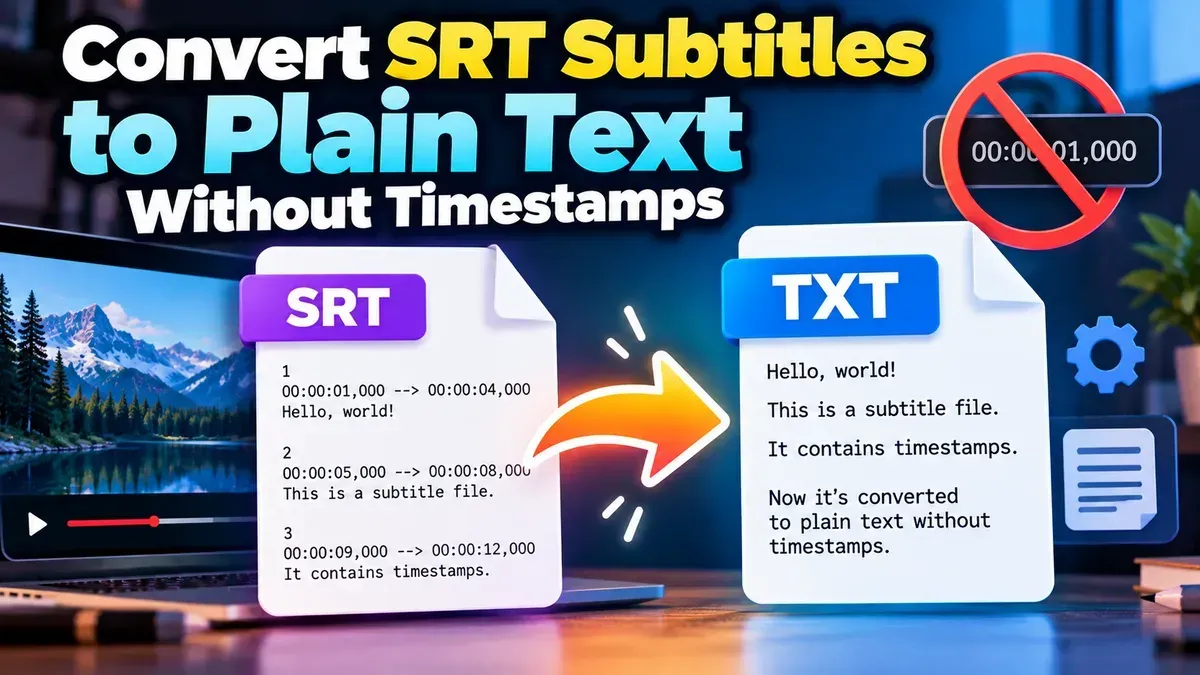
Remove timestamps and sequence numbers from an SRT file to create clean subtitle text. Learn the quickest browser-based method, manual options, and how to check your result.
Learn how to check an SRT file for timestamp errors, including malformed timecodes, out-of-order cues, overlaps, and subtitles that start or end at the wrong time.
Choose 16:9 for traditional widescreen viewing and 9:16 for full-screen vertical viewing on phones. The best video aspect ratio depends on where people will watch and how you want the frame to feel.
Other topics
#SEO#Subtitles#SRT#video editing#PDF Tools#Privacy#video tips#web development#audio editing#developer tools#JSON#MP3#PDF#Audio tips#image converter#image tools#JPG converter#JSON formatter#Online PDF Tools#online tools#Redirects#SRT subtitles#video#WebP#accessibility#aspect ratio#Audio tools#bitrate#file conversion#File sizeStart typing to search tools and articles.