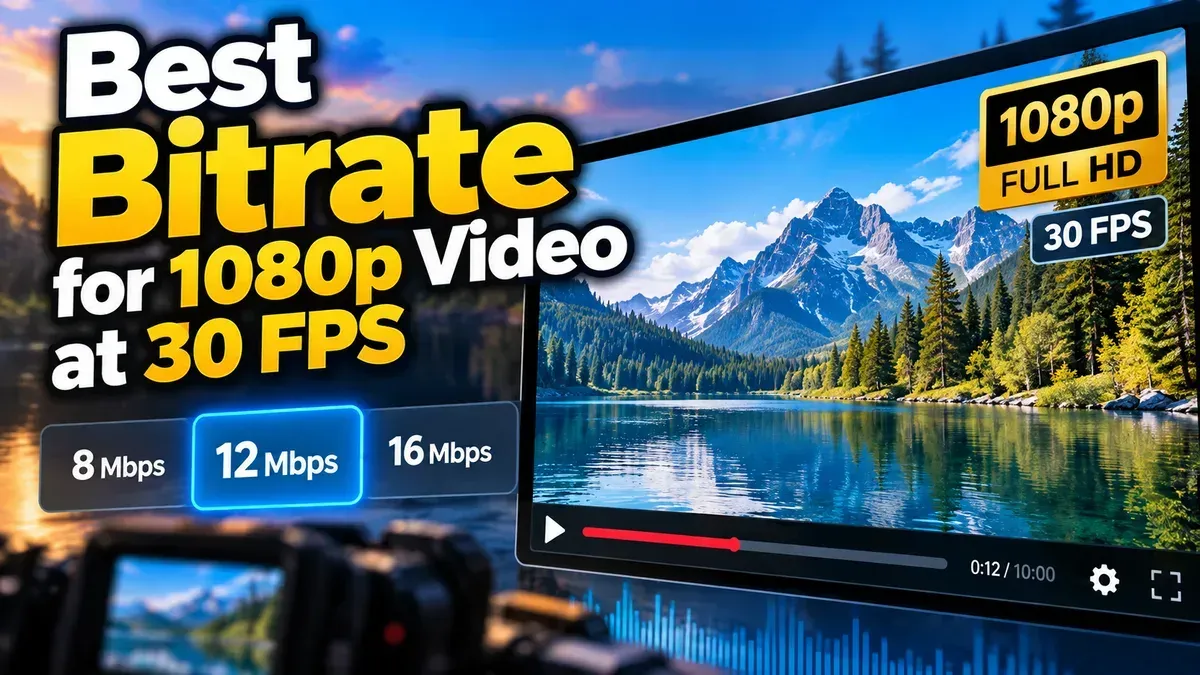
Best Bitrate for 1080p Video at 30 FPS
For most 1080p video at 30 fps, start around 8–12 Mbps with H.264 or 5–8 Mbps with H.265. The right setting depends on motion, codec, and where you’ll watch or share the video.
Blog
Short, practical articles to help you get more done with our free tools.
For most 1080p video at 30 fps, start around 8–12 Mbps with H.264 or 5–8 Mbps with H.265. The right setting depends on motion, codec, and where you’ll watch or share the video.
Learn how to extract a frame from a video at a specific time, choose the right timestamp, and save a clear still image using a browser-based tool.
Learn how to resize an image to exact pixel dimensions without stretching it. Choose the right fit, preserve quality, and check the final file before sharing.
Learn how to use a subtitle characters per second calculator to measure caption reading speed, identify rushed subtitles, and make practical timing and line-break improvements.
For most audio editing, WAV is the better working format because it preserves uncompressed audio. MP3 is smaller and convenient, but converting it to WAV cannot restore detail lost during MP3 compression.
Learn how to fix SRT subtitles out of sync by identifying a constant delay or gradual drift, measuring the timing difference, and applying the right correction.
Learn how to check an SRT file for timestamp errors, including malformed timecodes, out-of-order cues, overlaps, and subtitles that start or end at the wrong time.
LUFS measures how loud audio sounds to listeners, rather than only how strong its digital signal is. Learn what LUFS means, how its measurements work, and how to use it when preparing audio.
Estimate MP3 file size from bitrate and duration with a simple formula. See worked examples, a quick reference table, and why actual file sizes can vary.
Start typing to search tools and articles.