Blog

Guides & tutorials

Short, practical articles to help you get more done with our free tools.

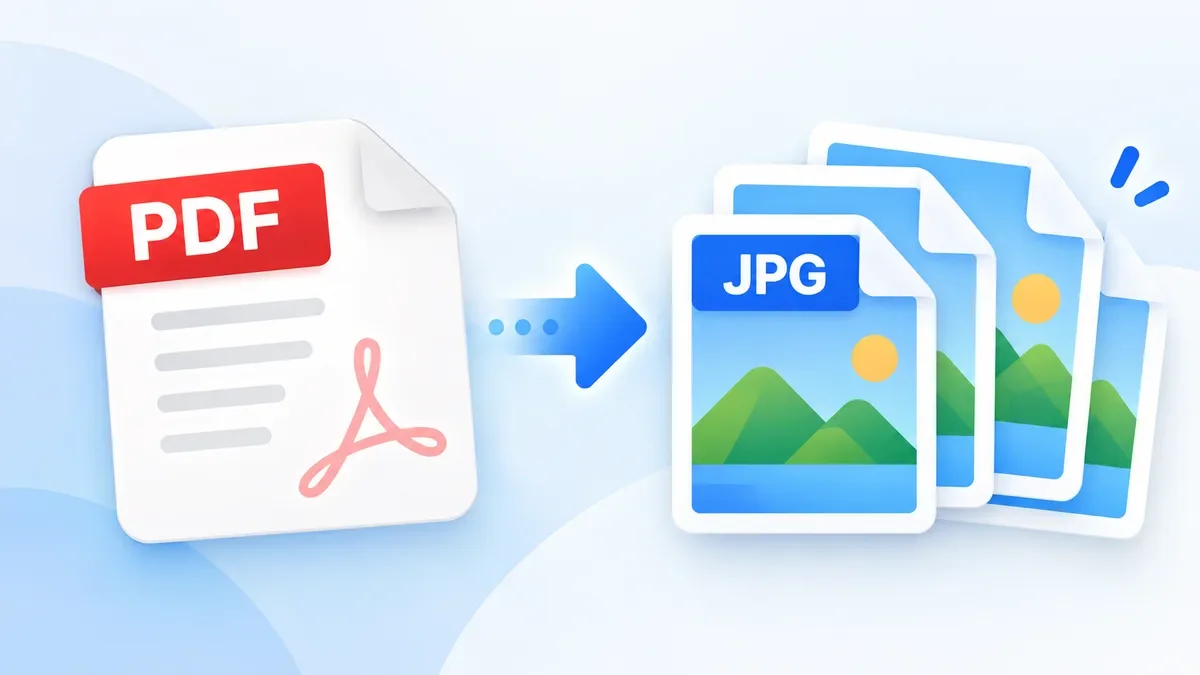
How to Convert PDF to JPG

Need to turn a PDF into an image? Converting PDF pages to JPG can make documents easier to share, upload, preview, or use in image-based applications. With ToolCMB, you can convert PDF pages directly in your browser without uploading your files to a server.

How to Split a PDF Into Separate Pages

Need to separate a PDF into individual pages or smaller documents? Learn how to split a PDF by page range, extract selected pages, and create separate PDF files directly in your browser with ToolCMB. No upload, sign-up, or watermark is required.

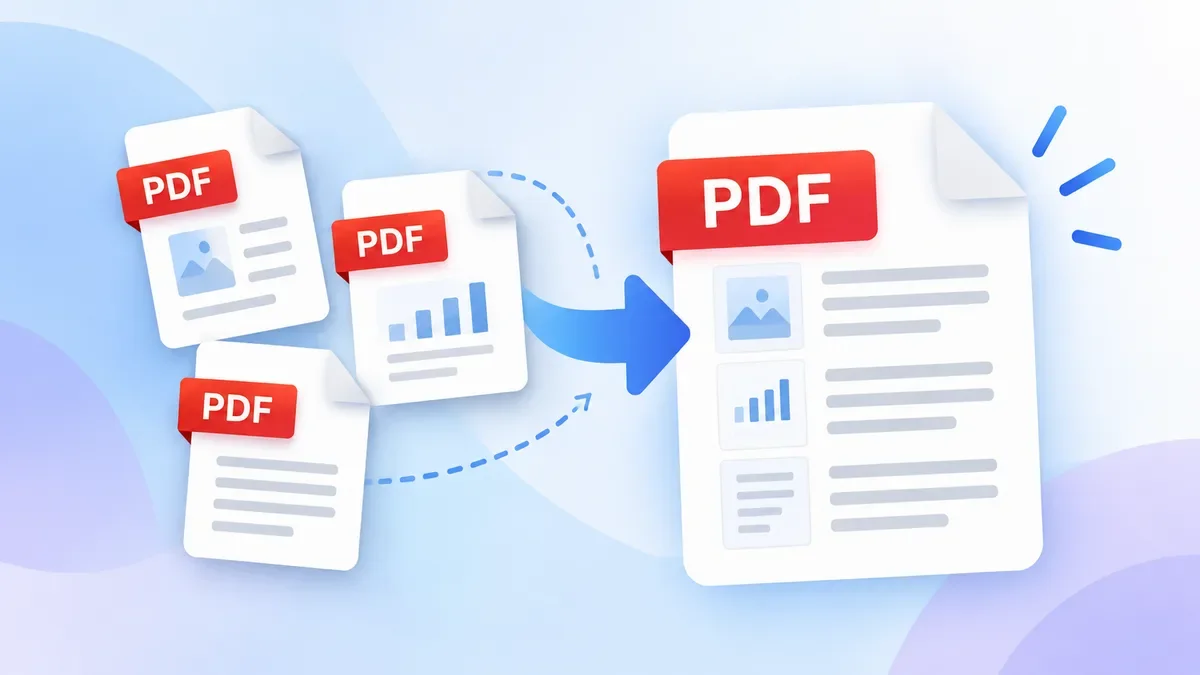
How to Merge PDF Files Online

Need to combine multiple PDF files into one document? Learn how to merge PDF files online, arrange pages, combine PDFs with images, and download one organized PDF without installing software.

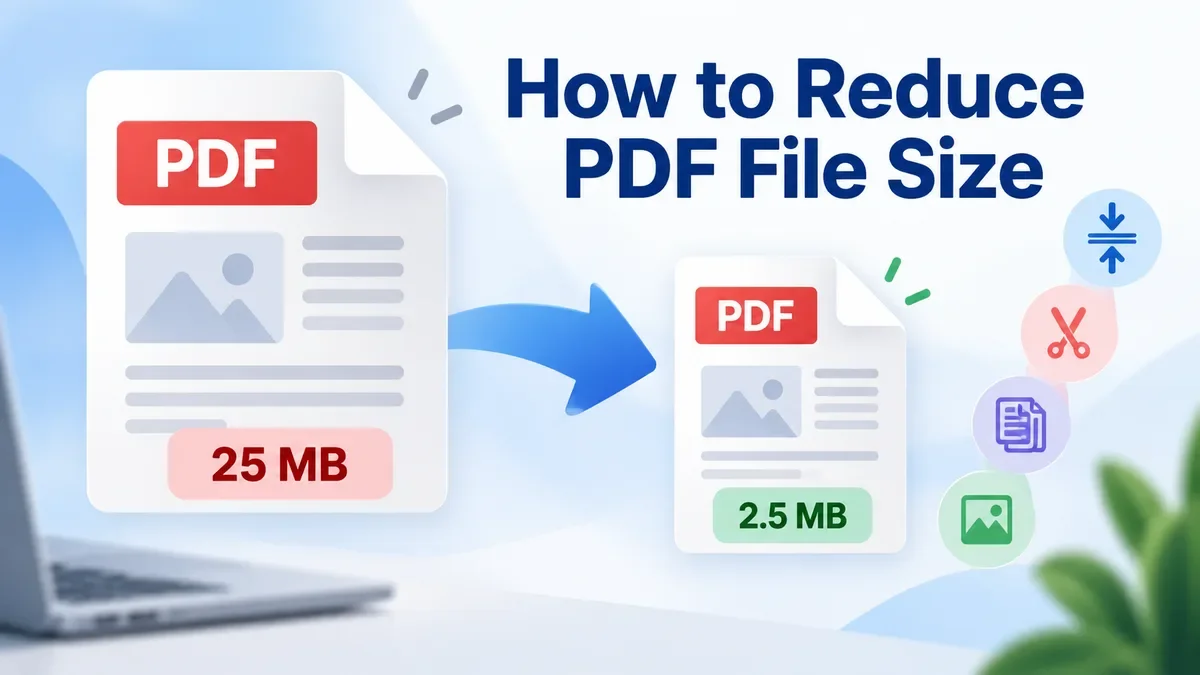
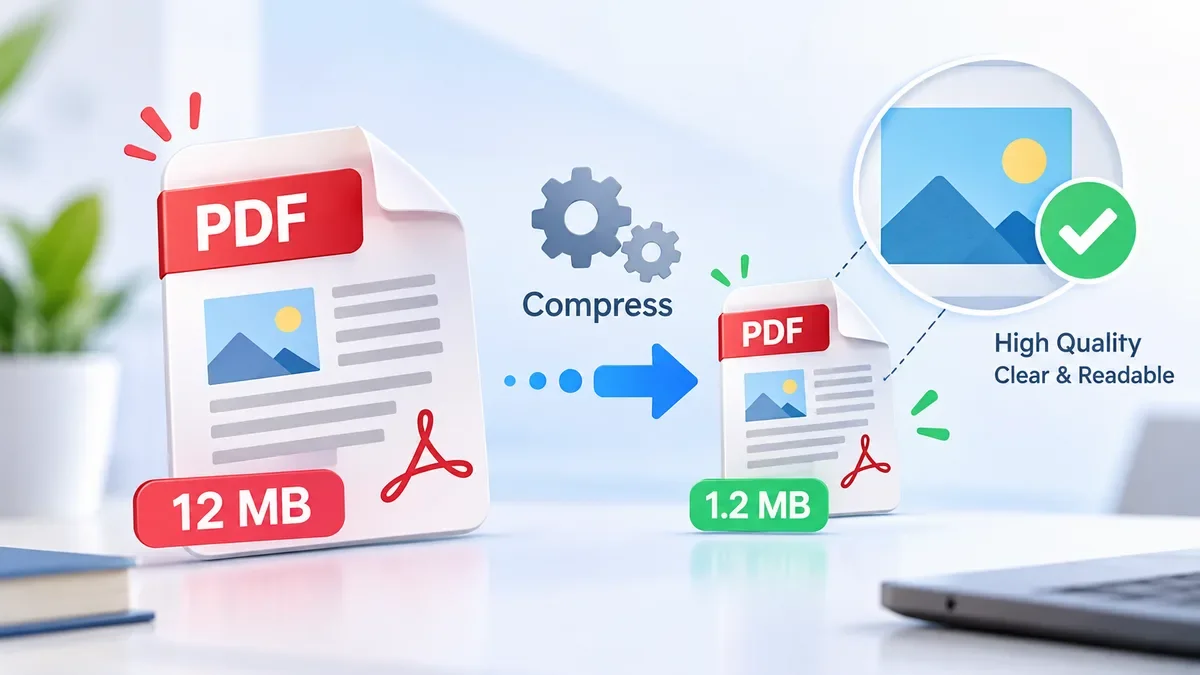
How to Compress a PDF Without Losing Quality

Need to make a PDF smaller without making it blurry or difficult to read? Learn how to compress a PDF while keeping text, graphics, and images clear, with practical tips for email, document sharing, printing, and file upload limits.

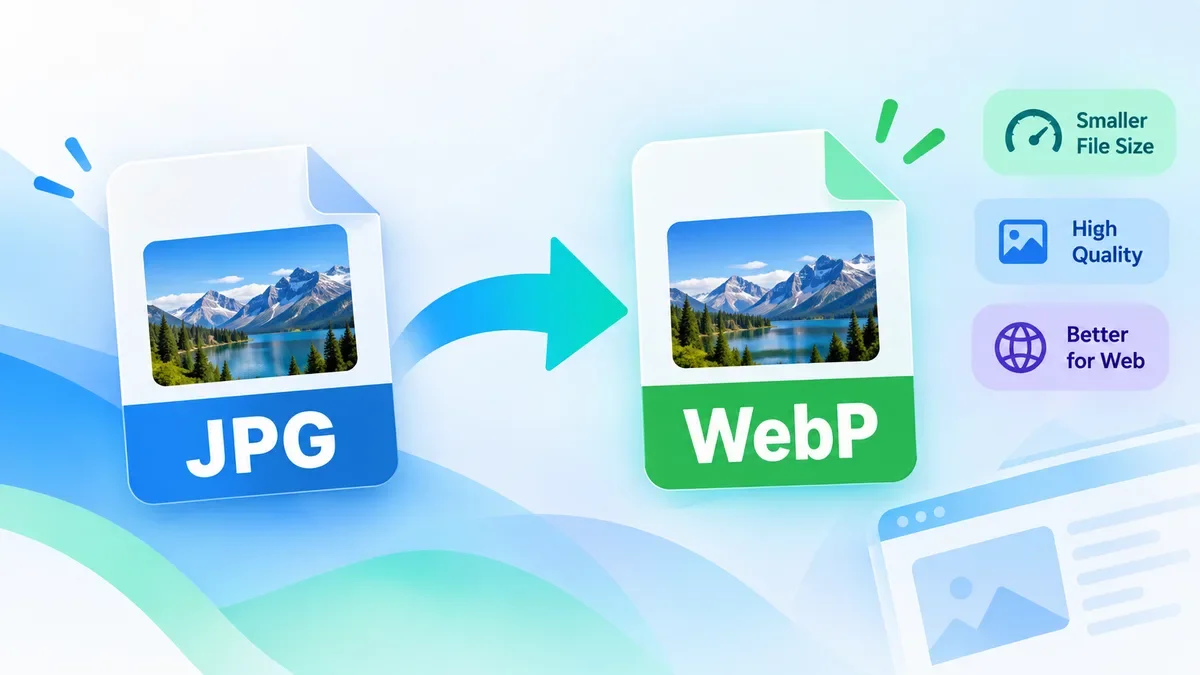
How to Convert JPG to WebP Online

Convert JPG images to WebP online for free with ToolCMB. Learn when WebP is a better choice than JPG, how to convert images without installing software, and what to check before using WebP on a website.

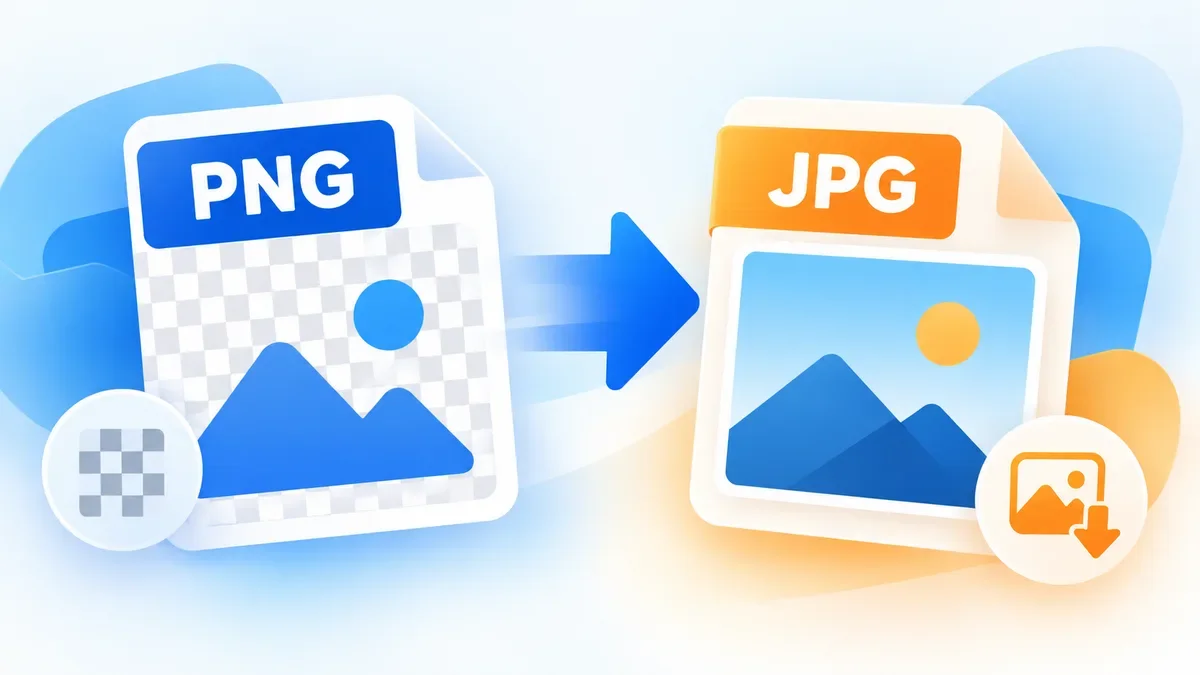
How to Convert PNG to JPG

Learn how to convert PNG to JPG online, understand what happens to transparency and image quality, and choose the right format for photos, websites, screenshots, and everyday sharing.

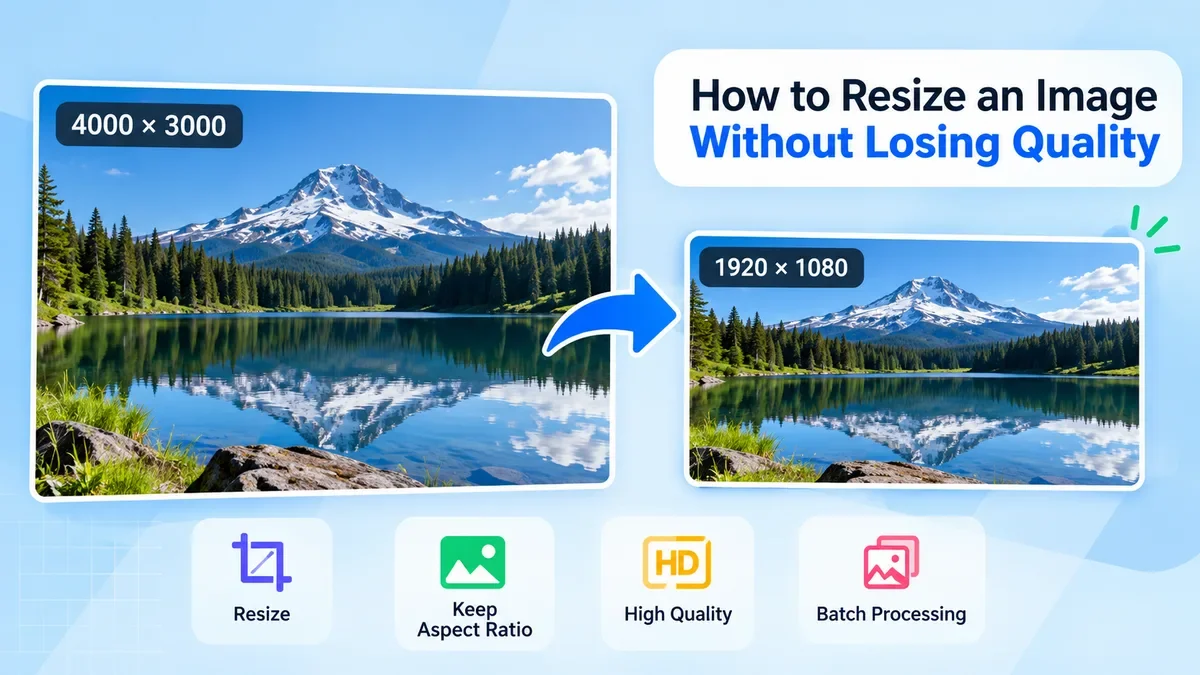
How to Resize an Image Without Losing Quality

Learn how to resize an image without losing quality. This guide explains how to choose the right dimensions, preserve aspect ratio, avoid stretching, use the right resampling method, and resize images for websites, social media, printing, and other common uses.

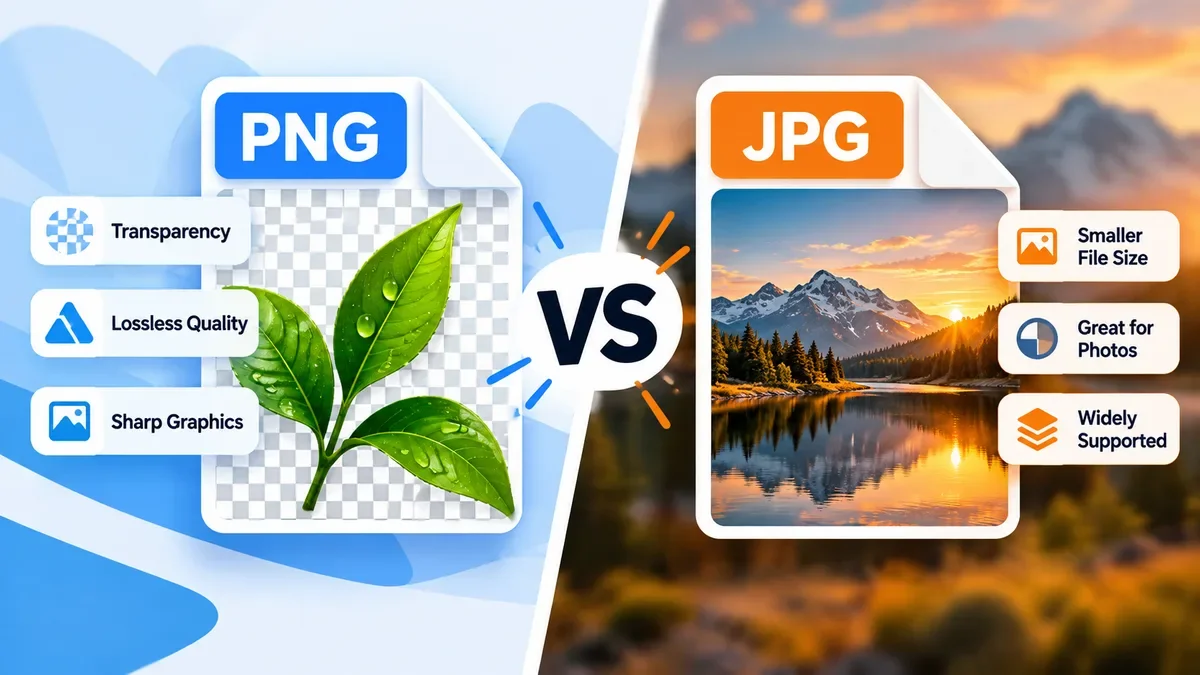
PNG vs JPG: Which Image Format Should You Use?

PNG and JPG are two of the most widely used image formats, but they are designed for different purposes. Learn when to use PNG for transparency and sharp graphics, when JPG is better for photographs and smaller file sizes, and how to choose the right format for websites, social media, and everyday images.